75
6.9.2 Connecting the CAN Cable
The CAN cable enables the communication between the inverter and the Li-ion battery from
SUNGROW, BYD and Pylontech.
Procedure
For detailed connection description of the CAN cable, refer to the section "6.7.3 RS485 Con-
nection". Connect CAN High on the battery side to pin5 CANH on the hybrid inverter and
CAN Low on Battery side to pin7 CANL on the hybrid inverter.
6.9.3 Connecting the Enable Cable
The Enable cable along with the RS485 cable, are used for communication between the in-
verter and the Li-ion battery from LG Chem.
Procedure
For detailed connection description of the Enable cable, refer to the section "6.7.3 RS485
Connection". Plug the wires into the Enable terminal according the labels on the bottom of
the inverter.
6.10 EV-Charger Communication Connection
The electrical connection of the Sungrow AC011E-01 EV charger can be referred to the EV-
Charger manual.
The inverter communicates with the EV charger through the RS485 communication
interface.
Procedure
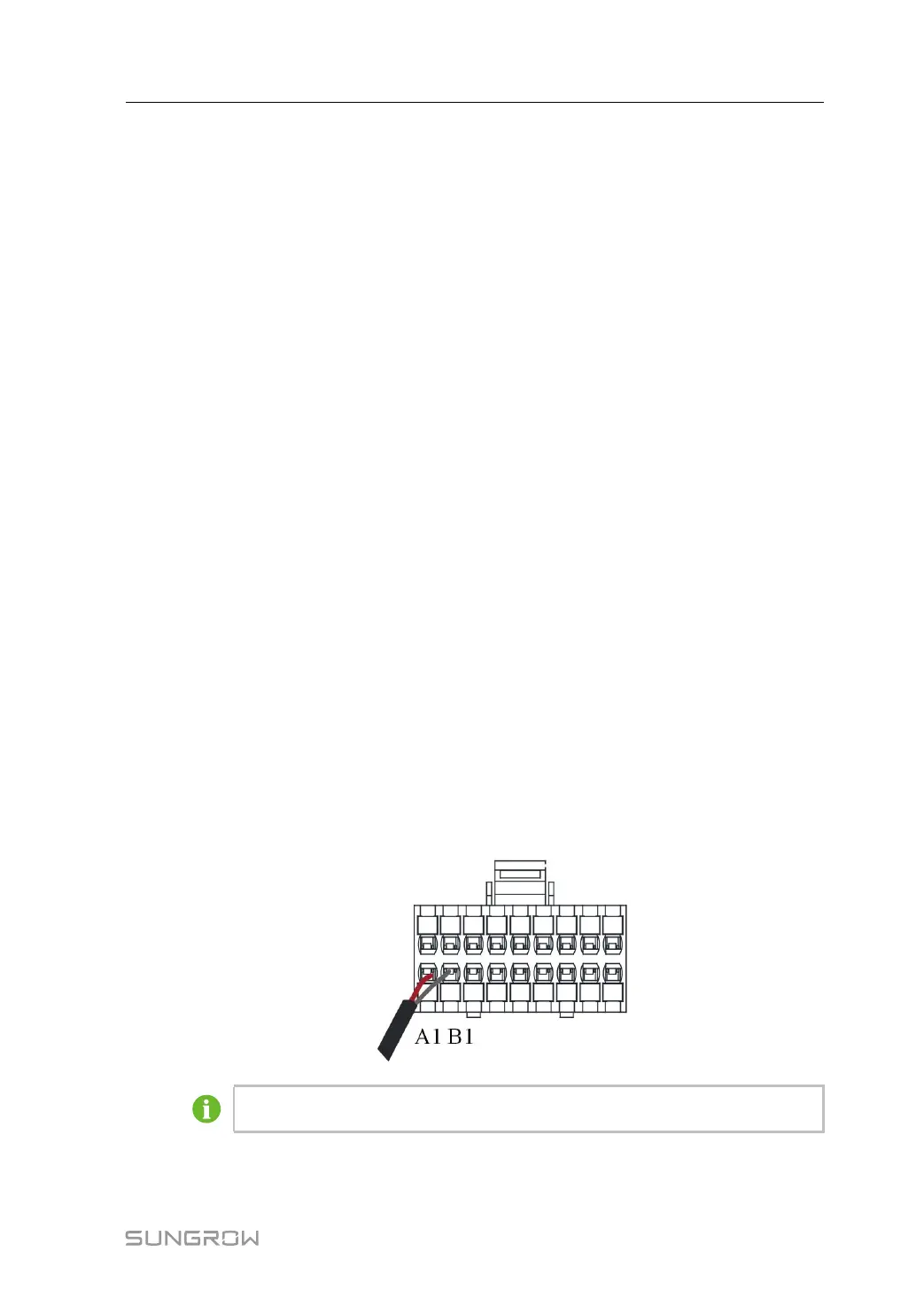
The EV charger has two RS485 communication ports, Port A and Port B. The
communication cables shall be connected to corresponding ports. It is recommended to
connect the Port A and Port B of the EV charger to Port A1 and Port B1 of the inverter by
communication cables.
Connect either the LG lithium battery or the EV-Charger to A1 and B1.
User Manual 6 Electrical Connection



 To Next Page