119
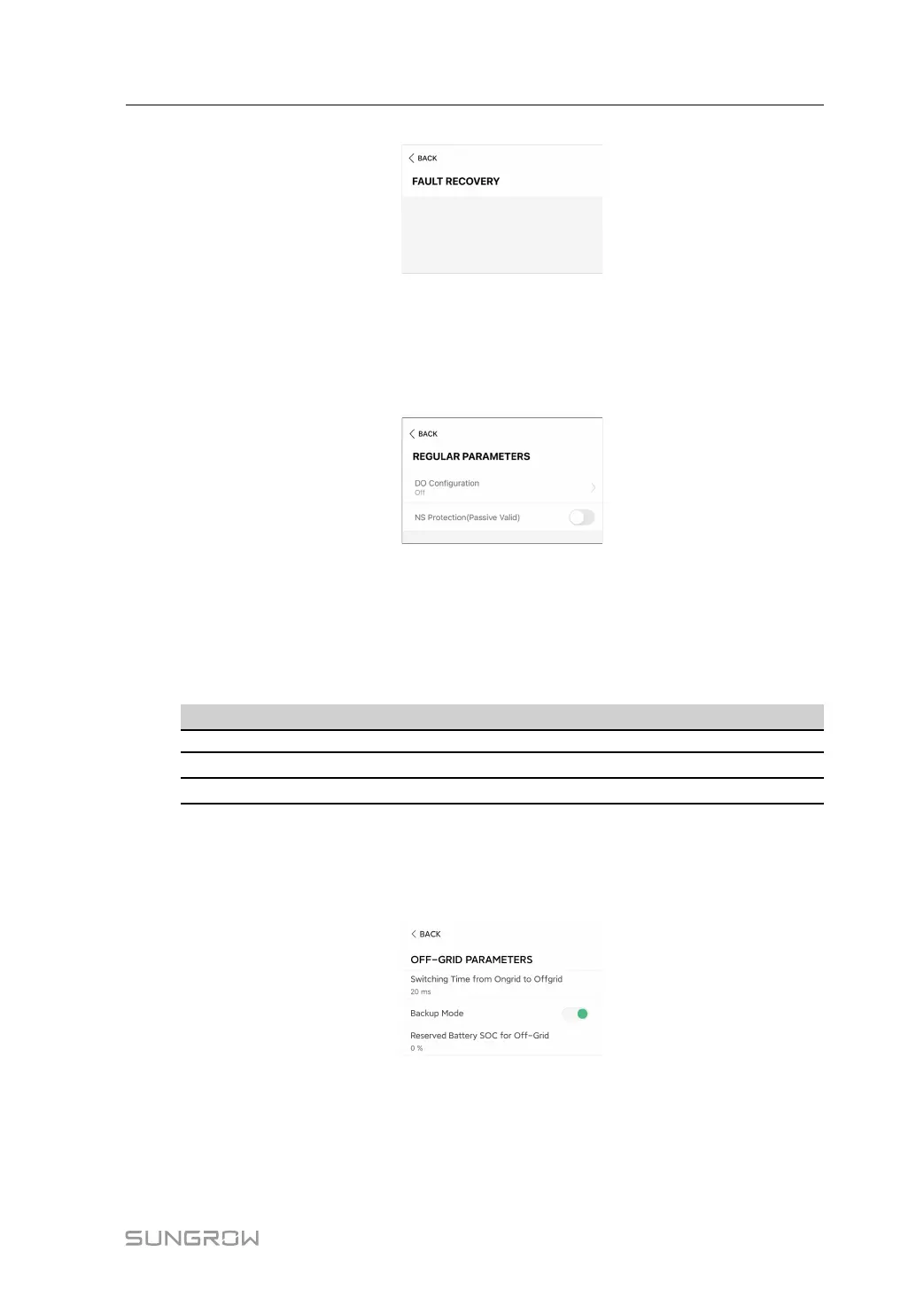
figure 8-28 Fault Recovery
8.12.4 Regular Parameters
Tap Settings→Operation Parameters→Regular Parameters to enter the screen, as
shown in the following figure.
figure 8-29 Regular Parameters
After connecting the load to the DO terminals, a relay control signal will be transmitted.
Users can flexibly set the control mode of DO configuration according to individual demand.
NS protection is enabled, and the inverter stops in an emergency.
table 8-10 The control mode of DO configuration
Mode
Setting description
Off
-
Load Control Mode
See "8.12.10 Load Control"
Grounding Detection See "8.12.13 Grounding Detection"
8.12.5 Off-grid Parameters
Tap Settings→Operation Parameters→Off-grid Parameters to enter the screen, as
shown in the following figure.
figure 8-30 Off-grid Parameters
Refer to the description in "8.5.2 Backup Mode" .
User Manual 8 iSolarCloud App



 To Next Page