118
Boot/Shutdown
Tap Boot/Shutdown to send the boot/shutdown instruction to the inverter.
For Australia and New Zealand, when the DRM state is DRM0, the "Boot" option will be
prohibited.
Date Setting/Time Setting
The correct system time is very important. Wrong system time will directly affect the data
logging and power generation value. The clock is in 24-hour format.
Software Version
Version information of the current firmware.
8.12.2 Running Time
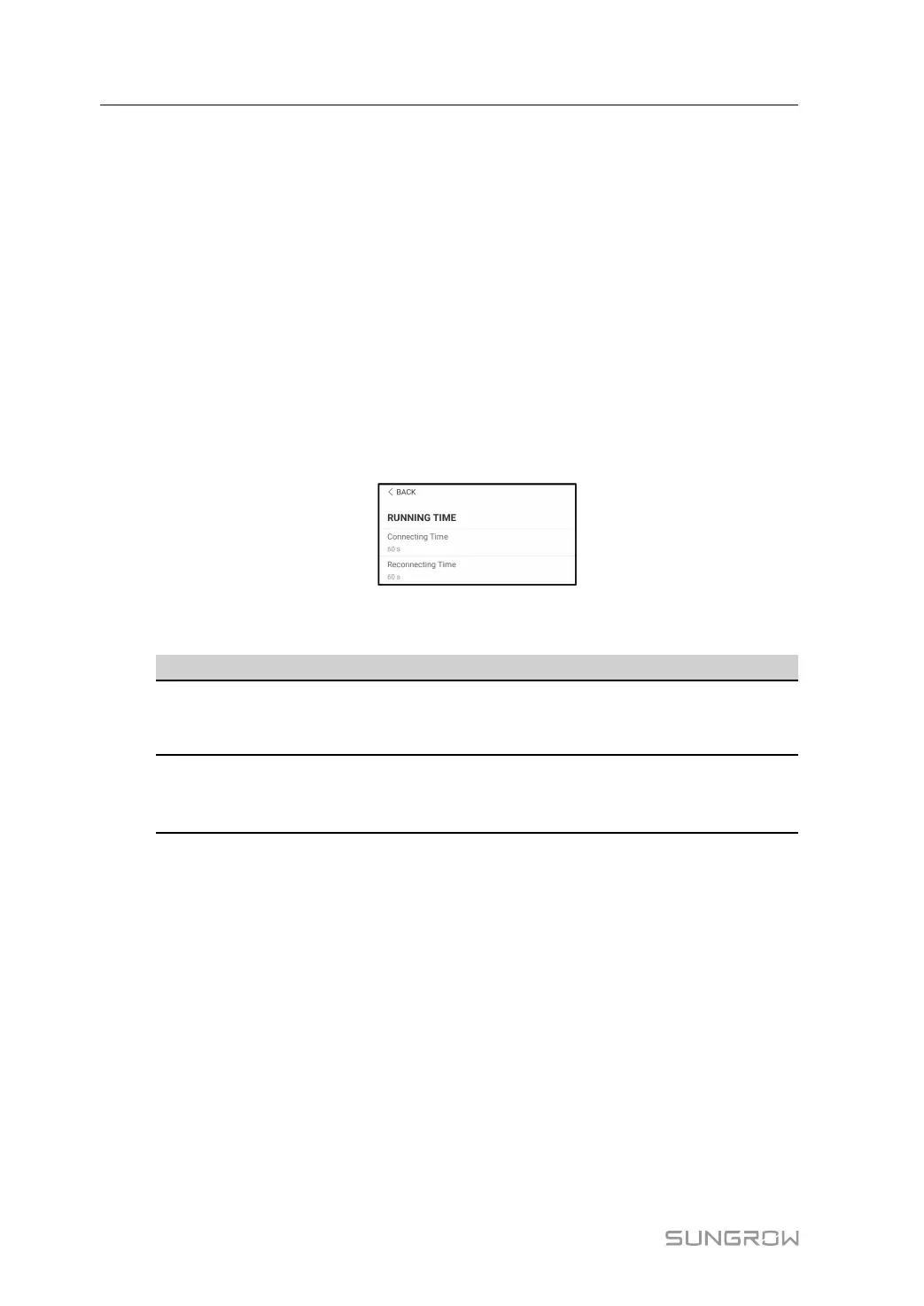
Tap Settings→Operation Parameters→Running Time to enter the corresponding screen,
on which you can set Connecting Time and Reconnecting Time.
figure 8-27 Running Time
table 8-9 Description of running time parameters
Parameter
Explanation
Default
Range
Connecting
Time
The time that the inverter takes to enter in-
to the running mode from the standby
mode in fault-free state
60s 10s ~ 900s
Reconnect-
ing Time
The time that the inverter takes to recover
from the fault state to normal state (the in-
verter is not running)
60s 0s ~ 3600s
8.12.3 Fault Recovery
Tap Settings→Operation Parameters→Fault Recovery to enter the corresponding
screen, on which you can see the fault recovery records.
8 iSolarCloud App User Manual



 To Next Page