10
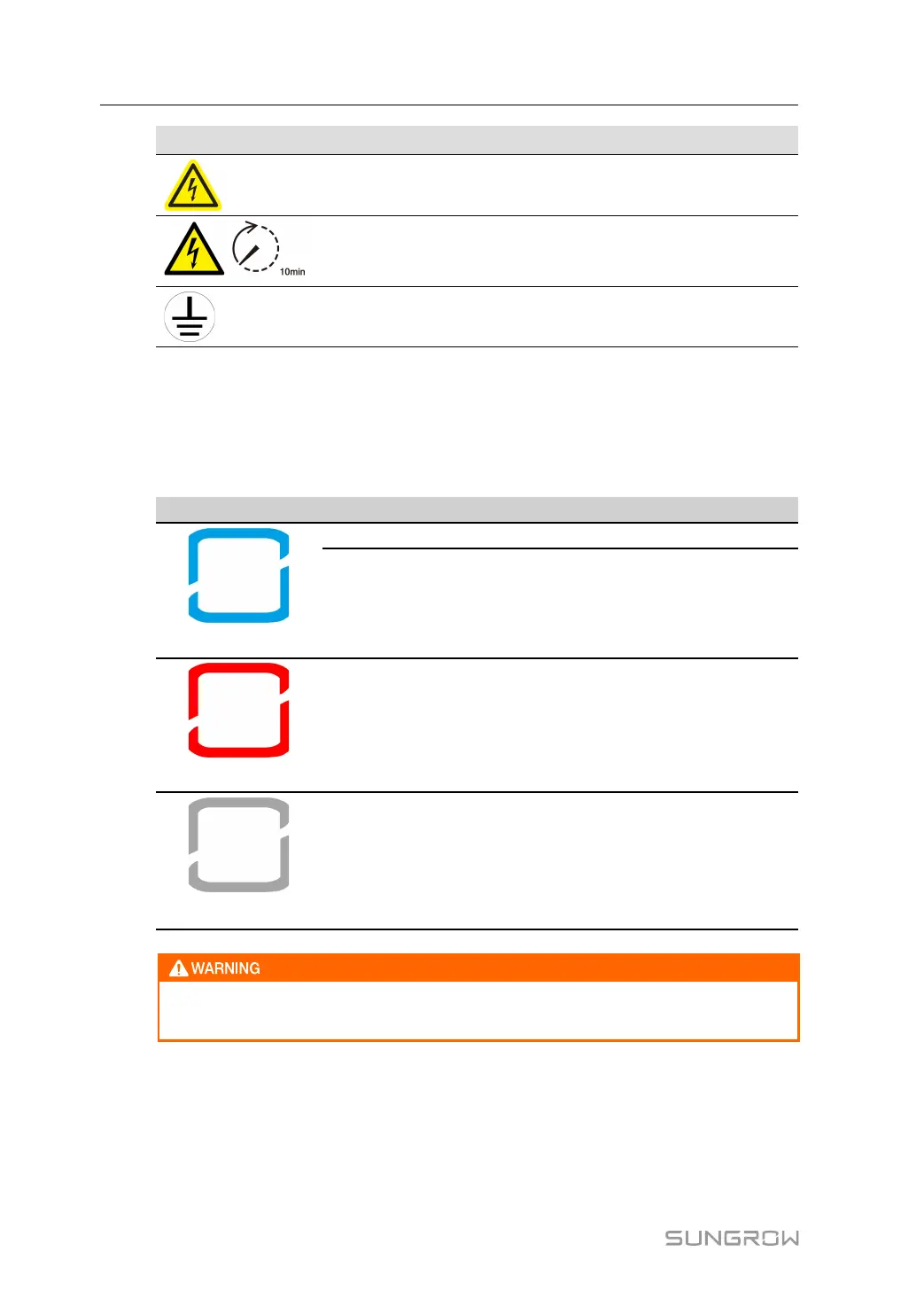
Symbol Explanation
Danger to life due to high voltages!
Only qualified personnel can open and service the inverter.
Do not touch live parts for 10 minutes after disconnection from
the power sources.
Additional grounding point.
2.4 LED Indicator
The LED indicator on the front of the inverter indicates the working state of the inverter.
table 2-1 LED Indicator State Description
LED Color state Definition
Blue
ON
The inverter is running in the on/off-grid mode.
Blink
The inverter is at standby or startup state
(without on/off-grid operation).
Red
ON
A system fault has occurred.
Gray
OFF
Both the AC and DC sides are powered down.
Voltage may still be present in AC side circuits after the indicator is off. Pay atten-
tion to the electricity safety when operating.
2.5 DC Switch
The DC-Switch is used to disconnect or connect the PV-DC circuit when AC is turned off or
DC current is below 0,5A.
2 Product Description User Manual



 To Next Page