7 Commissioning User Manual
62
The lower limit of battery voltage when
discharging
The upper limit of battery temperature
The lower limit of battery temperature
The voltage of constant-voltage charging.
The voltage at which the discharging is
stopped
* Consult battery manufacturer for an advice before any modification.
7. Check and confirm the communication method. Refer to “10.4.10
Setting the Communication Parameters” for the communication
configuration. Use the iSolarCloud APP to create a new plant. For details,
refer to the User Guidance of iSolarCloud APP.
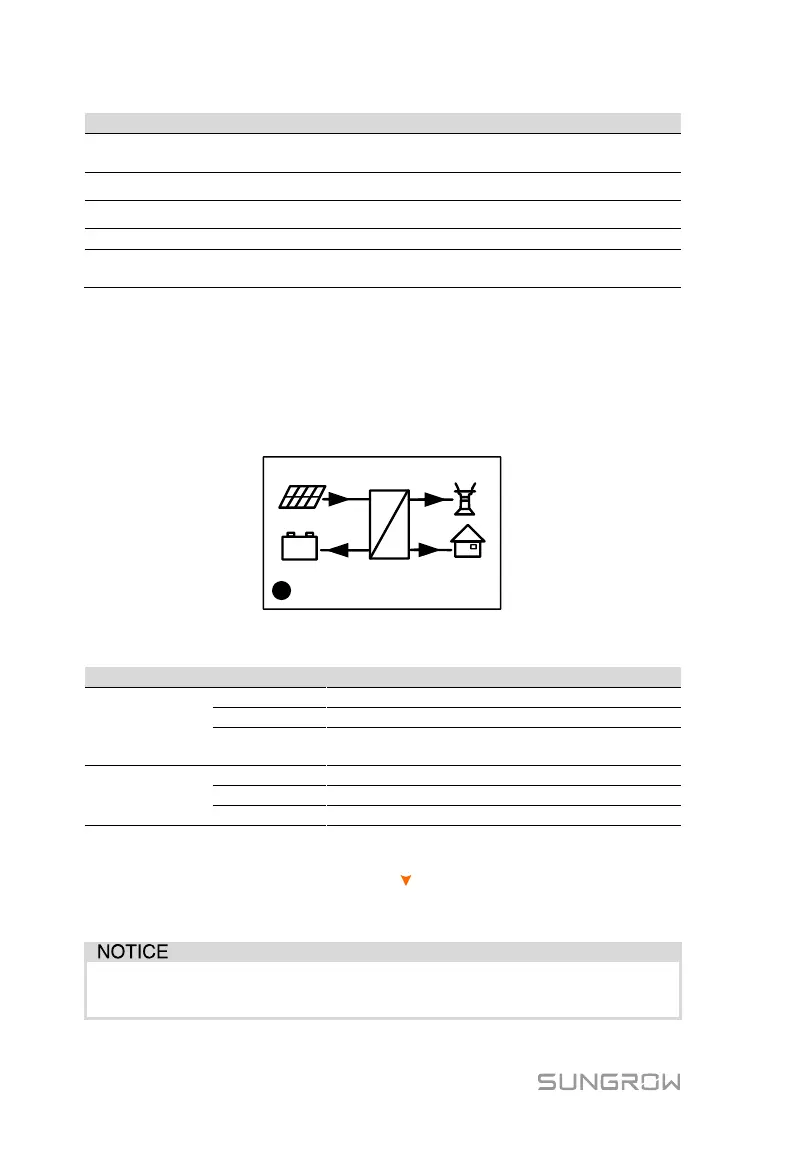
8. Check the icons on the main screen. Refer to “10.1 Main Screen” for the
explanations.
4600
=
~
2000
2000
600
12:37
(W)
+
-
Running
C
9. Check the status of the indicator.
Tab. 7-3 Status Descriptions of the Indicator
The inverter is running normally.
The inverter is in the process of starting.
Other statuses except Running and Startup.
(Refer to Tab. 10-1 for status descriptions.)
Permanent fault or upgrade failure.
Other system faults or main alarms.
10. Visit www.isolarcloud.eu or iSolarCloud App to view inverter information.
Get the related manuals at www.sungrowpower.com.
If the inverter commissioning fails, Press to view the current errors. Remove
the existing malfunctions and then repeat starting up the inverter according to
the procedure detailed in this section.
In the case of commissioning failure, power off the system and wait 1
minute to commission the system again.



 To Next Page