10 Appendix II: LCD Operation User Manual
84
10.4.4 Setting the Battery Usage Time
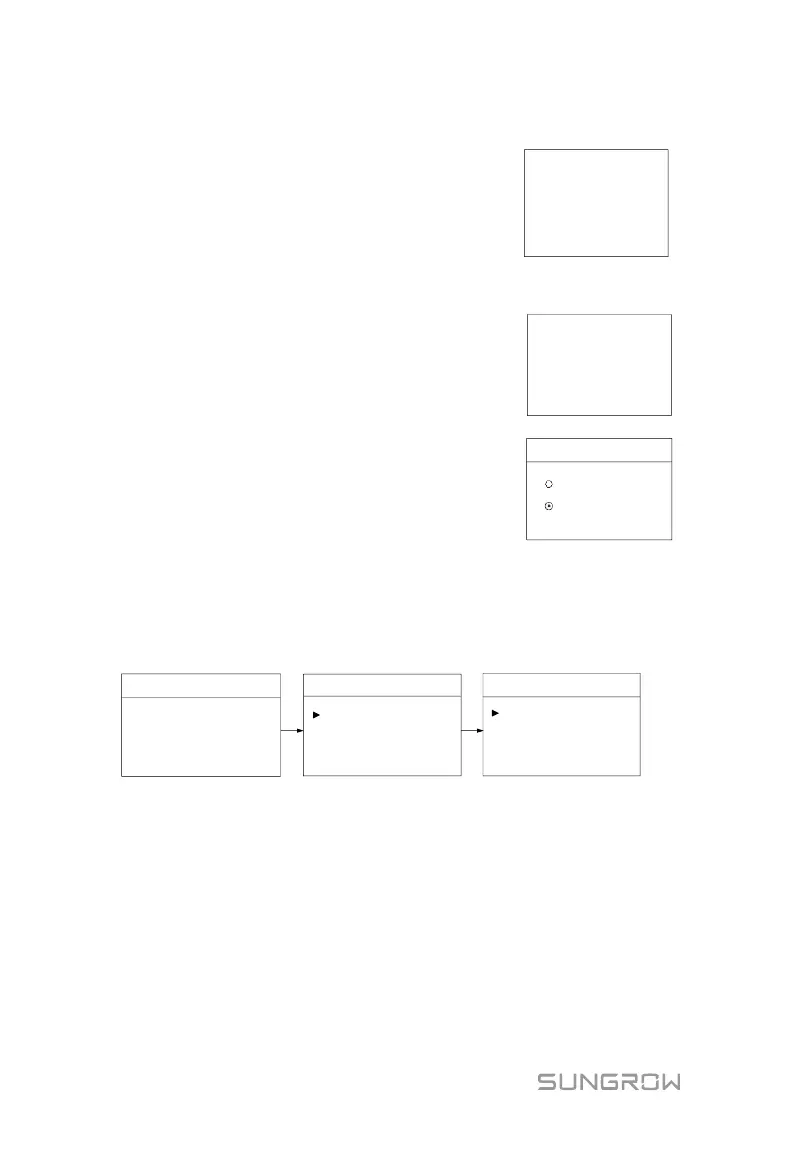
When there is no battery equipped in the system, a
prompt will appear. Press ENT to continue the
setting.
For details, see “7.3 Commissioning
Procedure”.
10.4.5 Setting Forced Charge
In the system without a battery, a
prompt will appear. Press ENT to
continue the setting.
Enable the function for the system with
a battery.
Forced Charge
Enable
Disable
It is recommended to set the time period in off-peak tariff time. The time period 1 is in
priority to the time period 2 if two periods overlap. The charging energy comes from
the excess PV energy in priority to the energy from the grid. The inverter will sink the
charging power from the grid in the case of PV energy shortage.
When there is no PV power, the import power from the grid charges the energy
system during the time period until the target SOC is reached.
Forced Charge
Start time1
End time1
00:00
00:00
Target SOC
100%
Forced Charge
Start time2
End time2
00:00
00:00
Target SOC
100%
3/3
2/3
Forced Charge
Time [ Weekday ]
1/3
10.4.6 Setting the Protective Parameters
For the function of interface protection system (SPI) for Italy, see “11.2.6
Interface Protection System (SPI)”.
For more parameter settings, please visit the iSolarCloud App or the
iSolarCloud server.



 To Next Page