User Manual 10 Appendix II: LCD Operation
83
Total Export Limit: the export power limit of the new system
The lower limit is the rated power of the existing PV system.
The upper limit is ([rated power of the hybrid inverter] + [rated power of the
existing PV system].
For example, retrofit an existing PV system (rated power: 3000 W) with the hybrid
inverter SH4K6 (rated power: 4600 W). The total export limit can be set from 3000 W
to 7600 W.
The export power limit can also be set via the Zero-export menu that described
in the commissioning. The settings in the two submenus are from the same
source. If one is changed, the other will synchronize the value.
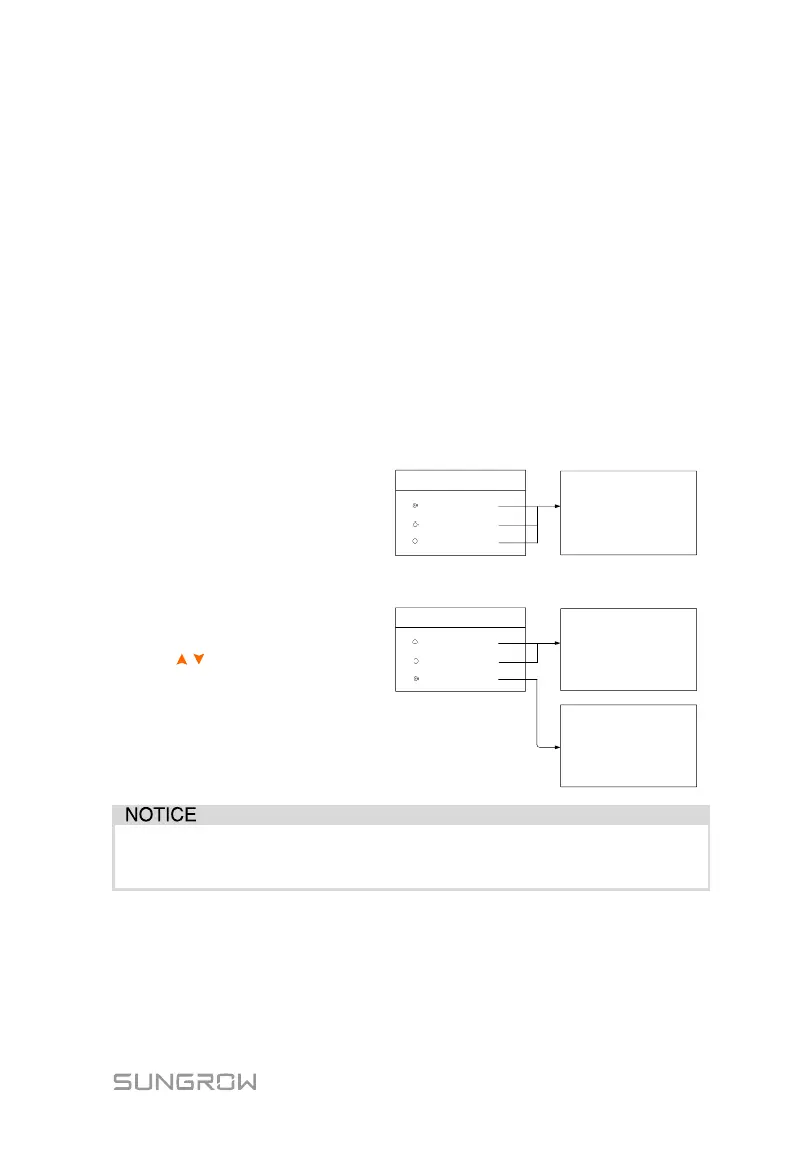
10.4.3 Setting the Battery Type
For Li-ion batteries, the type can be automatically identified and set to “Li-ion”
on the LCD. Manually set the type to “Other Battery” for lead-acid batteries.
Proceed as follows to modify the settings.
Refer to “10.3 Starting and
Stopping the Inverter” to stop
the inverter before modifying the
battery type. Otherwise the
warning screen will prompt.
Press / to select the battery
type and Press ENT to confirm.
* Refer to Tab. 7-2 for the
explanations, ranges and default
values of the parameters.
The parameters can only be set by qualified personnel.
Consult battery manufacturer for an advice before any modification.



 To Next Page