10 Appendix II: LCD Operation User Manual
88
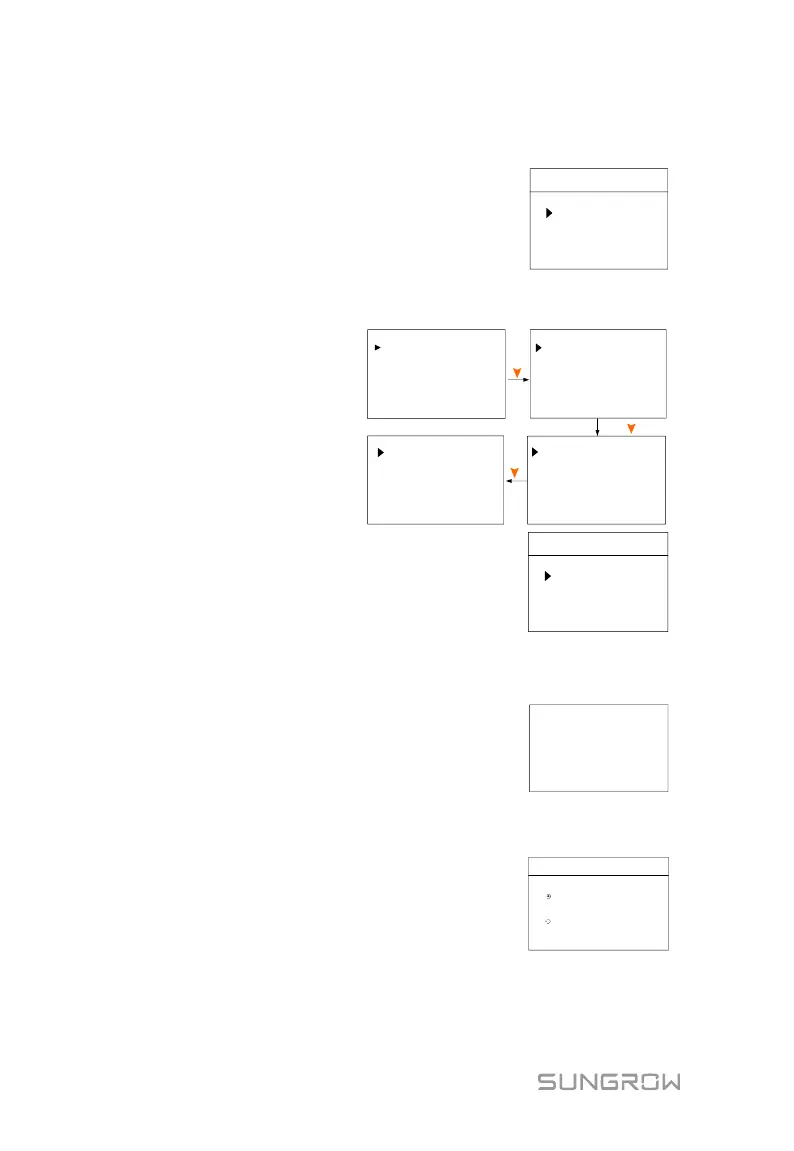
10.4.10 Setting the Communication Parameters
Ethernet:
− The communication
address ranges from 1 to
247.
− The IP, sub net, gateway,
DNS1 and DNS2 can be
modified only when the
DHCP is set to OFF.
Comm. Param
Ethernet Config
WiFi Config
− Acquire the IP, subnet
mask, gateway, DNS1 and
DNS2 from the network
professional.
− Set the Server to “CLOUD”
and the data will be
uploaded to
www.isolarcloud.com.
192.168.100.002
Gateway:
Con-Server [ON]
DNS [ON]
001.002.004.008
DNS2
008.008.008.008
DNS1
IP:
192.168.001.100
Sub Net:
255.255.000.000
Press
DHCP
[ON]
Addr 001
Port 502
Press
Press
Server [CLOUD]
Wi-Fi:
Quick Configuration: Press ENT to enable this
function and then you can connect the inverter WiFi
to your home router quickly with iSolarCloud App.
WiFi Config
Quick Config
WiFi Factory Reset
10.4.11 Testing Earth Fault
The DO2 relay will switch on automatically to signal
the external alarm if a light indicator and/or buzzer is
connected. The buzzer inside the inverter will also
beep.
Testing earth fault
relay and buzzer
inside alarm. . .
10.4.12 PT1000 Switch Setting
The temperature sampling function of the sensor
PT1000 for lead-acid batteries is disabled by
default.
Set to Enable to turn on the function.
PT1000 Switch
Enable
Disable



 To Next Page