79
10 Appendix II: LCD Operation
Refer to Fig. 7-1 for button operations when setting parameters.
10.1 Main Screen
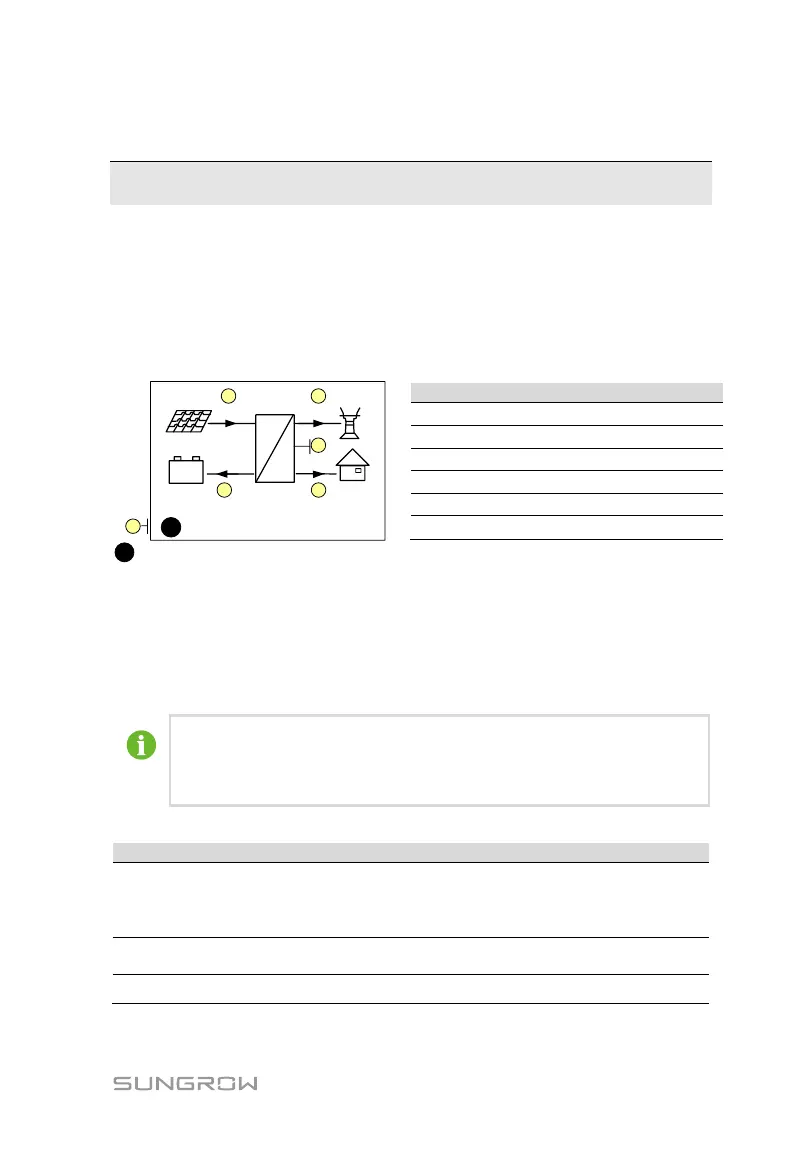
After successful commissioning, the LCD screen will enter the main screen.
6
4600
Running
=
~
2000
2000
600
12:37
(W)
+
-
1 2
3
45
C
Battery charge/discharge power
: The inverter and the iSolarCloud server are successfully connected.
Running: The inverter is in its normal running status.
16:37: Current system time.
Neither the grid power nor the load power will be displayed on the main screen
in case of no Sungrow Energy Meter installed. The Wi-Fi icon may be not
displayed when the inverter is used with some Wi-Fi modules.
If there is no button operation for:
1 minute, the LCD backlight is OFF;
2 minutes, system returns to the default menu (main screen).
Tab. 10-1 Status Descriptions
After being energized, the inverter tracks the PV array’s
maximum power point (MPP) and runs with the combination of
the energy management system. This mode is the normal
mode.
The system is running normally, with the battery in
maintenance process. (Only for lead-acid battery)
The system is running normally, with the EMS in forced mode.



 To Next Page