76
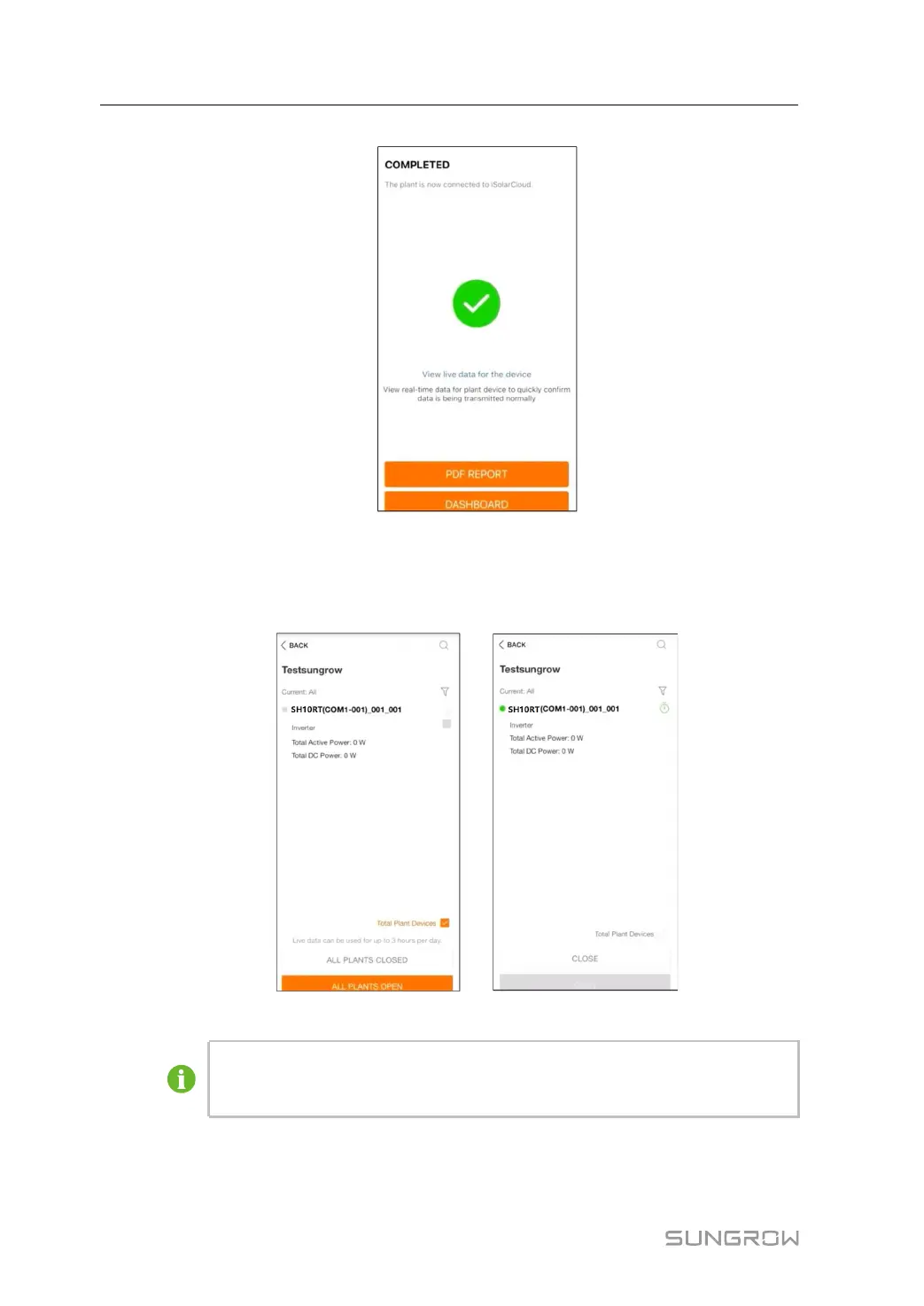
figure 7-15 Configuration Completed
step 6 (Optional) Tab View live data for the device, tick Inverter or Total Plant Devices and tab
ALL PLANTS OPEN. The clock symble indicates that the live data view function is success-
fully enabled. Tab the inverter to view the live data about voltage, current, power or curve.
figure 7-16 Live Data View Function Setting
Contact Sungrow service to enable live data function of devices. Once enabled,
live data function is available for 3 hours per day by default. To make it available
for 24 hours, contact SUNGROW.
step 7 Tab BACK to the COMPLETED screen. Tab PDF REPORT to export the plant configuration
report.
7 Commissioning User Manual



 To Next Page