75
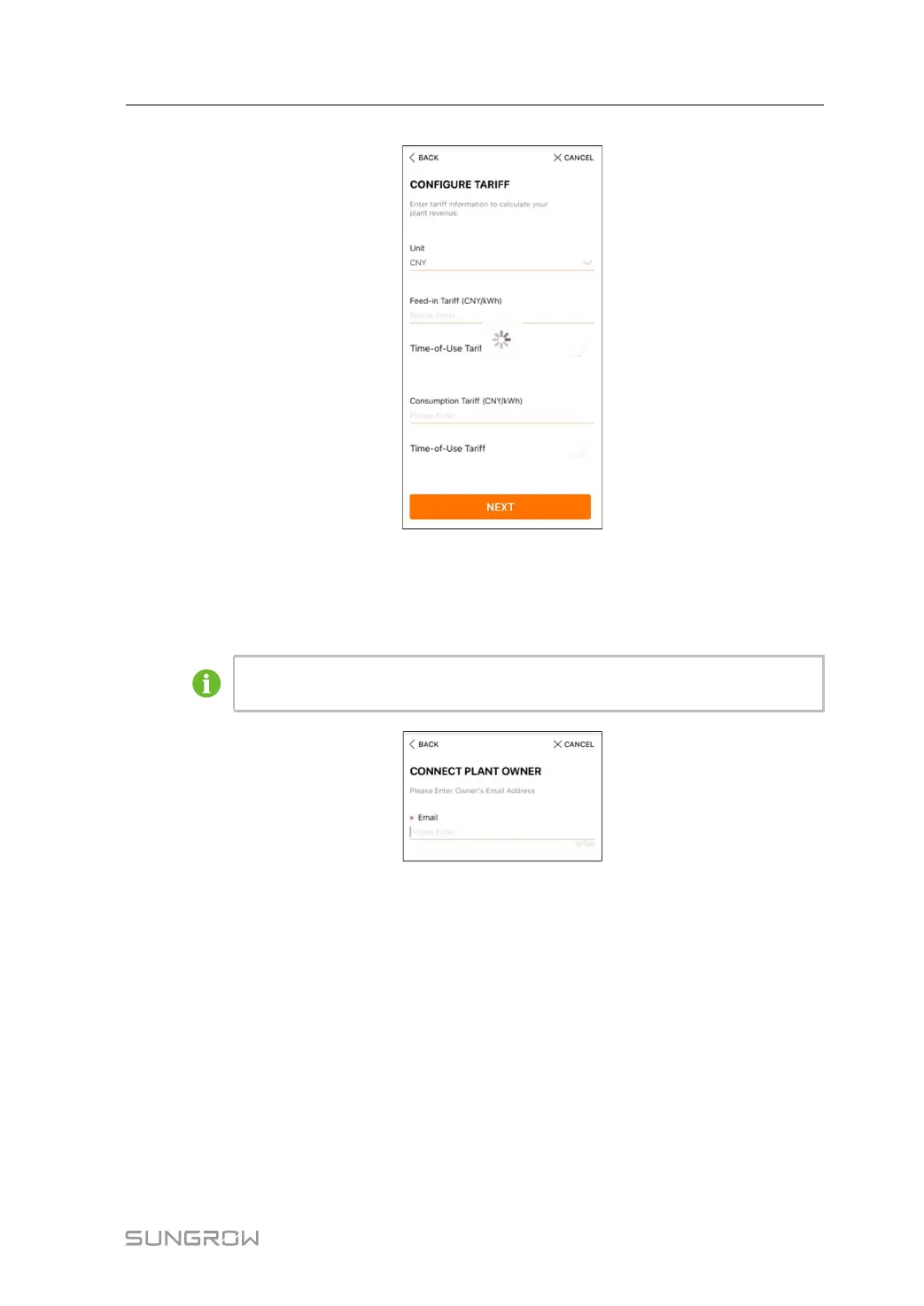
figure 7-13 Entering Tariff Information
step 4 Fill in the end user's e-mail address. The first time you fill in the end user's e-mail address,
the system will create an account for the end user and send an email to the end user. The
end user can activate the account via the email.
The Distributor/installer creates plants for the end user and can manage the plants
by default.
figure 7-14 Entering Owner's e-mail
step 5 Tap NEXT to wait for the inverter to connect to the iSolarCloud.
User Manual 7 Commissioning



 To Next Page