Installation
15
Basic Installation
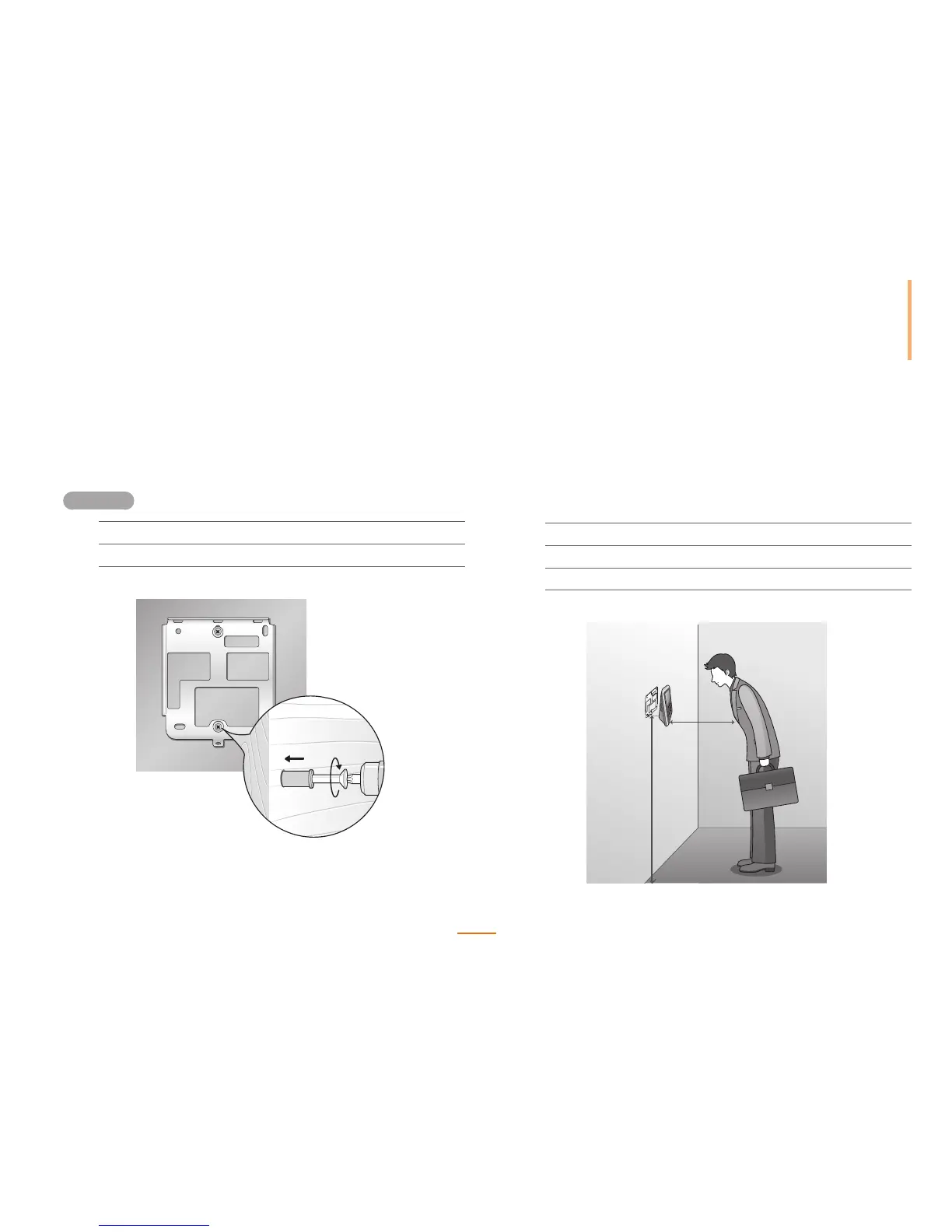
As FaceStation two built-in cameras for face recognition, the correct installation height is extremely important to maximize the performance of the device.
Select the optimal installation height for all users.
3
Mount the device onto the bracket.
4
Fix the device to the bracket using the device mount screw.
5
Remove the transparent protective film from the device.
120cm
50cm
Installation
1
Place the bracket on the desired location.
2
Fix the bracket to the location using the insert anchors and screws.



 To Next Page