18
Connections
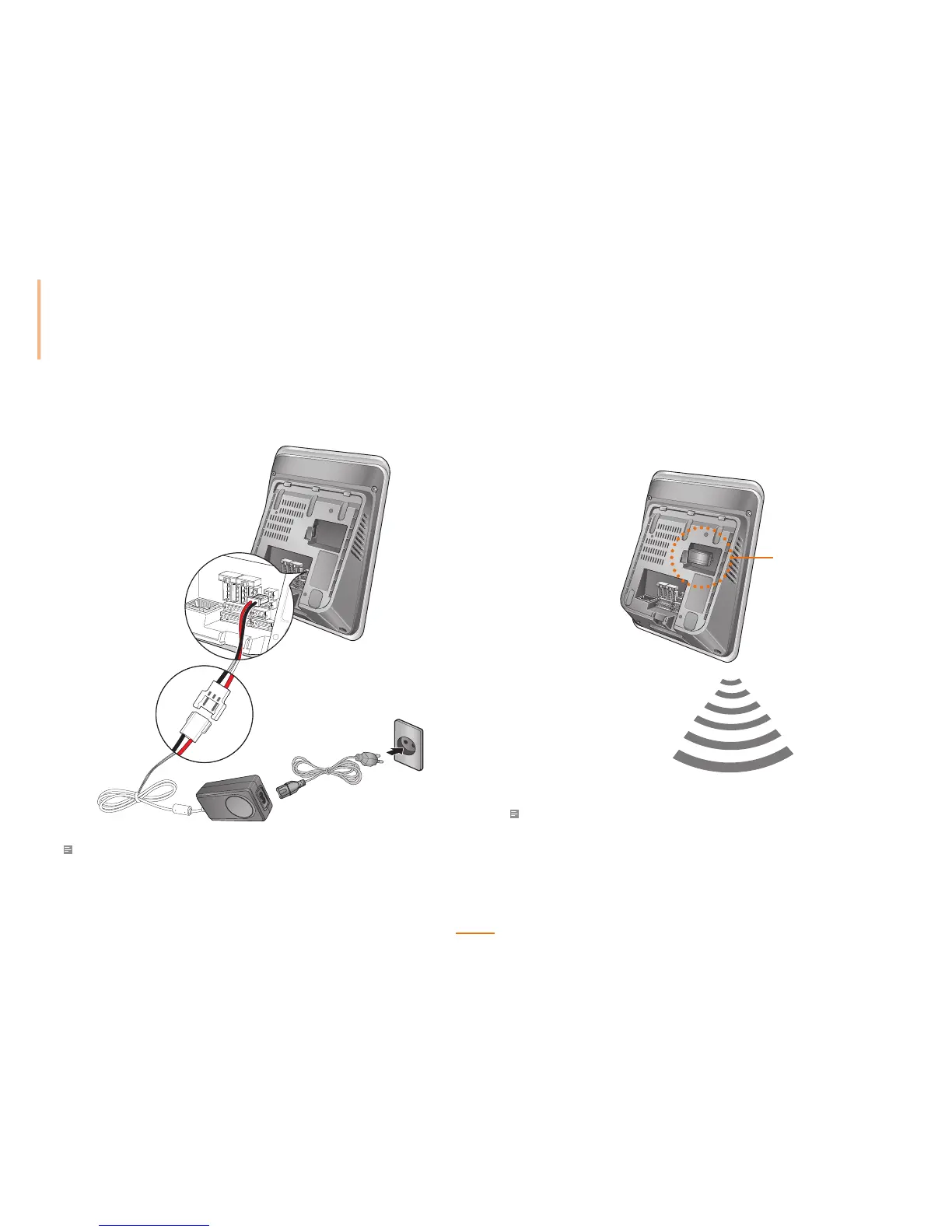
Power Connection
Note
• Use a 12VDC ±10%, 1500 mA, IEC/EN 60950-1 certied power adapter.
• It is recommended not to share FaceStation's power with other devices such as
SecureI/O and/or locks.
Wireless LAN Connection
Wireless LAN FaceStation models come pre-installed with a USB WLAN module.
Note
• The performance of WLAN is greatly affected by the surroundings and the type of the access point
(AP) used.
• Compatibility issues may cause connection difculties with some wireless access point brands.
USB Wireless LAN



 To Next Page