34
Device Configuration
T
ime and Attendance Mode
1
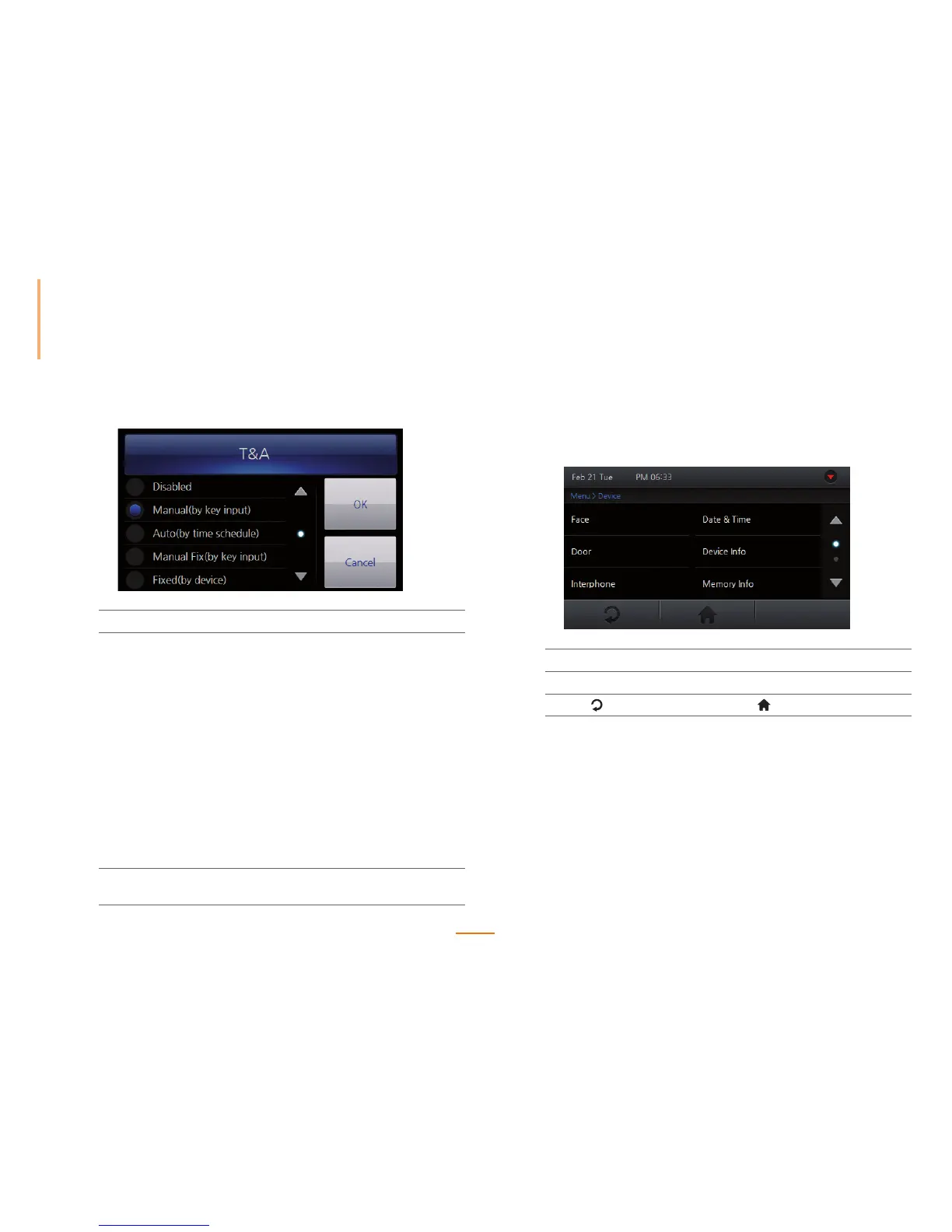
Go to Menu > Mode > T&A > T&A.
2
Set the T&A options.
Disabled Disables the T&A buttons. The Home menu and
the CALL button remain active.
Manual(by key input) T&A events must by manually selected using the
T&A buttons before authentication.
Auto(by time schedule) T&A events are automatically applied during
authentication. The schedule can be created
using BioStar.
Manual Fix(by key input)
T&A events can be must be manually selected
used the T&A buttons. The selected T&A
event will remain until another event has been
selected.
Fixed(by device) A T&A event will be fixed by the device.
3
Press OK to save the changes.
Press Cancel to cancel any changes.
Device Settings
Sets system related features of the device.
1
Go to Menu > Device.
2
Select the desired submenu and configure the corresponding settings.
3
Press to go to the previous screen or to go to the Home screen.



 To Next Page