30
Device Configuration
U
sing USB Memory Device
Contains various options associated with the USB memory device.
(Only available if USB Memory is enabled)
1
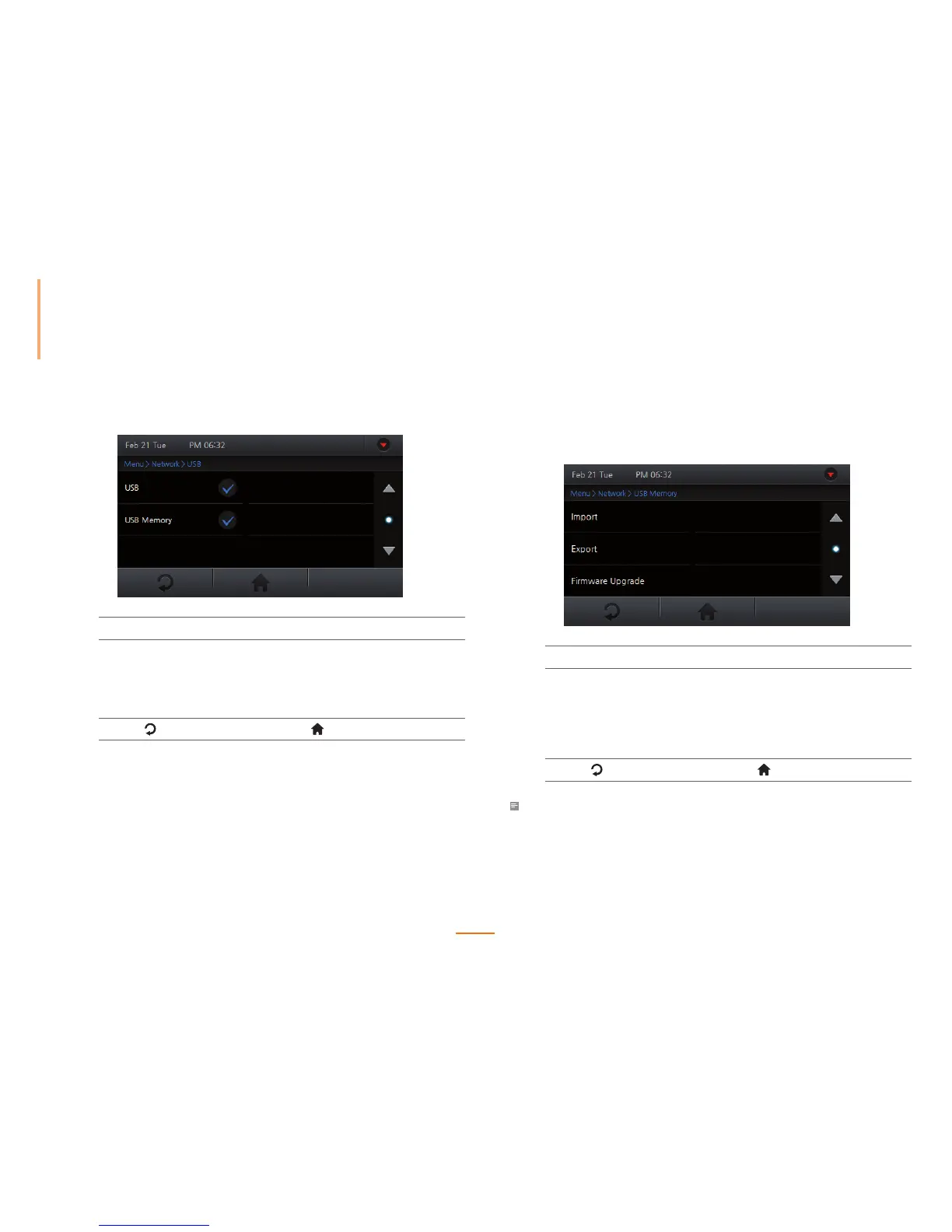
Go to Menu > Network > USB Memory.
2
Select an option.
Import Select a device ID to import data and press OK.
Export Press Export and wait until the job is completed.
Firmware Upgrade Select firmware to upgrade and press OK.
3
Press to go to the previous screen or to go to the Home screen.
Note
• The USB Memory needs to be checked from Menu > Network > USB in order to activate the USB
Memory menu.
Setting USB
1
Go to Menu > Network > USB.
2
Set the options.
USB Setup the USB port to connect with a PC.
USB Memory Setup the USB port to connect with a USB memory
device.
3
Press to go to the previous screen or to go to the Home screen.



 To Next Page