40
Device Configuration
Display and Sound Settings
1
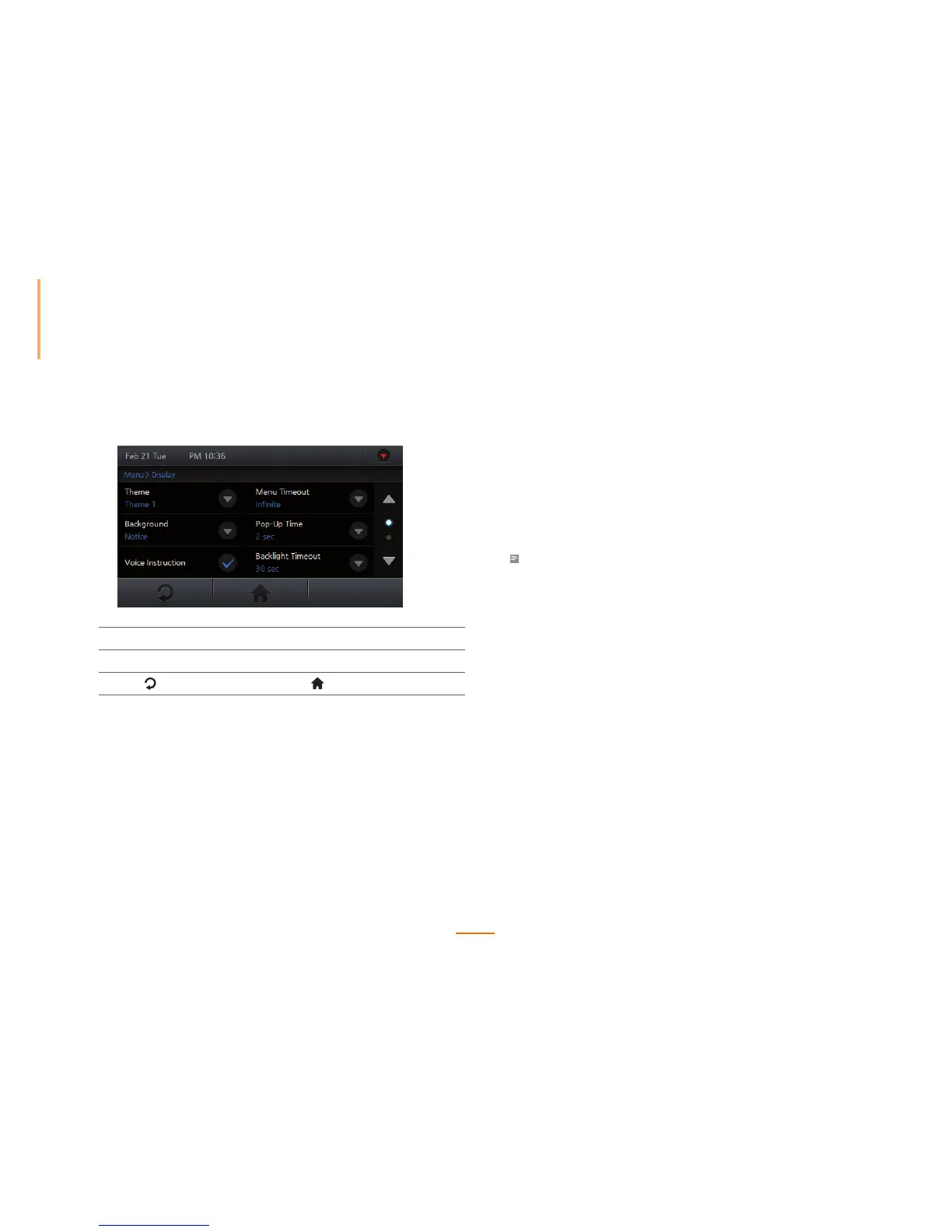
Go to Menu > Display.
2
Set or check by pressing the relevant option.
3
Press to go to the previous screen or to go to the Home screen.
Theme
Sets the graphical theme of the device.
Select among Red, Blue, Black, Rainbow, and Custom, and press OK.
Background
Sets the background of the device.
Select among Logo, Notice, Slide Show, and PDF, and press OK.
Note
• The Logo screen is displayed during authentication.
Voice Instruction
Enables voice instructions from the device.
Menu Timeout
Sets the amount of idle time required before returning to the home menu.
Select among Infinite, 10 sec, 20 sec, and 30 sec, and press OK.
Pop-Up Time
Sets the duration before the pop-up window disappears.
Select among 0.5 sec, 1 sec, 2 sec, 3 sec, 4 sec, and 5 sec, and press OK.



 To Next Page