54
Device Operation
C
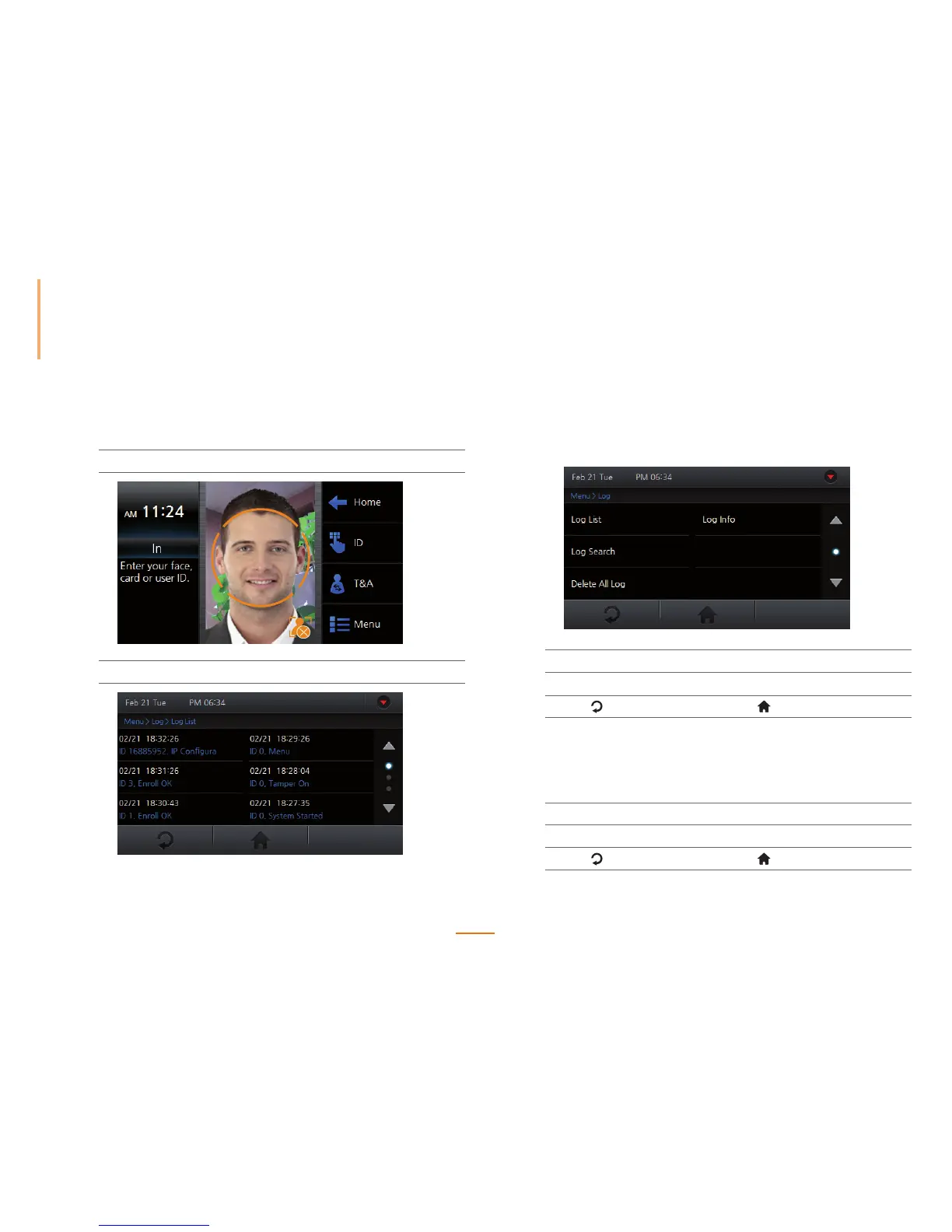
hecking Time and Attendance
A general user can view their access and attendance records.
1
Press Menu.
2
Successfully authenticate a general user.
Viewing Logs
View, search, or delete all logs.
1
Go to Menu > Log.
2
Select the desired option.
3
Press to go to the previous screen or to go to the Home screen.
Log List
You can select and view the desired event log.
1
Go to Menu > Log > Log List.
2
View the logs within the device.
3
Press to go to the previous screen or to go to the Home screen.



 To Next Page