44
Device Operation
D
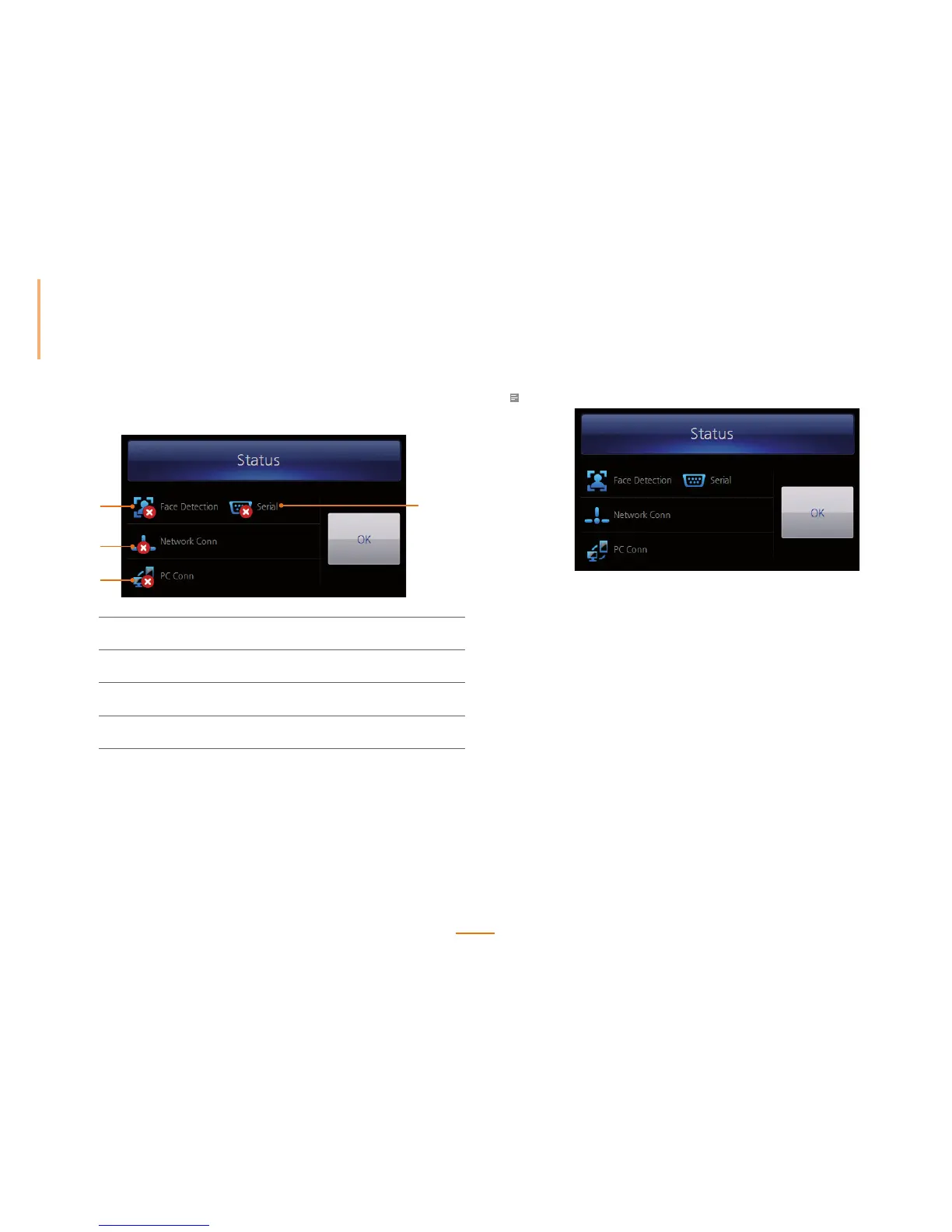
evice Status Screen
1
4
3
2
1
Serial
Displays the connection status with a host when in
RS485 slave mode.
2
PC Connection
Displays the connection status with a PC through
Ethernet or WLAN.
3
Network Connection
Displays the connection status of the Ethernet or
WLAN.
4
Face Detection
Displays whether or not the face recognition is
enabled.
Note
Wh en t he fa ce re co gni ti on a nd a l l co nn ect io n st at us a re su cc ess fu ll y set , a scre en a s sh ow n ab ove i s
displayed.



 To Next Page