Device Operation
55
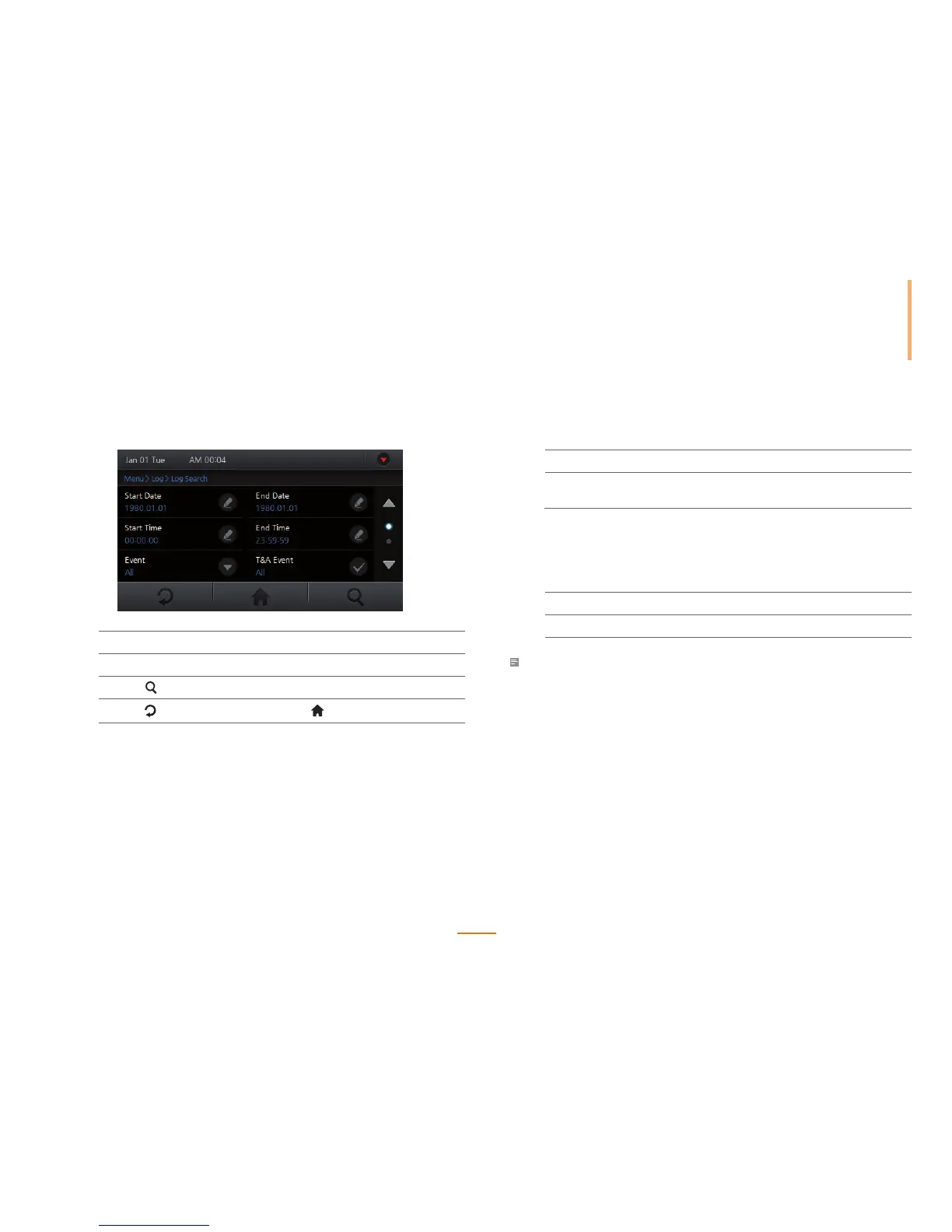
Log Search
Search logs by event, date, time and user ID.
1
Go to Menu > Log > Log Search.
2
Set the search filters and press OK.
3
Press to display the search results.
4
Press to go to the previous screen or to go to the Home screen.
Delete All Logs
All logs will be deleted from the device's memory.
1
Go to Menu > Log > Delete All Log.
2
Press Yes to delete all logs.
Press No to cancel the log deletion.
Log Info
View log events stored on the device.
1
Go to Menu > Log > Log Info.
2
Press OK to return to the previous screen.
Note
• FaceStation can store up to 1,000,000 logs and 5000 image logs.



 To Next Page