10
Getting Started
Product Description
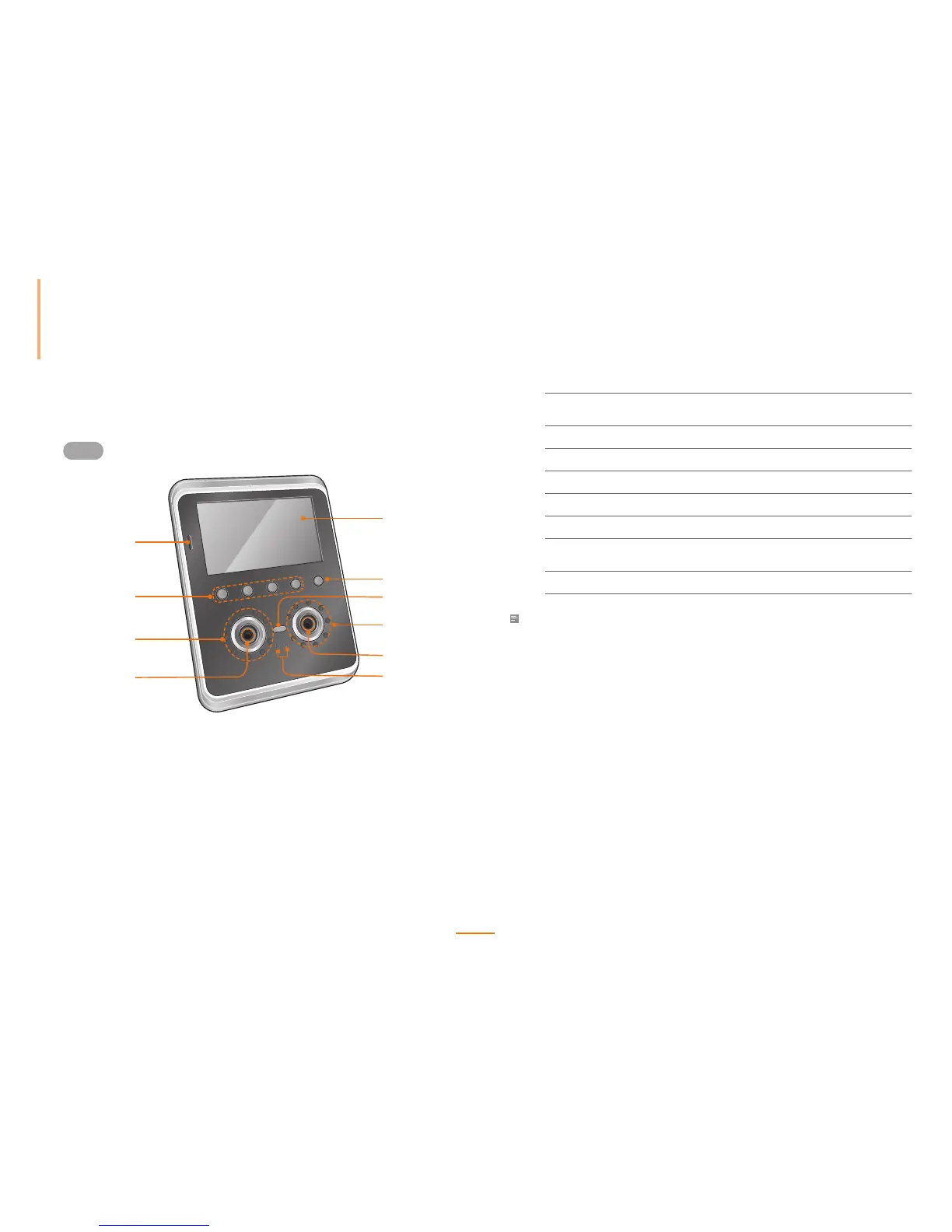
Front
1
2
3
6
5
4
4
5
8
7
1
LCD Touchscreen
Used to display the device operating status and
device operation.
2
Call Button Used to place a call on the interphone.
3
Light LED Used as a general lighting.
4
Infrared (IR) LED Used as an IR light.
5
Camera Detects and captures a face image.
6
Proximity Sensor Determines the user's proximity.
7
Basic T&A Buttons
(F1 - F4)
Selects time and attendance events.
8
Microphone Used to communicate with the interphone.
Note
The RF antenna, used to scan RFID cards, is built around the IR LEDs.



 To Next Page