Device Operation
49
3
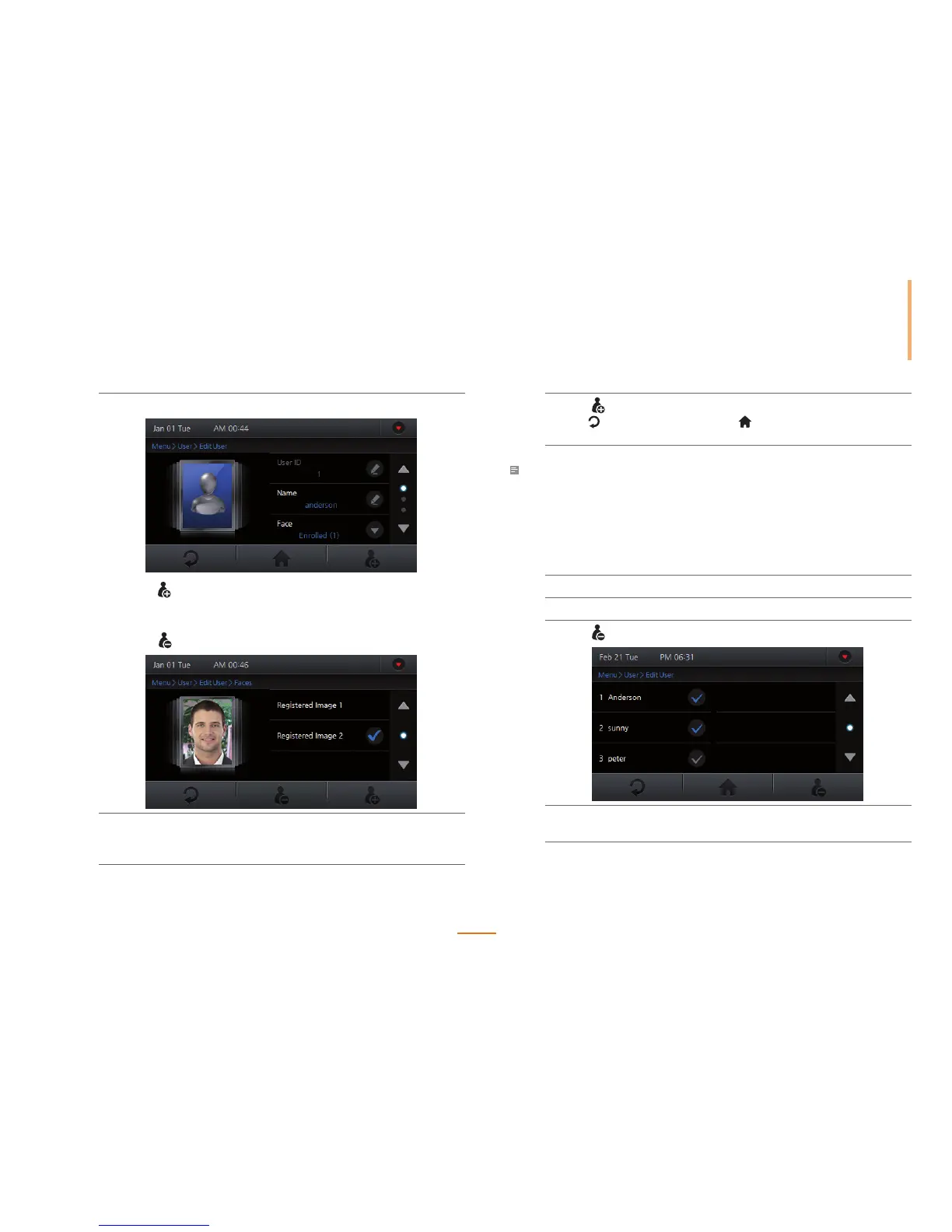
Press Face to enroll or delete a face.
1) Press to register a new face.
For details regarding the information modification, please refer to 'Step 5 of
User Registration(page 45)'.
2) Press
to delete a face.
4
Modify the desired other information.
For details regarding the information modification, please refer to 'User
Registration(page 45)'.
5
Press to save the modified information.
Press
to go to the previous screen or to go to the Home screen without
saving the changes.
Note
• The user ID cannot be modied.
Deleting a User
Use the following steps to remove user(s) from the FaceStation's database.
1
Go to Menu > User > Edit User.
2
Select the user(s) to be deleted.
3
Press .
4
Press Yes to delete the selected user.
Press No to cancel the deletion.



 To Next Page