Device Configuration
31
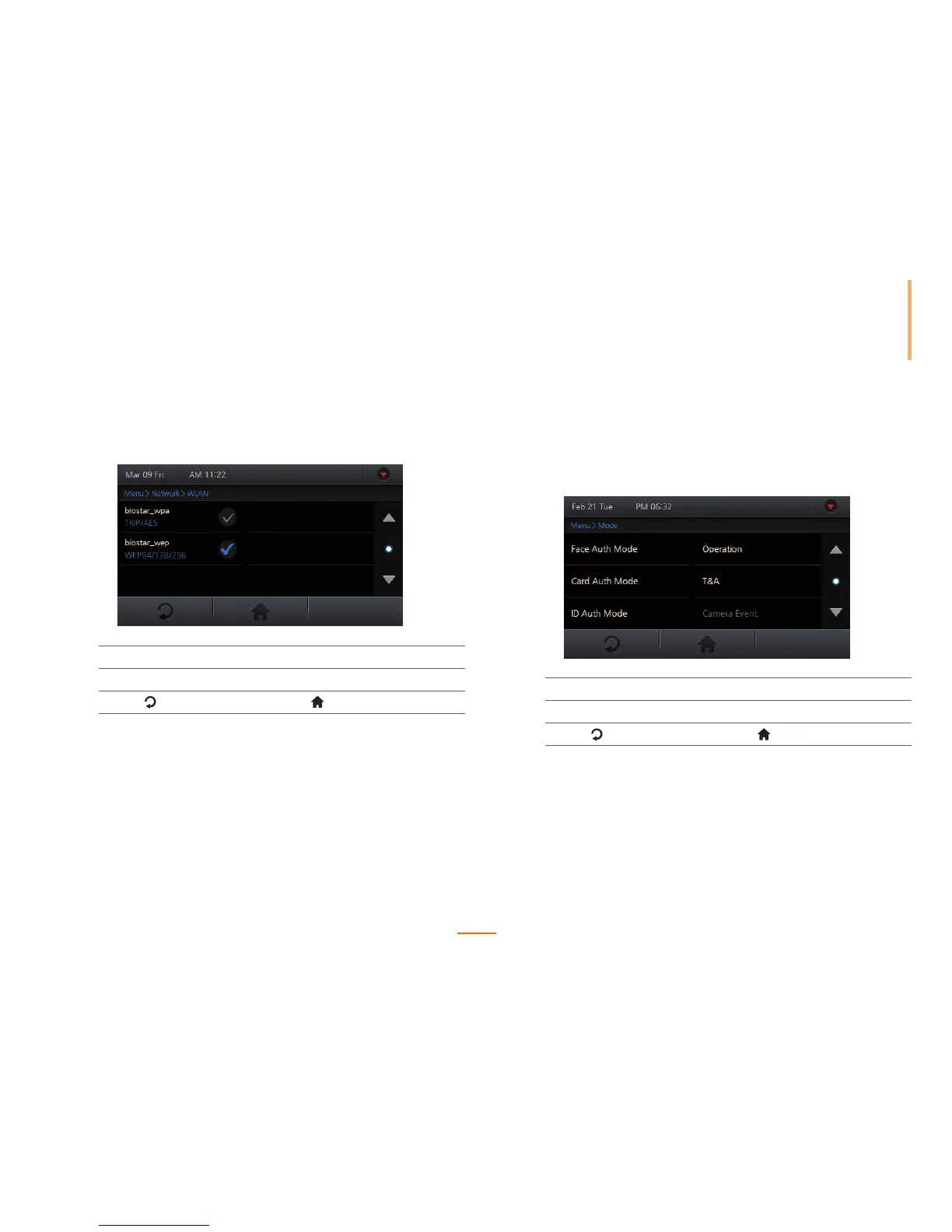
Setting WLAN (Only for wireless models)
Setup one of the four WLAN network presets to communicate with BioStar. The preset
details can be configured via BioStar.
1
Go to Menu > Network > WLAN.
2
Check the preset option to use for WLAN connection.
3
Press to go to the previous screen or to go to the Home screen.
Operation Mode Settings
Setup the various authentication modes, operation modes, and/or time & attendance
triggers for the device. The authentication modes will operate according to the schedule set
via BioStar.
1
Go to Menu > Mode.
2
Set the options.
3
Press to go to the previous screen or to go to the Home screen.



 To Next Page