Device Operation
51
2
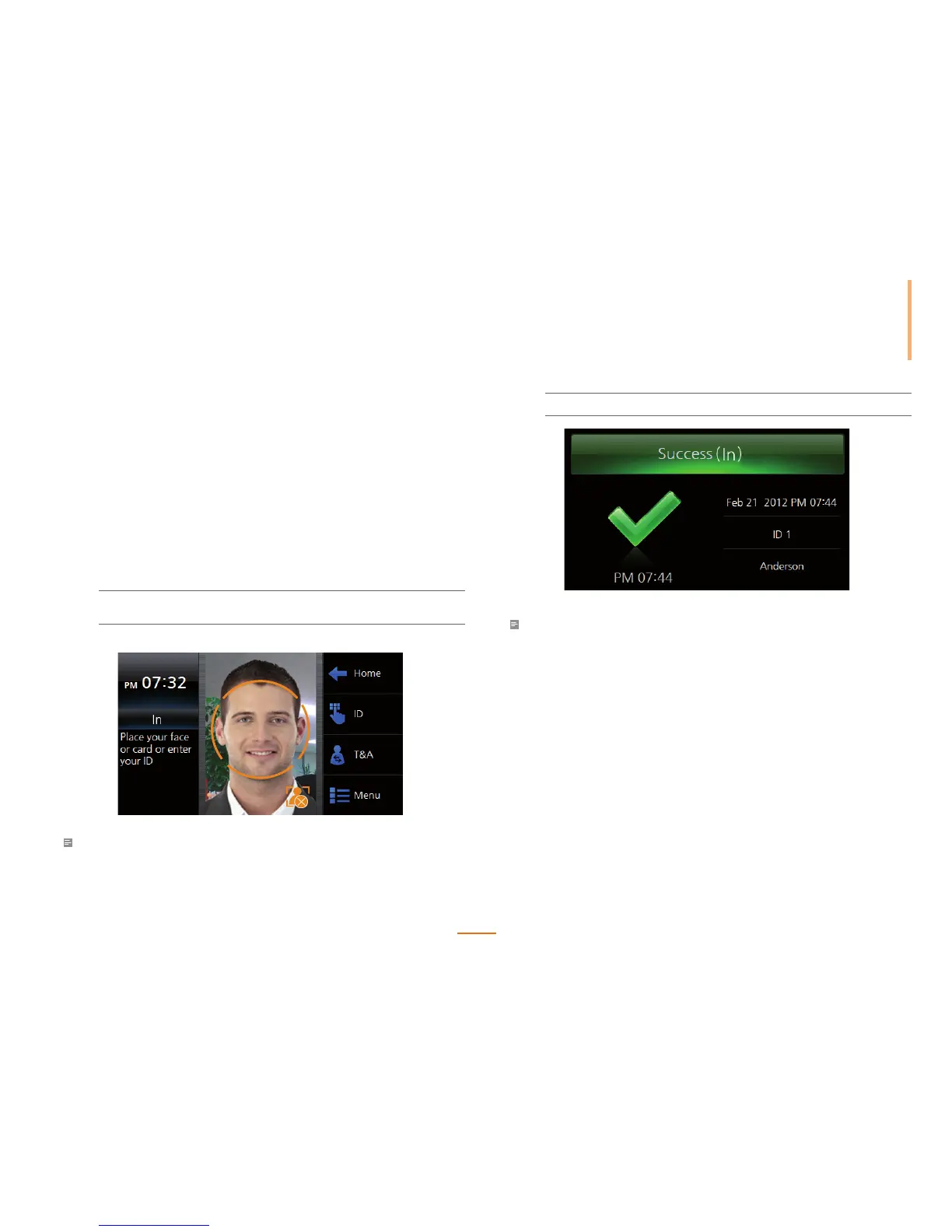
The follow screen will be displayed upon a successful authentication.
Precautions for Authentication
• If authentication takes too long, slightly move your face.
• Remove any obstacles obstructing your face. The eyes and eyebrows must be exposed.
• Only one person can use the device at a time.
• Do not wear sunglasses when using the device.
• Re-enroll users that have undergone major changes in facial appearance.
Authentication Modes
FaceStation supports the face, card (RFID), and ID (PIN) authentication. The authentication
mode operates according to the set timezone, and each authentication timezone does
not overlap. Up to 128 timezones for setting authentication mode can be set on BioStar PC
software.
Face Authentication Procedure
When Menu > Mode > Face Auth Mode > Face is set as Always, the face authentication
screen automatically is activated by a user in close proximity to the device.
1
Align your face within the orange guideline until it turns blue.
And keep your face still until the authentication is complete.
Note
• Make sure to keep the distance of 50cm from the device when authenticating the face.



 To Next Page