Device Operation
45
User Management
User Registration
After the device installation, register the administrator before use
.
Check the “Administrator” option within the enroll user window to create an administrator.
The administrator can register and delete users and set preferences.
3
Press User ID to enter the user ID and press OK.
4
Press Name, and enter a name press OK.
5
Press Face to enroll a face.
Up to five different versions of the user's face may be enrolled.
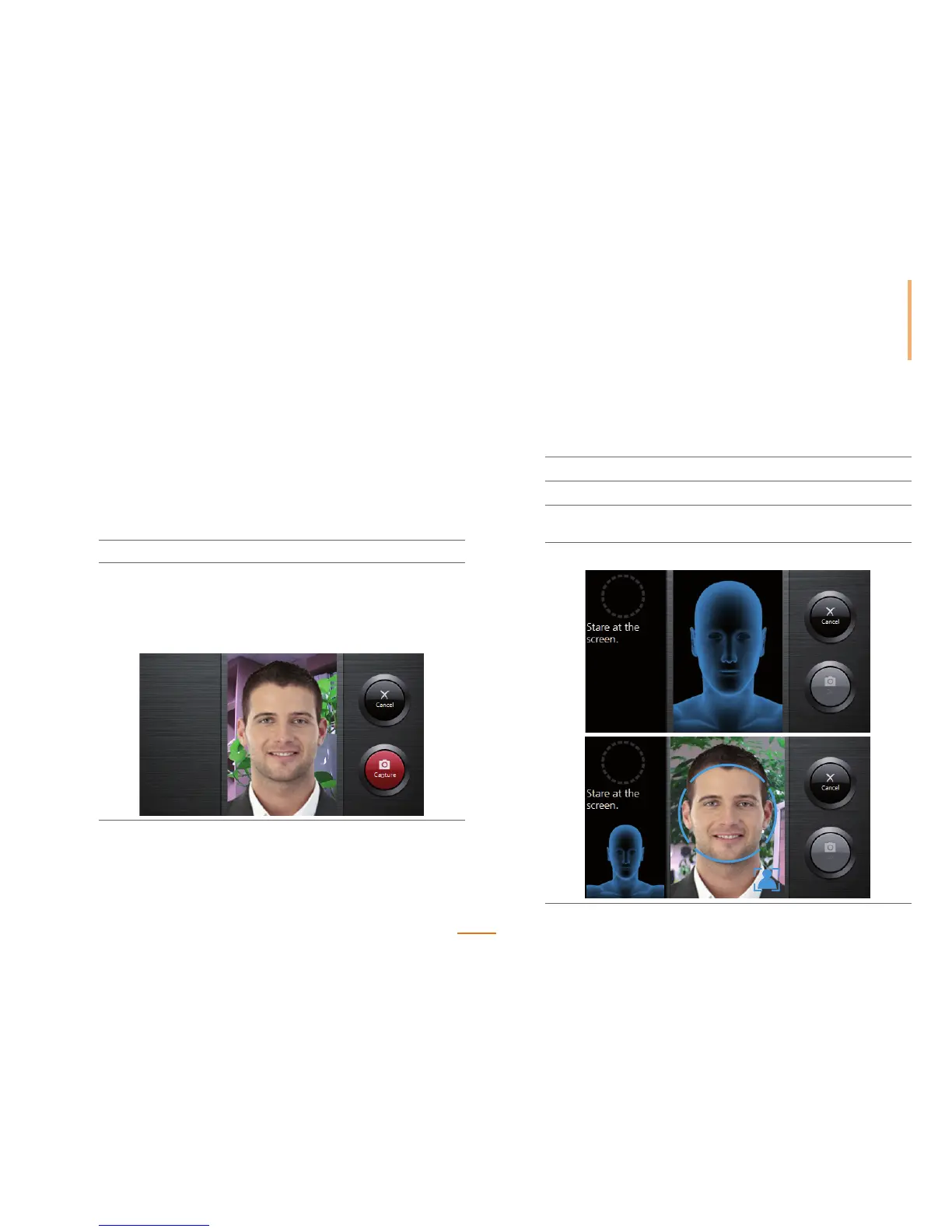
1) Stare directly at the screen.
1
Go to Menu > User > Enroll User.
2
Register the user's picture.
1) Press the Profile Image for registering the user's picture.
2) Align your face in the screen and press Capture. The captured facial image
will be registered.
Press Cancel to cancel the registration.



 To Next Page