32
Device Configuration
F
ace Authentication Mode
1
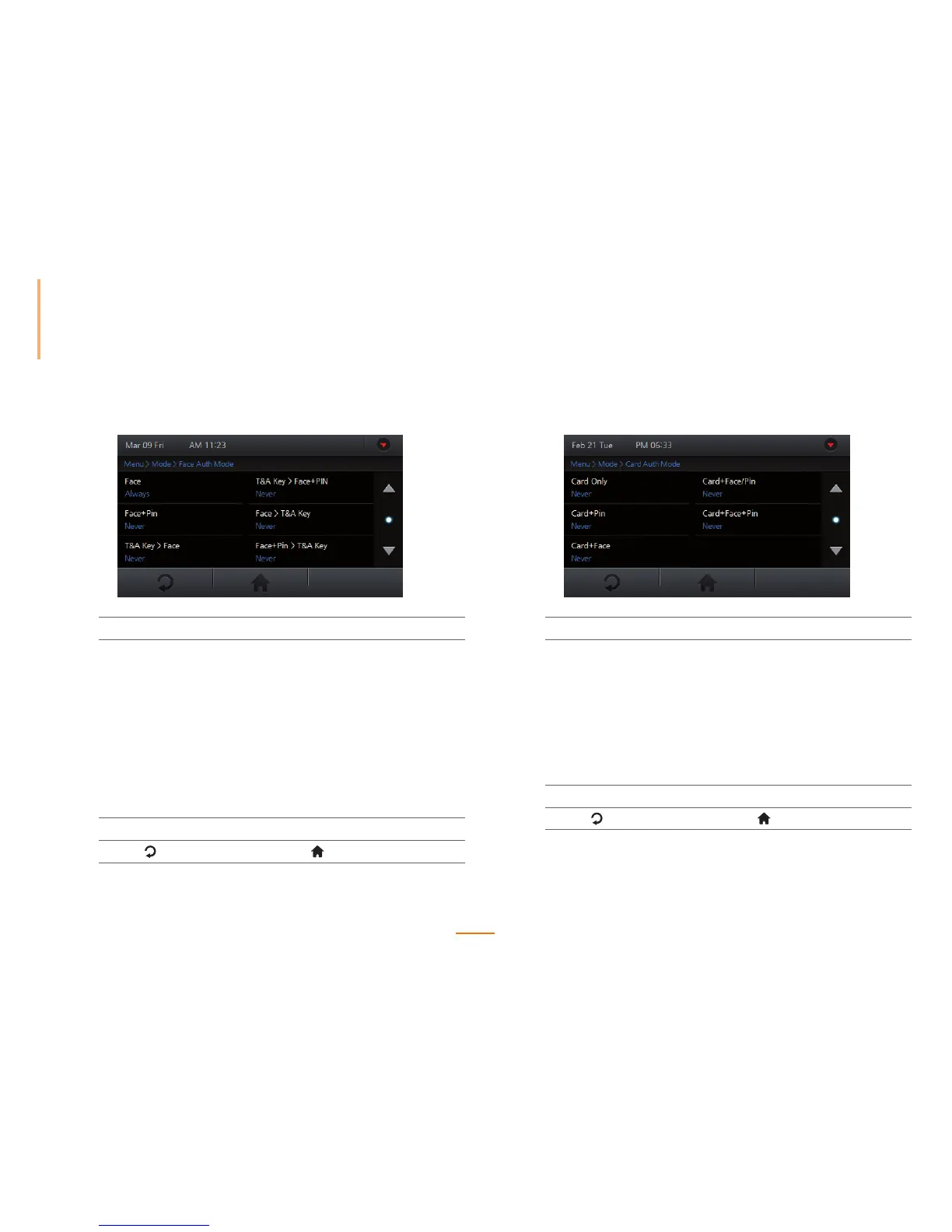
Go to Menu > Mode > Face Auth Mode.
2
Select a desired option.
Face Authenticates with a face only.
Face + Pin Authenticates with both face and pin number.
T&A Key > Face Authenticates with both the T&A key and the face.
T&A Key > Face + Pin Authenticates with the T&A key, face, and pin
number.
Face > T&A Key Authenticates with both the face and the T&A key.
Face + Pin > T&A Key Authenticates with face, pin number, and the T&A
key.
3
Check Never or Always to set the schedule.
4
Press to go to the previous screen or to go to the Home screen.
Card Authentication Mode
1
Go to Menu > Mode > Card Auth Mode.
2
Select a desired option.
Card Only Authenticates with a card only.
Card + Pin Authenticates with both card and pin number.
Card + Face Authenticates with both card and face.
Card+ Face/Pin Authenticates with both card and either face or
pin number.
Card + Face + Pin Authenticates with card, face, and pin number.
3
Check Never or Always to set the schedule.
4
Press to go to the previous screen or to go to the Home screen.



 To Next Page