Device Operation
47
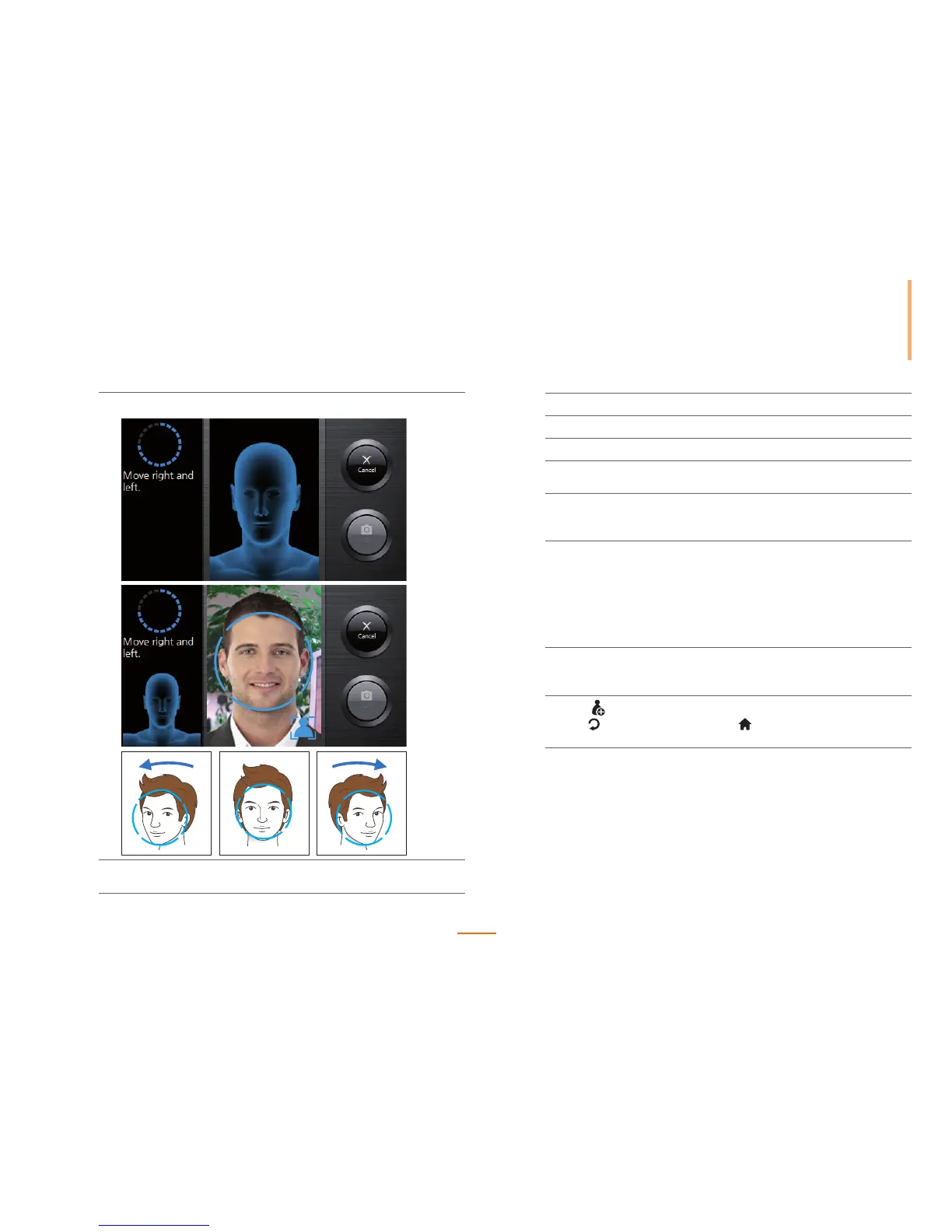
4) Move your face right and left.
5) Press OK to complete the registration.
Press Cancel to cancel the face registration.
6) Press Face to enroll another version of the individual's face.
6
Press Card to enter the ID and press OK.
7
Press PIN to enter the pin number and press OK.
8
Check Administrator to register as the administrator.
Uncheck Administrator if registering as a general user.
9
Check or uncheck Bypass Card. If Bypass Card is checked when registering a
user, the user is always authenticated regardless of the authentication mode
on the device.
10
Press Individual Auth and set the authentication mode.
A user registered with this mode is authenticated with the individually selected
authentication mode instead of the device authentication mode.
The set individual authentication mode works only for the relevant
authentication method. For higher security, it is recommended to set either
'Card+Face' or 'ID+Face'. For twins, it is recommended to set either 'Card+Face'
or 'ID+Face'. After setting the mode, press OK.
11
Select Group and set the access of group users. A group can be selected from
Access groups transferred from the BioStar software to the relevant device.
After setting, press OK.
12
Press . You can register a new user.
Press
to go to the previous screen or to go to the Home screen without
saving the changes.



 To Next Page