This example assumes that the UNIX or Linux system uses
NFS.
■ Create and mount a mount point as follows:
# mkdir -p /mnt/<computer_name>
# mount -t nfs <computer_name>:/<share_name>
/mnt/<computer_name>
■ Copy the .pfx file as follows:
# cp /inst/patch/incoming/*.pfx
/mnt/<computer_name>
UNIX or Linux
2
Insert the USB drive into an appliance USB port on the media server appliance
that you want to reimage.
3
Connect the remote management port of the appliance that you are
reconfiguring to the corporate network, then do the following:
■ Connect the remote management port on the media server appliance to
the corporate network.
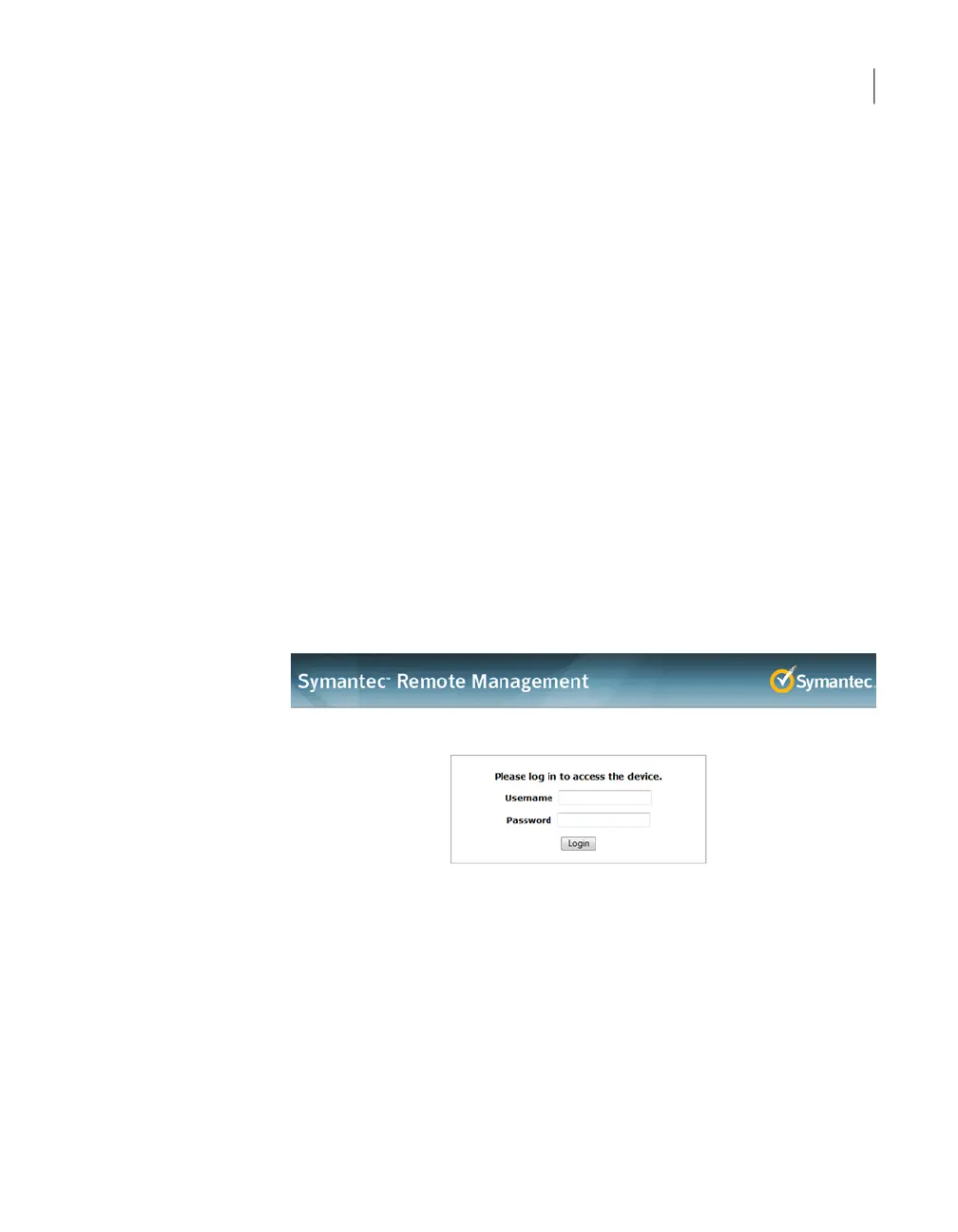
■ Log on to the remote management port of media server appliance from a
remote machine, using the IP address that you assigned to the remote
management port.
On the System Information page, click Remote Control.
128Disaster Recovery
Disaster recovery scenarios



 To Next Page