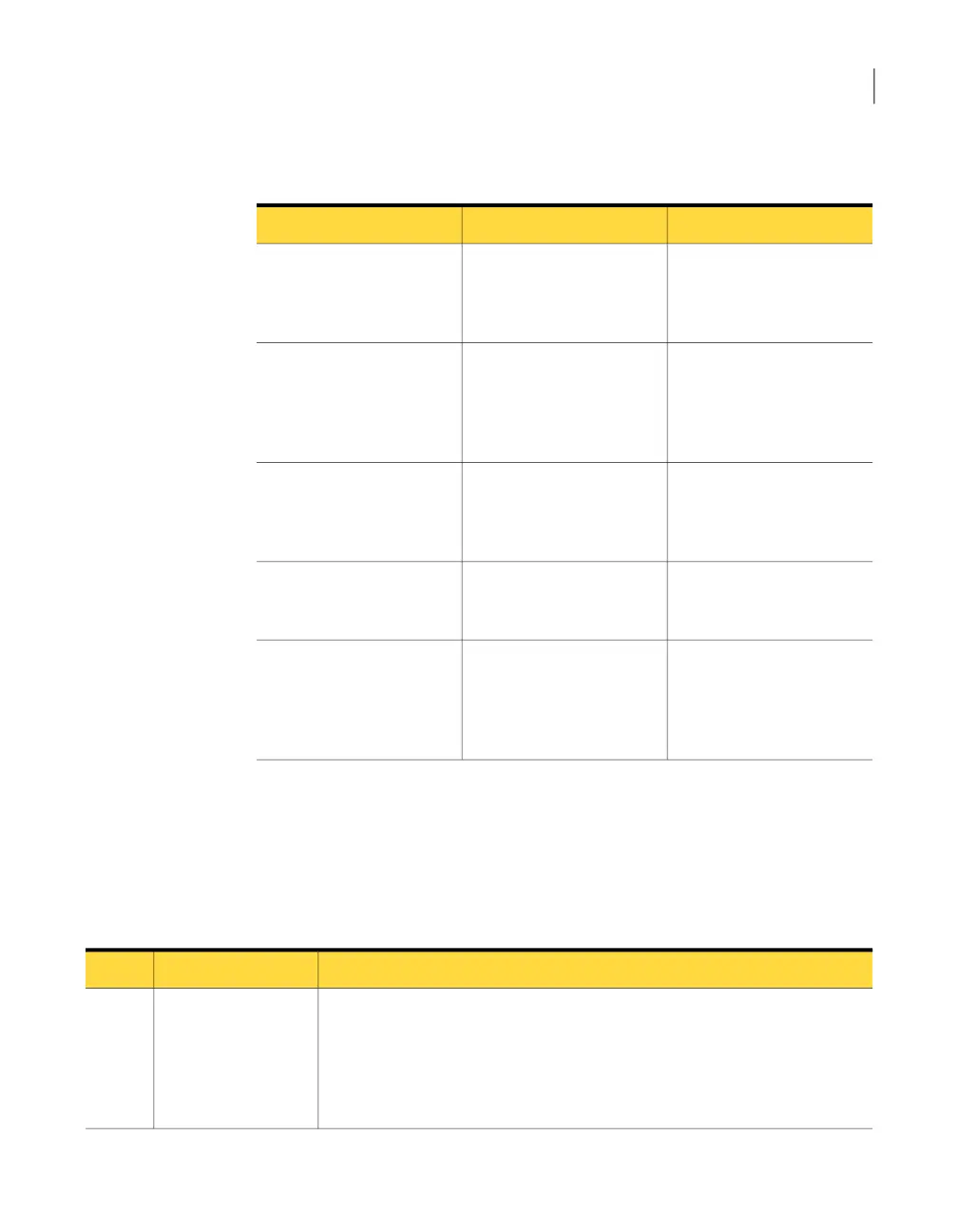
Table 6-1
Sections in troubleshooting the appliance setup and configuration
issues
LinksDescriptionSection
See “About troubleshooting
appliance installation and
upgrade problems”
on page 60.
This section provides the
steps to troubleshoot
appliance installation and
upgrade problems.
About troubleshooting
appliance installation and
upgrade problems
See “Troubleshooting
appliance configuration
problems” on page 61.
This section provides the
steps to check for problems
after an initial configuration or
after changes are made to an
existing configuration.
Troubleshooting appliance
configuration problems
See “Resolving a boot order
change problem” on page 62.
This section provides the
steps to resolve problems
arising from a boot order
change problem.
Resolving a boot order
change problem
See “About a login error
message that does not go
away” on page 66.
This section provides the
steps to resolve a loging error
message.
About a login error message
that does not go away
See “Failure to complete role
configuration when
NetBackup Appliance
Directory is down”
on page 67.
This section provides the
reason and resolution if the
initial configuration fails when
the CMDB is down.
Failure to complete initial
configuration when CMDB is
down
About troubleshooting appliance installation and
upgrade problems
Use the following steps to troubleshoot appliance installation and upgrade problems.
Table 6-2
Steps for troubleshooting installation problems.
DescriptionActionStep
Some reasons for failure are as follows:
■ Not logged on as an administrator.
■ Bad media (contact Technical Support)
■ Defective drive (replace the drive or refer to vendor’s hardware documentation)
■ Improperly configured drive (refer to the system and the vendor documentation)
Determine if you can
install the software on
the appliance by using
the release media.
Step 1
60Troubleshooting the NetBackup Appliance setup and configuration issues
About troubleshooting appliance installation and upgrade problems



 To Next Page