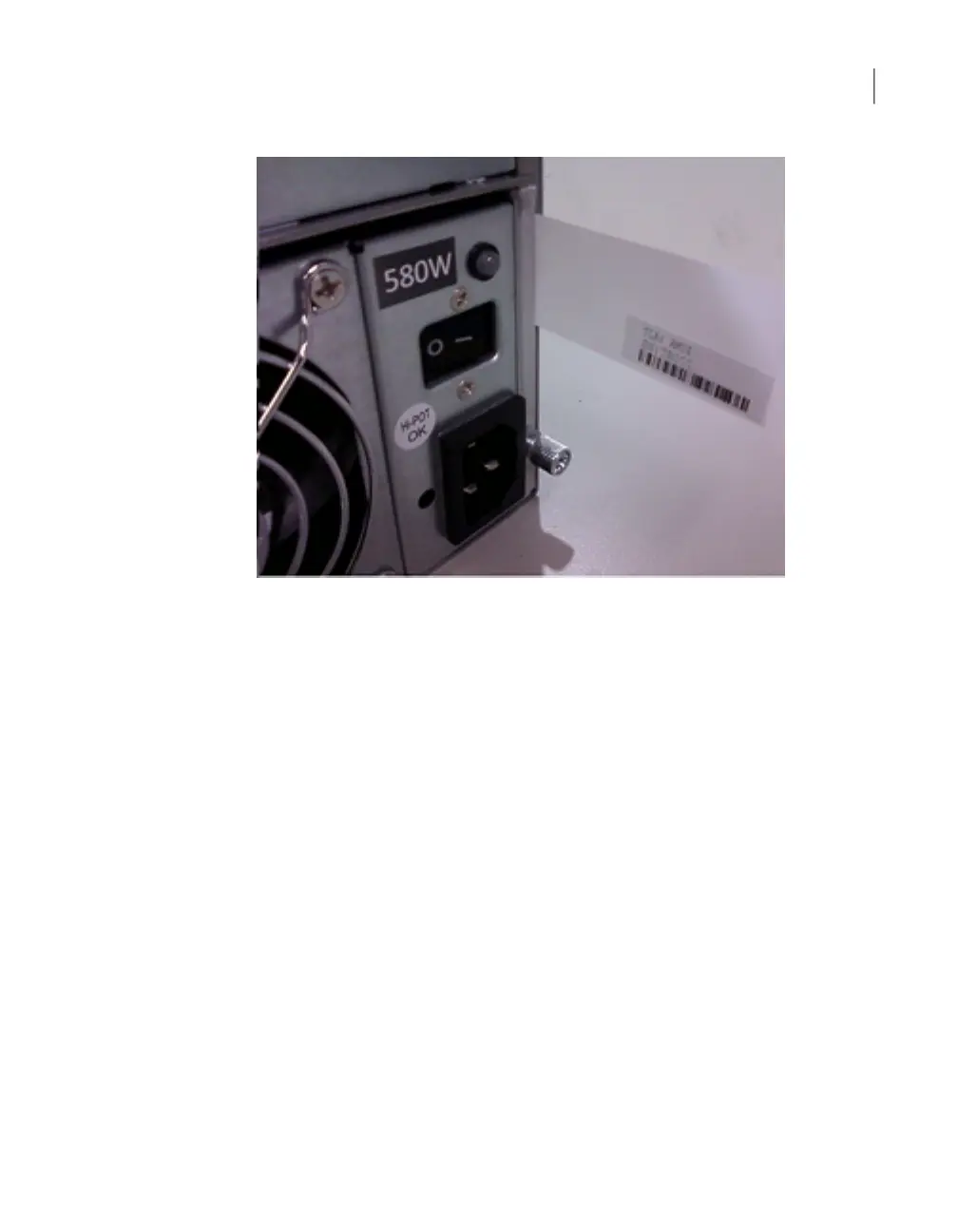
Earlier models may have two numbers. The HOST number applies to an appliance,
which you can disregard. In these models the STORAGE number is the serial
number for the storage shelf.
About Fibre Channel HBA card configuration
verification
After you install and configure a Fibre Channel HBA card on the appliance as Fibre
Transport media server to use with SAN clients, you may want to verify that at it is
configured properly. To do that, use the Main_Menu > Manage > FibreChannel
> Show command from the command line interface. When you run the Main_Menu
> Manage > FibreChannel > Show command and the HBA card was configured
properly, you see an output that is similar to the following:
Testsys.FC> Show
FC HBA card(s) are configured correctly.
**** FC HBA Cards ****
02:00.0 Fibre Channel: QLogic Corp. ISP2432-based 4Gb Fibre Channel
to PCI Express HBA (rev 03)
02:00.1 Fibre Channel: QLogic Corp. ISP2432-based 4Gb Fibre Channel
to PCI Express HBA (rev 03)
22Best practices
About Fibre Channel HBA card configuration verification



 To Next Page