4
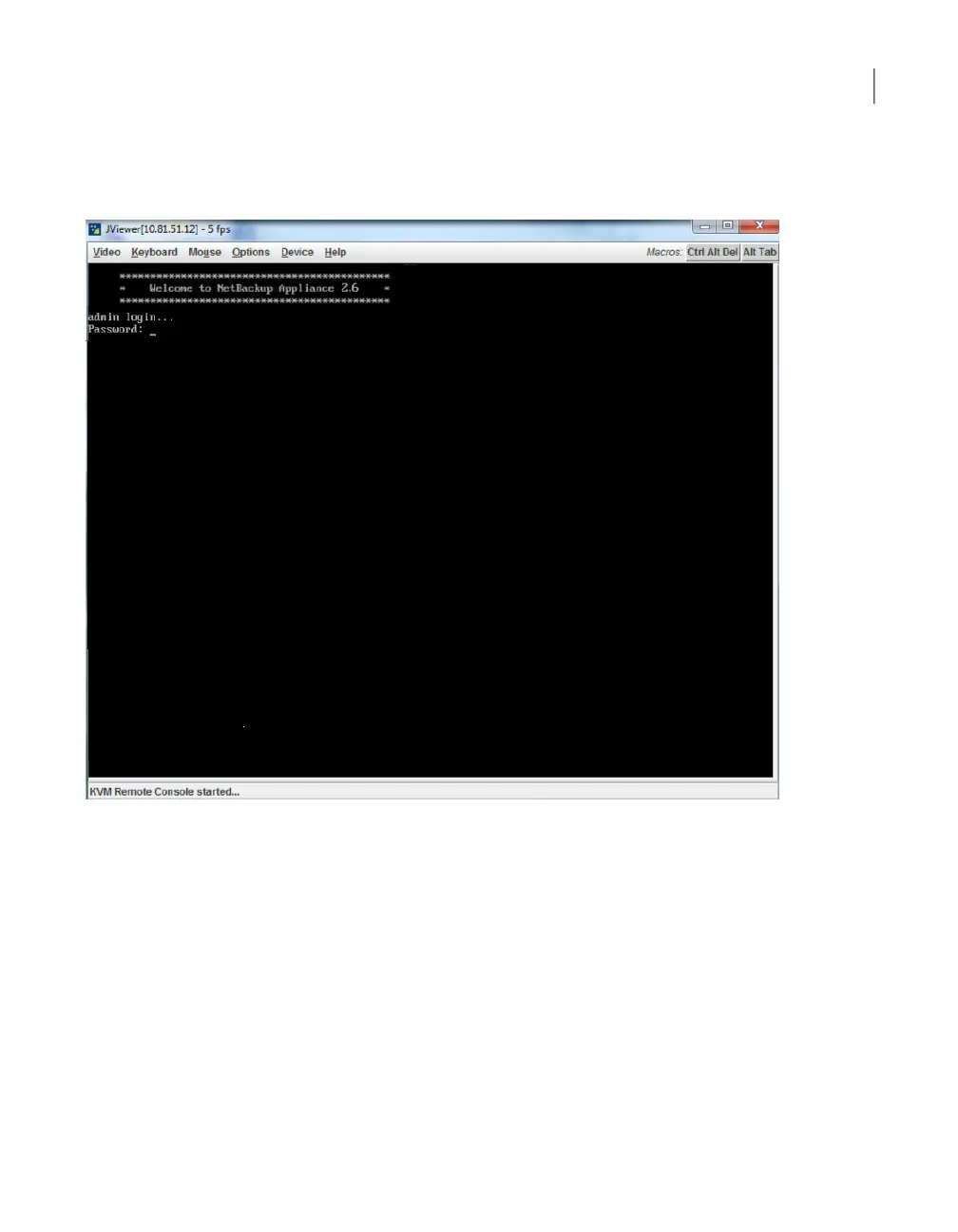
Click Launch Console. This step opens a JViewer application that enables
you to remotely monitor and control the media server appliance.
5
From the Symantec Remote Management interface, select Server Power
Control. On that Web page do the following:
■ Select the Reset Server radial button.
■ Check the Force-enter BIOS Setup check box.
■ Click Perform Action.
130Disaster Recovery
Disaster recovery scenarios



 To Next Page