To resolve a boot order change problem
1
Connect a monitor to the VGA port on the appliance.
2
Connect a keyboard to one of the USB ports on the appliance.
3
Make sure that the Symantec Storage Shelf is connected to the appliance and
is turned on.
4
Restart the appliance by turning off the power, then turn it on again.
5
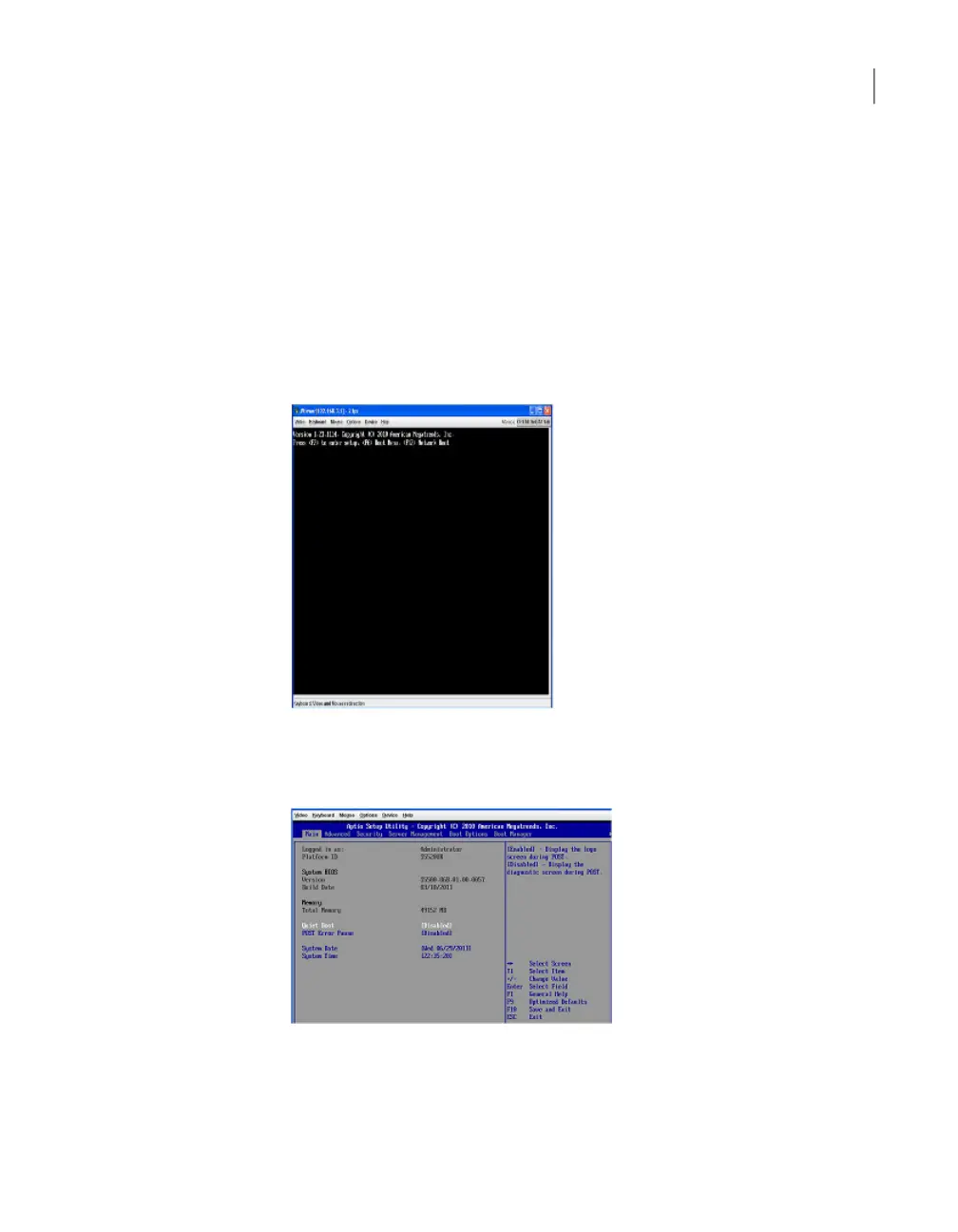
When the following Version screen appears, immediately press F2 to enter
setup.
6
On the setup screen, press the right arrow key until the Boot Options tab is
highlighted, then press Enter.
63Troubleshooting the NetBackup Appliance setup and configuration issues
Resolving a boot order change problem



 To Next Page