4
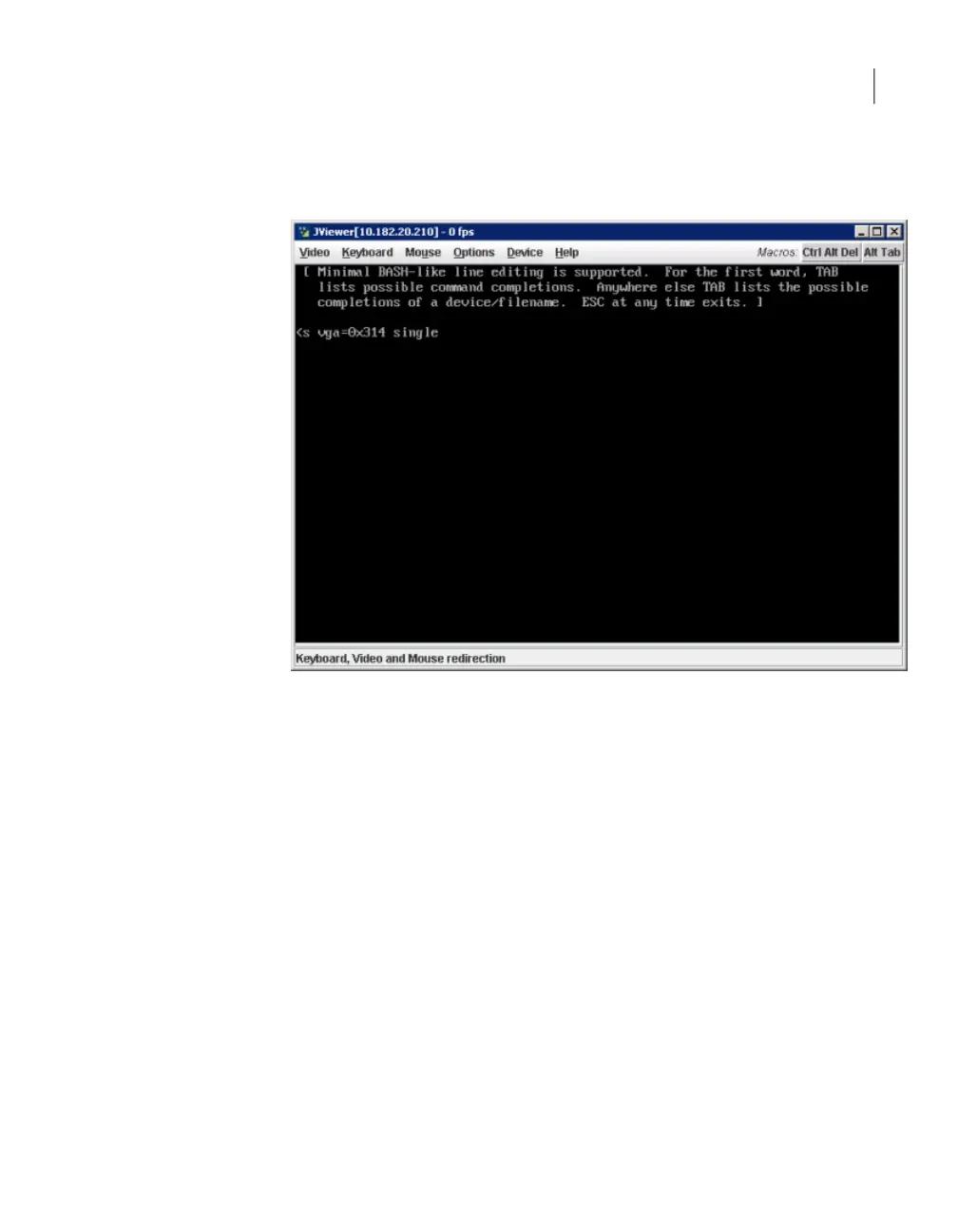
Add the word single to the end of the command that appears on the next
screen. Press Enter and then b to boot the system in single-user mode.
5
Once the prompt is available, run fsck on the affected file system with thefsck
-pv FileSystemcommand, where FileSystem is the file system that
encountered the error.
For example, fsck -pv /dev/system/log
89Troubleshooting generic issues
Resolving an fsck test failure



 To Next Page