Standalone Mode
DIGIgarde PLUS User Guide
Last Change Copyright
©
2012 TDSi
13 May, 2016 Page 41
Access
Access Access
Access c
cc
combinations
ombinationsombinations
ombinations
In some circumstances, you may want to restrict access to combinations of users.
For example, you may want a manager present when an employee accesses an
area. In such cases, you can set up an access combination with both the employee
and manager user groups. The door can then only be opened if a member of the
managers’ group and a member of the employees’ group pass verification.
If the open door combination contains only one group, it indicates that the door is
opened when any of the users in this group pass verification. If the open door
combination contains two or more groups, the door is opened only after a member
of each group has passed verification.
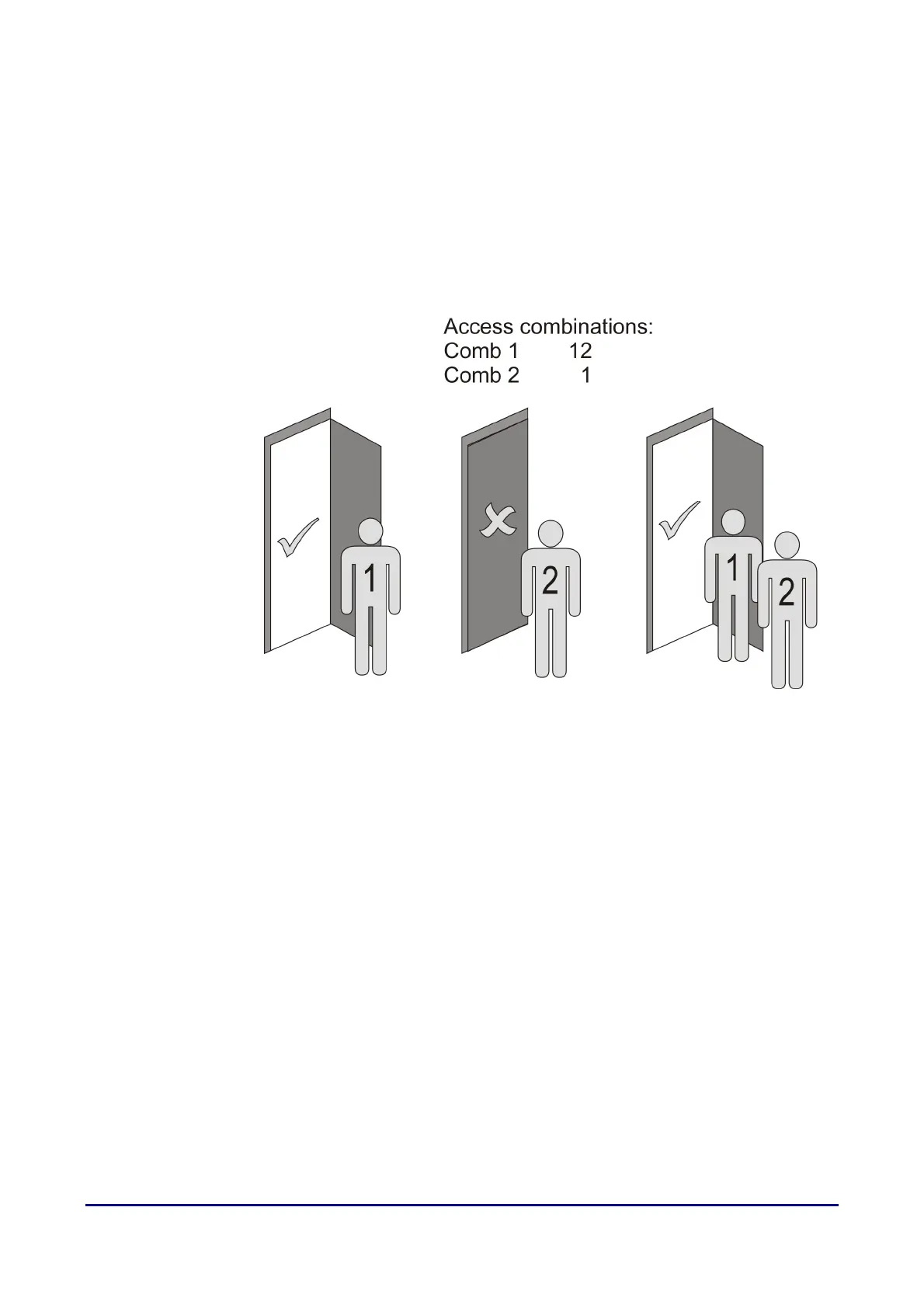
Figure 13 Example of Access combination use
With combinations of 1 & 12, members of user group 1 can gain
access but users of group 2 must be verified in combination with
a member of group 1.
Duress
DuressDuress
Duress
You can assign fingerprints, passwords and/or User IDs to set off covert alarms in
the event of a user being forced to verify access against their will. For example, a
user might achieve normal verification using their index finger but indicate that they
are under duress by using their thumb.



 To Next Page