6. TERMINAL FILE PROGRAMMING
EO3-11106
6.22 Key Sticker Printing
6-109
6.22 Key Sticker Printing
Key stickers of department names which were programmed in the DEPARTMENT NAME PROGRAMMING can
be printed on the receipt printer.
Any time outside a sale
Mode Lock: SET
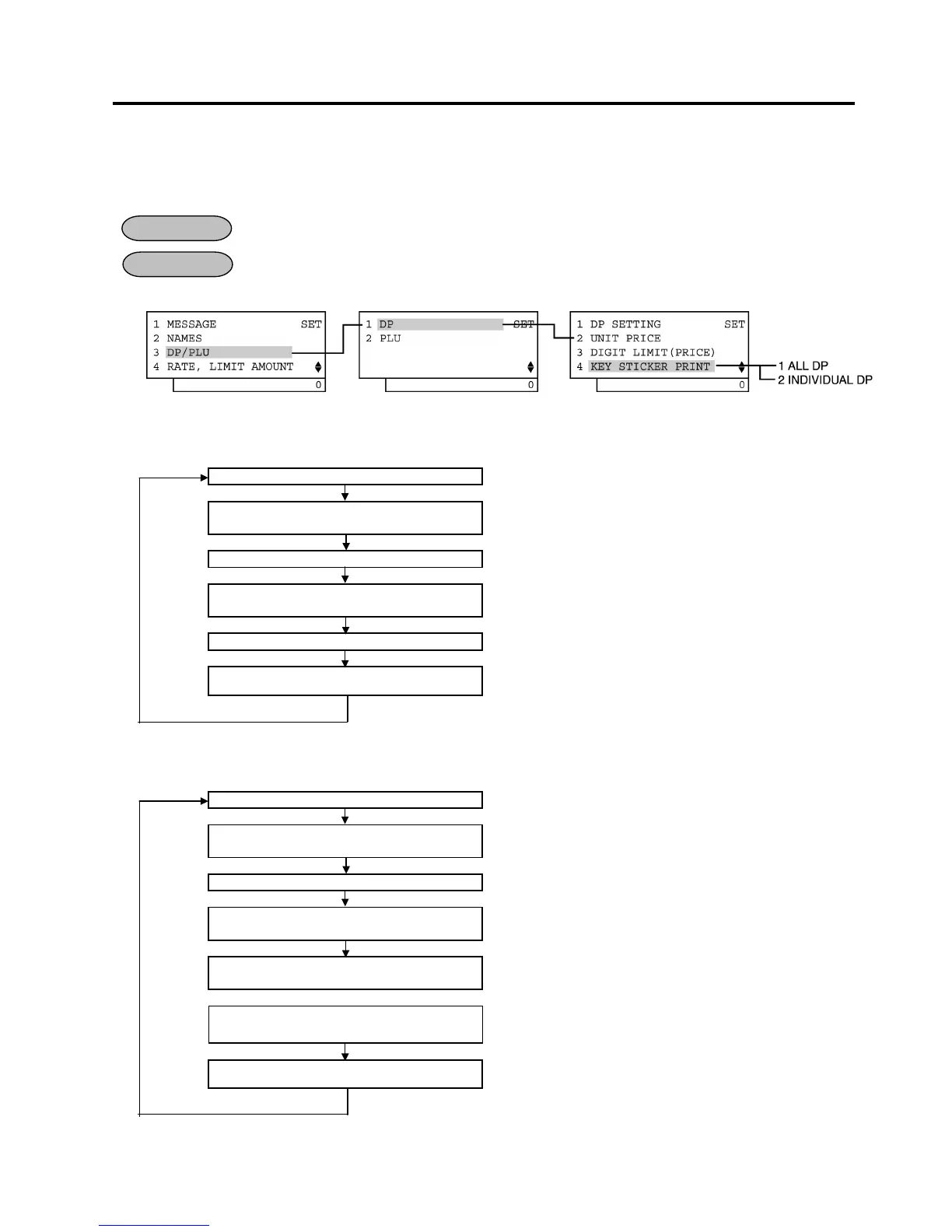
1) Menu Tree
2) Operation Flowchart
• For printing all department names
Main Menu
ECR is being outside a sale and in SET mode.
Depress [↓] twice then [Enter].
or Depress [3].
“3 DP/PLU” for Department/PLU table programming is selected.
Depress [1] or [Enter] key.
“1 DP” is selected.
Depress [↓] three times then [Enter].
or Depress [4].
“4 KEY STICKER PRINT” is selected.
Depress [1] or [Enter] key.
The names of departments 1 to 15 are printed.
[End]
This setting is ended. A long receipt is issued and the display
returns to Main Menu screen.
• For printing part of department names
Main Menu
ECR is being outside a sale and in SET mode.
Depress [↓] twice then [Enter].
or Depress [3].
“3 DP/PLU” for Department/PLU table programming is selected.
Depress [1] or [Enter] key.
“1 DP” is selected.
Depress [↓] three times then [Enter].
or Depress [4].
“4 KEY STICKER PRINT” is selected.
Depress [↓] then [Enter].
or Depress [2].
“2 INDIVIDUAL DP” is selected.
Select desired departments with [↑] or
[↓] key, then depress [Enter] key.
The names of departments selected are printed.
[End]
This operation is ended. A long receipt is issued and the display
returns to Main Menu screen.
OPERATION
CONDITION


 To Next Page
 Loading...







