6. TERMINAL FILE PROGRAMMING
EO3-11106
6.41 Number of Receipt Print Buffer Line Setting
6-166
6.41 Number of Receipt Print Buffer Line Setting
The number of receipt print buffer line is set here. When it reaches the set value, only a receipt print operation
starts. This setting is effective only in REG, MGR, and - modes or programming operation.
Any time outside a sale
Mode Lock: SET
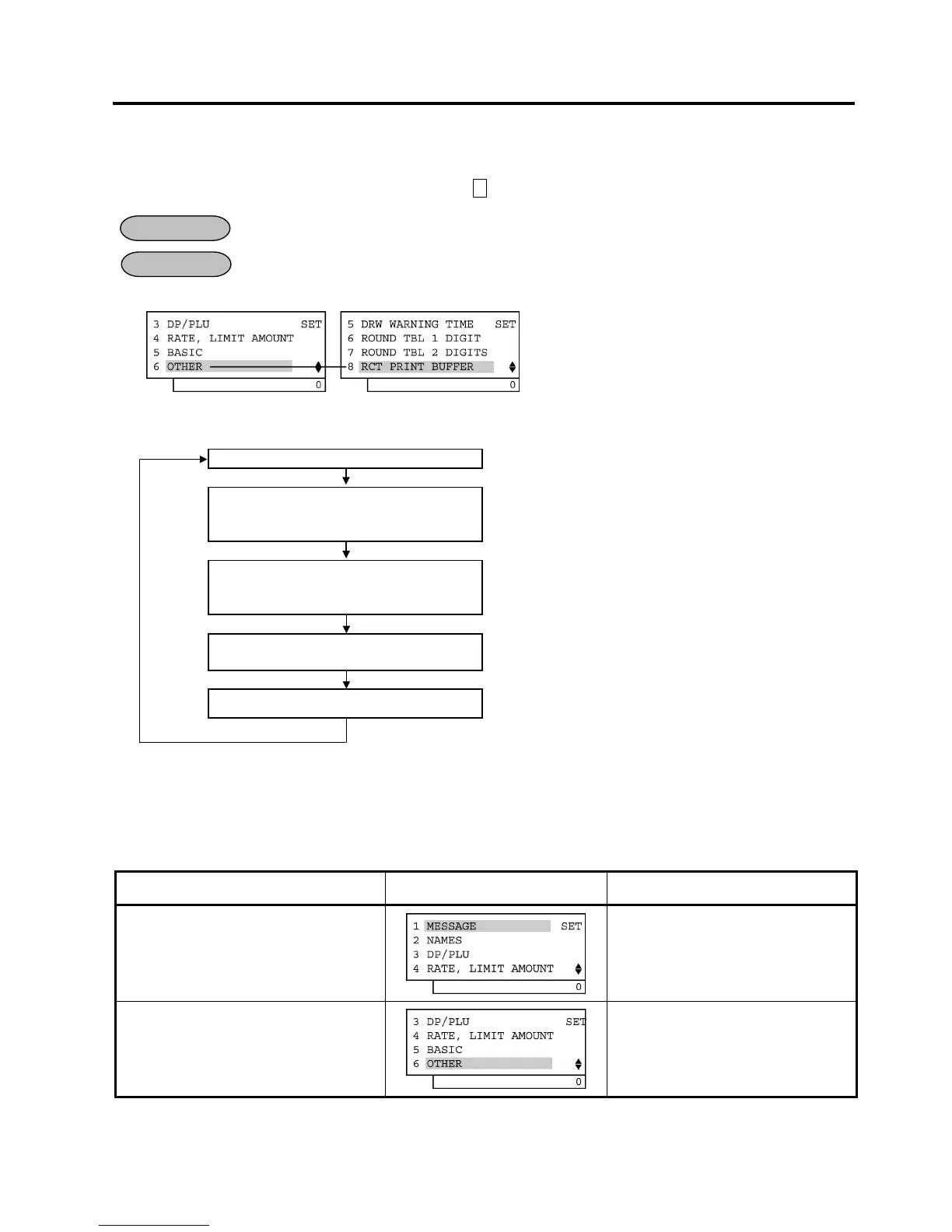
1) Menu Tree
2) Operation Flowchart
Main Menu
ECR is being outside a sale and in SET mode.
Depress [↓] five times then [Enter].
or
Depress [6].
“6 OTHER” is selected.
Depress [↓] seven times then [Enter].
or
Depress [8].
“8 RCT PRINT BUFFER” is selected.
Input the Number of receipt print buffer line
to be set.
Max. 2 digits: 1 to 50
[End]
This setting is ended. A long receipt is issued and the display
returns to Main Menu screen.
NOTE: The Number of receipt print buffer line is set to 50 as default setting after performing a RAM Clear.
3) Example
To set the Number of receipt print buffer line is 30 lines.
Operation LCD Display Remarks
When the ECR is being outside a sale
and in SET mode, depress the [↓] key
five times.
The cursor is moved on to “6 OTHER”.
Depress the [6] or [Enter] key.
“6 OTHER” is selected.
(continued on the next page)
OPERATION
CONDITION


 To Next Page
 Loading...







