6. TERMINAL FILE PROGRAMMING
EO3-11106
6.5 System Option Programming
6-27
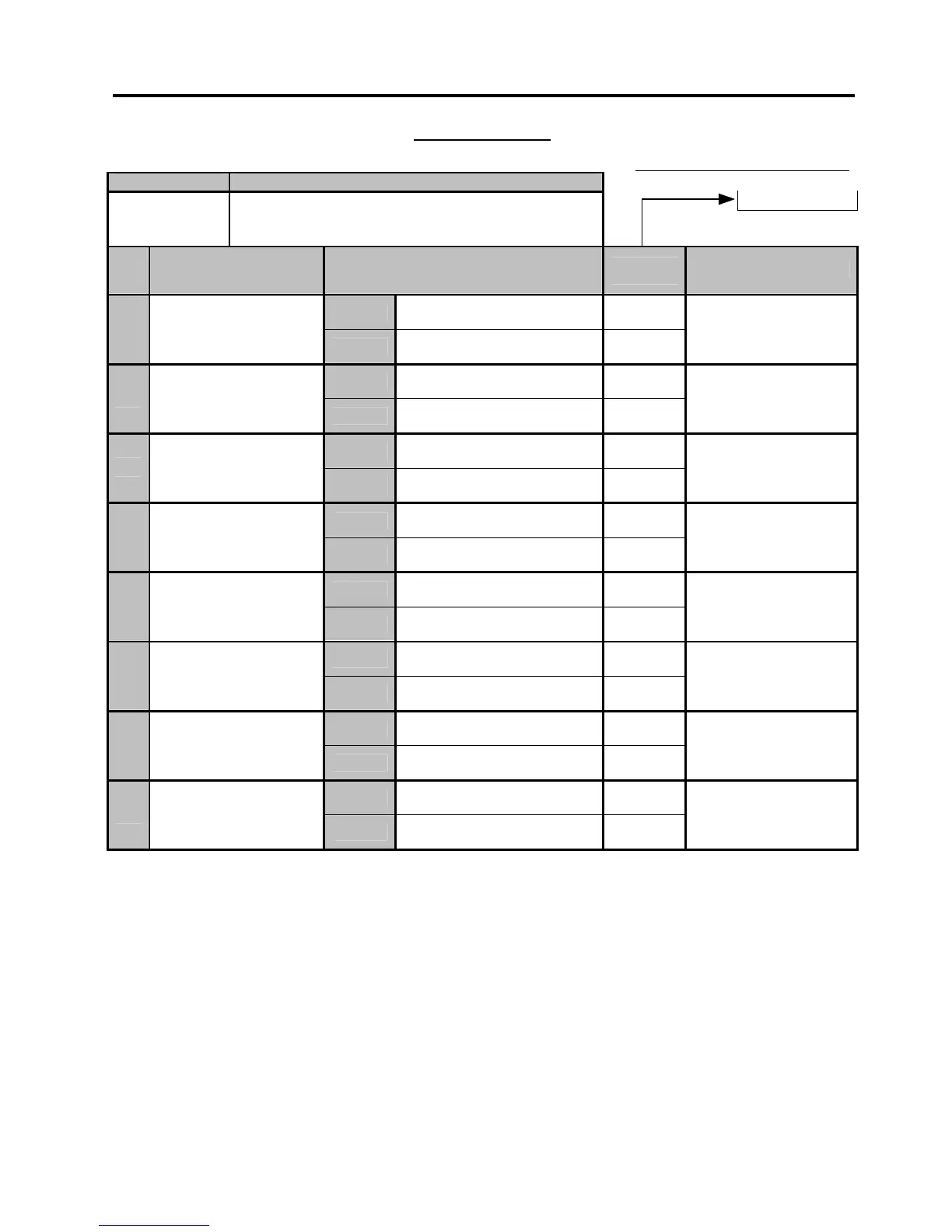
System Option Table
Standard Bit Set (auto-set by RAM Clear)
ADDRESS NO. CONTENTS
0
7 OPTIONAL FUNCTION III
BIT
NO.
ITEM SELECTIVE STATUS
STANDARD
STATUS
REMARKS
RESET
*
1
-- vacant --
SET
RESET
*
2
-- vacant --
SET
RESET
*
3
-- vacant --
SET
RESET
*
4
-- vacant --
SET
RESET
*
5
-- vacant --
SET
RESET
PRINT and ISSUE
*
6
Cashier Sign ON/OFF
Receipts
SET
NOT ISSUE
NOTE below
RESET
NOT OPEN
*
7
Drawer Open by
Cashier Sign ON/OFF
SET
OPEN
RESET
*
8
-- vacant --
SET
NOTE: If SET, the cashier sign-ON/OFF receipt will not be issued. However, the printing operation is performed on the journal
regardless of the setting. When the automatic cashier sign-OFF function is active (i.e. the SET status is selected in Address No.
32, Bit No. 3), the cashier sign-OFF print is performed neither on the receipt nor on the journal regardless of the status of Address
No. 7, Bit No. 6.
-- Address Nos. 8 to 10 are vacant. --


 To Next Page
 Loading...







