6. TERMINAL FILE PROGRAMMING
EO3-11106
6.2 Character Entries
6- 12
6.2.3 How to use the [History] key
The [History] key is used for performing character entries with the name previously entered.
Operation:
[History] ([↓]) [Enter]
1) The [History] key depression will let the most recently programmed name displayed on the LCD display.
2) The [↓] key depression will let the second most recently programmed name displayed. (Up to 10
programmed names will be displayed in reverse chronological order.)
3) The [Enter] key depression will allow the name on the LCD display to be entered.
Example of operation:
When “A LUNCH” for PLU1 and “B LUNCH” for PLU2 are programmed in the PLU name programming.
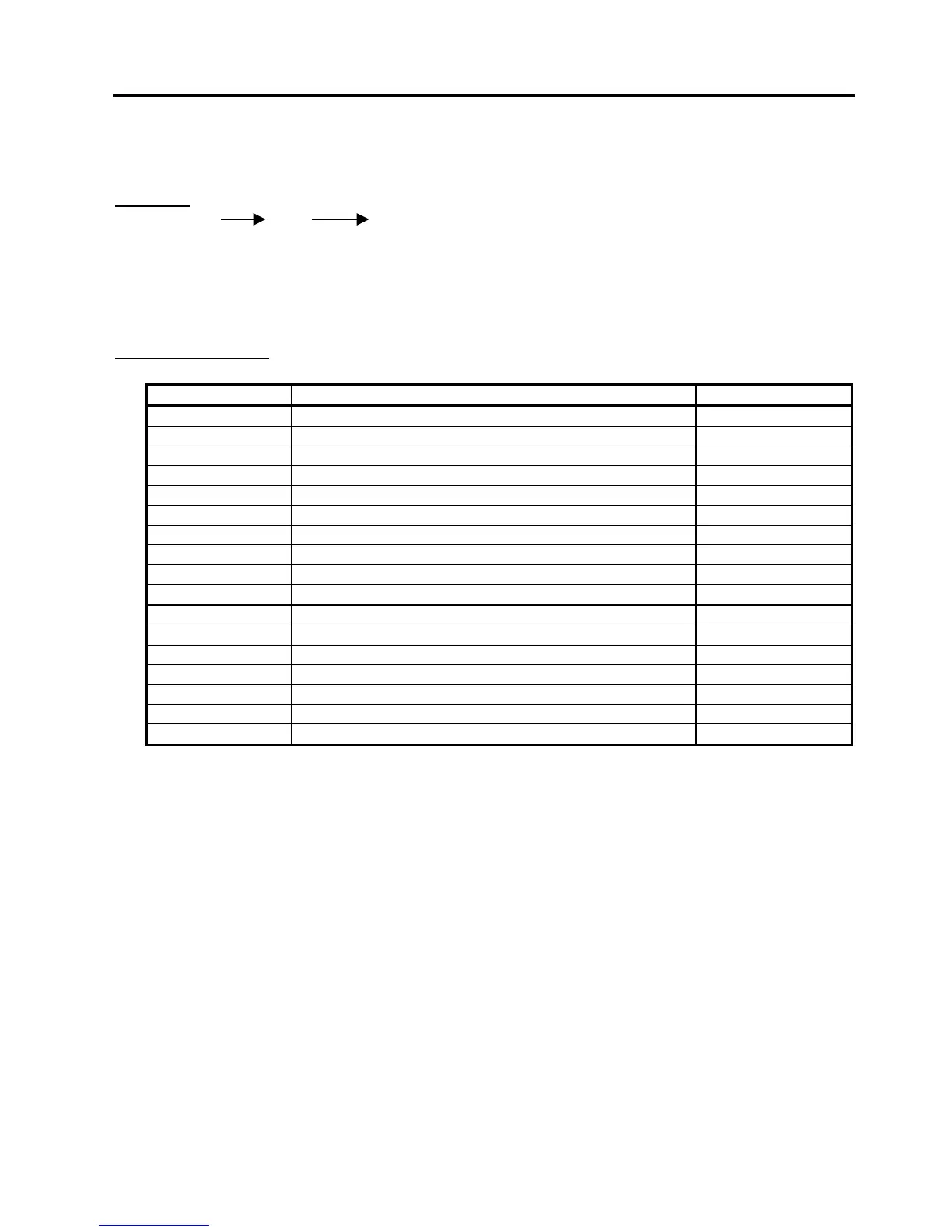
Key operation Description LCD display
1 [PLU] PLU No.1 setting is declared. PLU0001
[C] The default setting displayed on the LCD display is deleted.
401 [#] The character A is entered. A
[#] A space is entered. A
412 [#] The character L is entered. A L
505 [#] The character U is entered. A LU
414 [#] The character N is entered. A LUN
403 [#] The character C is entered. A LUNC
408 [#] The character H is entered. A LUNCH
[ST] The name of PLU No.1 is entered.
2 [PLU] PLU No.2 setting is declared. PLU0002
[C] The default setting displayed on the LCD display is deleted.
[History] The name of PLU No. 1 just entered is called. A LUNCH
[Enter] The name of PLU No. 1 is entered. A LUNCH
[Del] The character A of “A LUNCH” is deleted. LUNCH
402 [#] The character B is entered instead of the deleted A. B LUNCH
[ST] The name of PLU No.2 is entered.


 To Next Page
 Loading...







