9. SW UPDATE
1. Starting situation:
• PC (laptop) switched on;
• USB-MINI USB Cable.
2. Procedure:
• Connect the MINI USB cable to the console (OTG Port) and the USB socket to your PC;
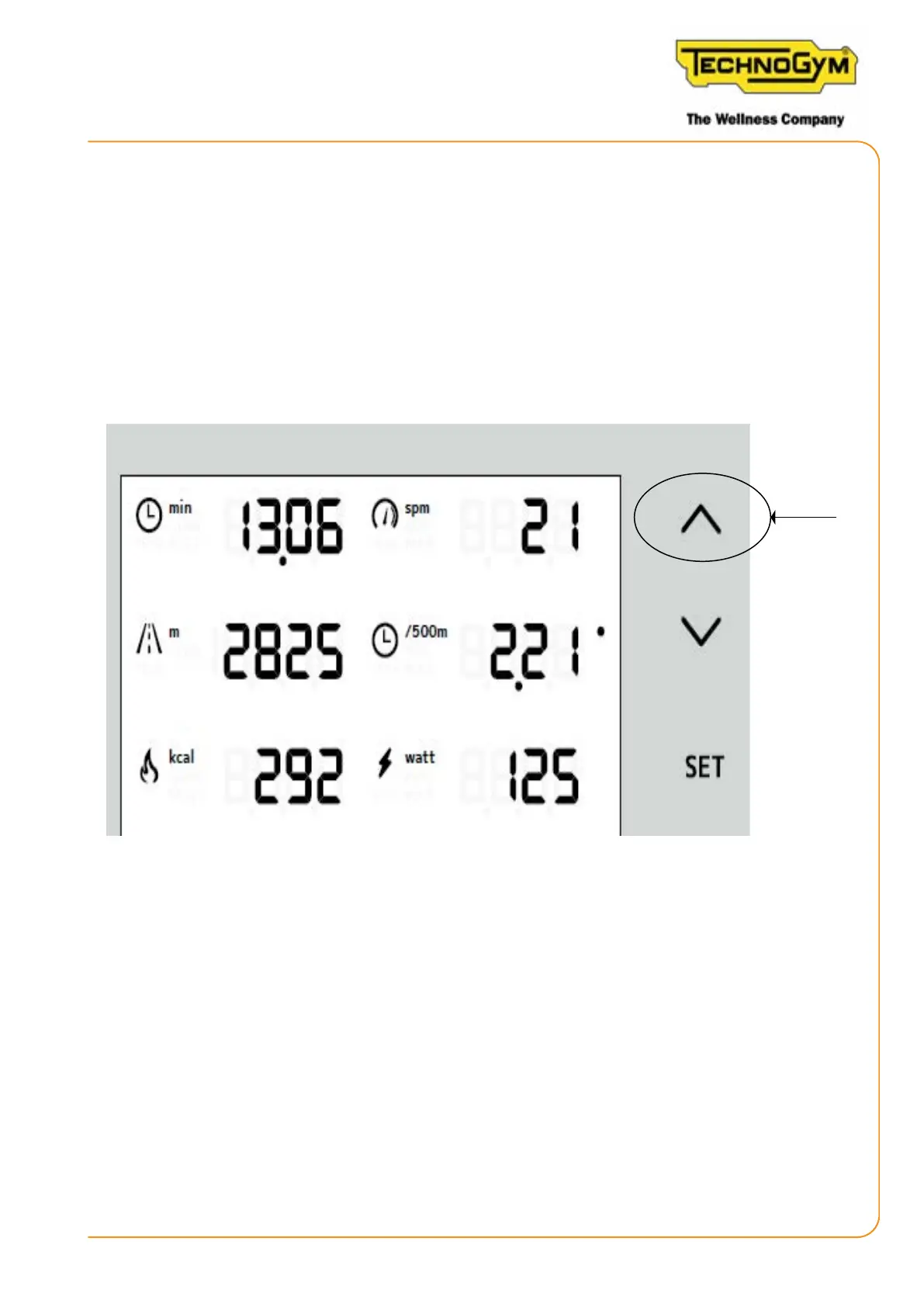
• While the SKILLROW display is turning on, press and hold the “UP ARROW” key;
Figure 70
• An AUTOPLAY pop-up will appear on the PC for a USB thumb drive called “FSL Loader”; open
folder to view les;
SKILLROW:
Technical Service Guide - Rev. 1.1
Page 95e-mail: support@technogym.com












 To Next Page