7.5.6 Zone Names
It is the setting used to display the zone names as desired on the keypad display. This feature is only
available with LCD Keypad.
• LCD Keypad;
[Zone Settings √ OK]→[Zone Names √ OK]→[1- Zone Name]→[√ OK]
[Zone Settings √ OK]→[Zone Names √ OK]→[2- Zone Name]→[√ OK]
[Zone Settings √ OK]→[Zone Names √ OK]→[3- Zone Name]→[√ OK]
[Zone Settings √ OK]→[Zone Names √ OK]→[4- Zone Name]→[√ OK]
[Zone Settings √ OK]→[Zone Names √ OK]→[5- Zone Name]→[√ OK]
[Zone Settings √ OK]→[Zone Names √ OK]→[6- Zone Name]→[√ OK]
[Zone Settings √ OK]→[Zone Names √ OK]→[7- Zone Name]→[√ OK]
[Zone Settings √ OK]→[Zone Names √ OK]→[8- Zone Name]→[√ OK]
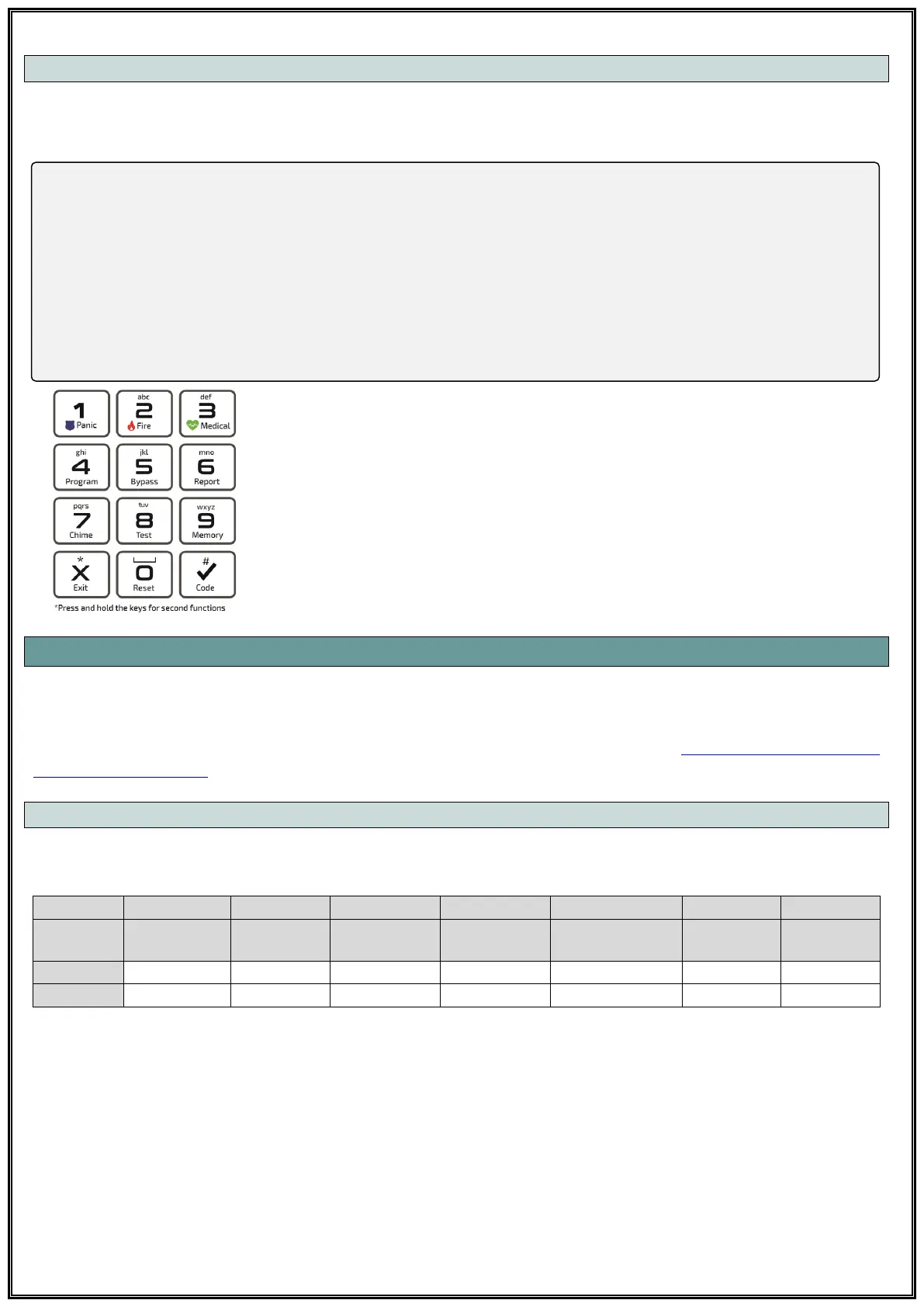
Numeric alphabet on keypad can be used to enter zone names. The numerical
alphabet on the keypad is as shown on the left (Figure 19). Left-right arrow
keys can be used to move between letters and up-down arrow keys can be
used to switch between zones. Press 0 twice to insert a space between words
or delete a letter.
7.6 KEYPAD SETTINGS
This is the section where all the Keypad settings are made. Pars series Alarm control panels suppors
4 keypad connection at the same time. All settings should be made for all 4 keypads separately. All
keypads should be giving addressed first. For addressing the keypads; see 7.10 Learn and Change
the Keypad Address.
7.6.1 Keypad Option
You can select whether the keypad is authorized to control the following features.
PS: If keypad tamper activated, system gives Tamper Alarm when the communication is lost
between Keypad and Control Panel.



 To Next Page