13.1 STATUS LED INDICATORS
Status LEDs provide information about the current status of the system. The explanations of the
status LED indicators are as follows;
Power: Indicates whether the Alarm Panel has power. If it is steady, it means there is main power, if
it is not, it means no main power.
Program: Indicator for entering alarm panel programming menu.
Bypass: Indicates that the system has a temporarily canceled zone(s).
Memory: Informs the system that an error or alarm condition has occurred and that the memory
needs to be checked.
Ready: Indicates that all zones are closed and the alarm system is ready to be installed.
Armed: Indicates that the system is armed.
Trouble: Indicates that the system has an error condition. What is the error can be seen in the
corresponding menu.
Fire: Indicates system has fire alarm warning.
13.2 FUNCTION KEYS
Away Arming: This key is used to arm the whole system with a shortcut without
entering a user code. Press and hold this key for 1sec to arm quickly.
Home Arming: This key is used to arm inside in the house to cancel predefined
detectors. Press and hold this key for 1sec to home arming.
Function: Used to run secondary tasks on numeric keys. For example, to enter the
Installer Program, you must press the number 4 after the FX key.
Bypass: Used to temporarily cancel any zone(s).
13.3 PARTITIONS AND ARROW KEYS
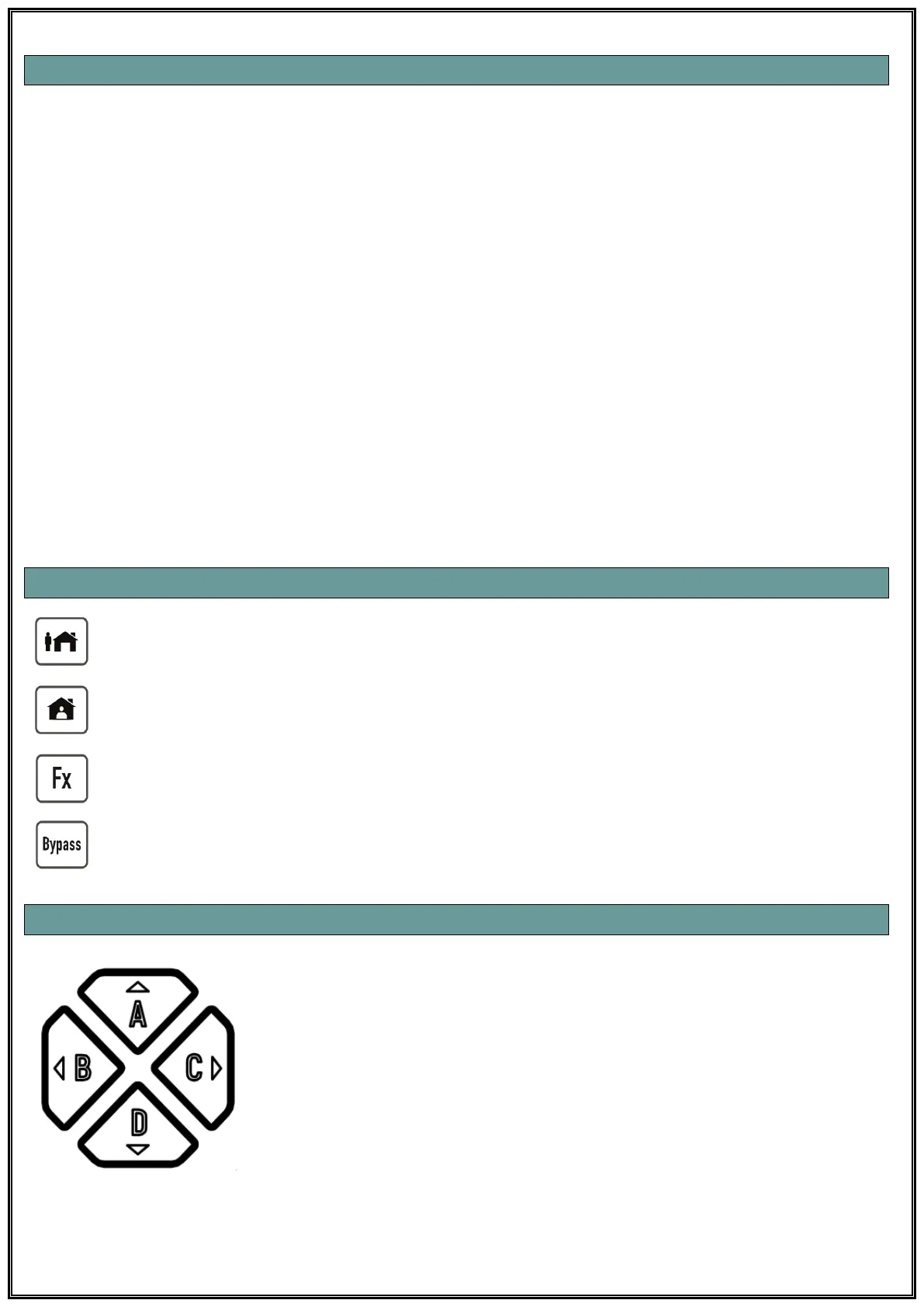
Use as Partition Keys: Alarm system can be divided into 4 different
partitions and each part can be arm and disarm separately. When this
type of partitioning is done, you can arm each partition with “Partition
Shortcut” buttons. You can press and hold the shortcut key of the
partition you want to arm (A, B, C, D) until you hear a beep, or you can
select multiple partition keys and end the process by entering user code
for arming or disarming.
Use as Direction Keys: You can use these keys in the form of directional
keys when the alarm panel is in programming mode or when navigating
through any menu.



 To Next Page