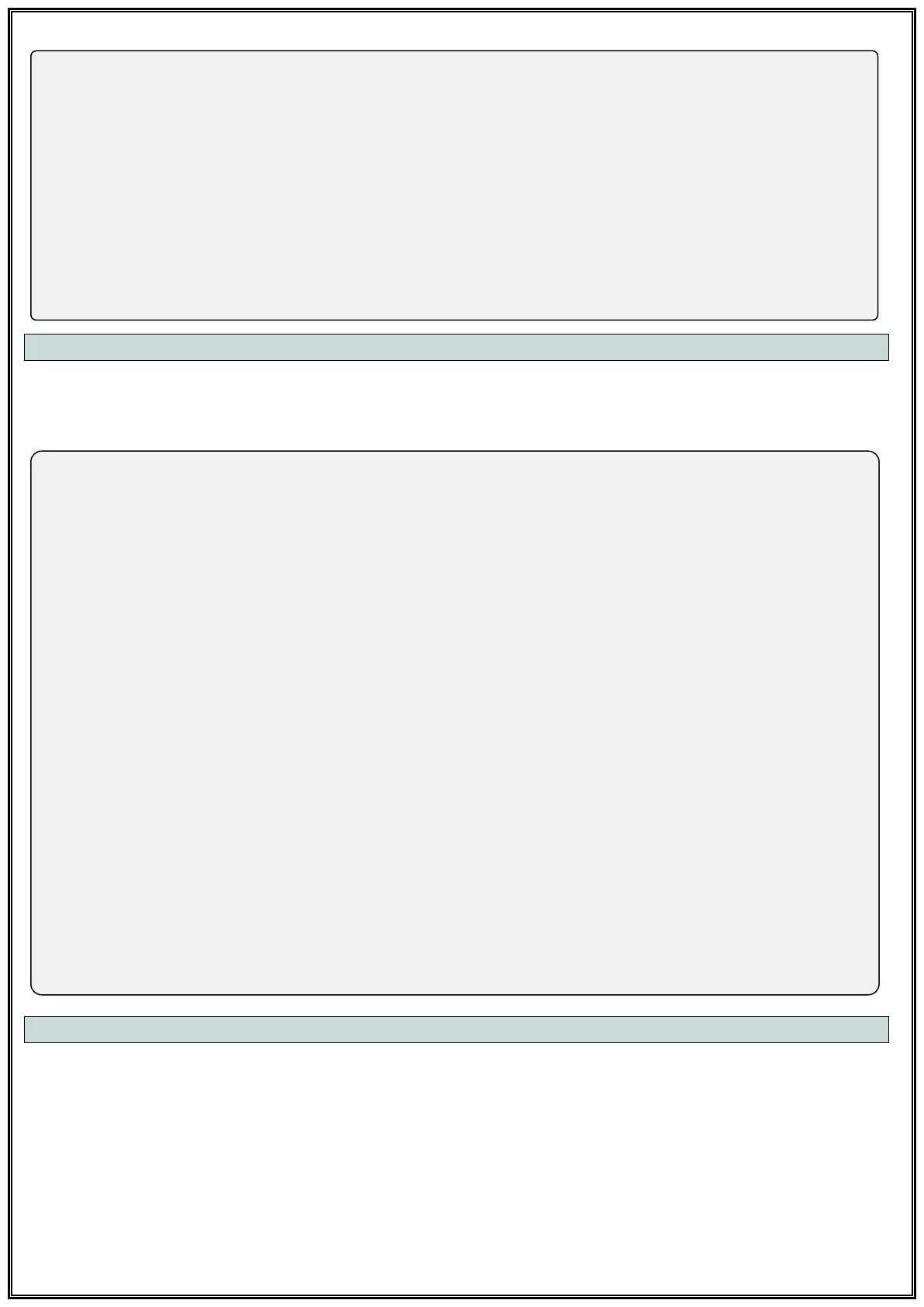
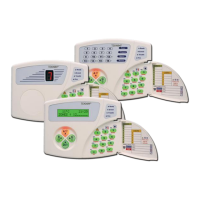
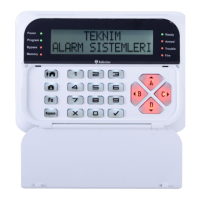
• LCD Keypad;
[User Settings √ OK]→[Days √ OK]→[1- Authorized Days 1-2-3-4-5-6-7]→[√ OK]
[User Settings √ OK]→[Days √ OK]→[2- Authorized Days 1-2-3-4-5-6-7]→[√ OK]
[User Settings √ OK]→[Days √ OK]→[3- Authorized Days 1-2-3-4-5-6-7]→[√ OK]
[User Settings √ OK]→[Days √ OK]→[4- Authorized Days 1-2-3-4-5-6-7]→[√ OK]
[User Settings √ OK]→[Days √ OK]→[5- Authorized Days 1-2-3-4-5-6-7]→[√ OK]
[User Settings √ OK]→[Days √ OK]→[6- Authorized Days 1-2-3-4-5-6-7]→[√ OK]
[User Settings √ OK]→[Days √ OK]→[7- Authorized Days 1-2-3-4-5-6-7]→[√ OK]
[User Settings √ OK]→[Days √ OK]→[8- Authorized Days 1-2-3-4-5-6-7]→[√ OK]
[User Settings √ OK]→[Days √ OK]→[9- Authorized Days 1-2-3-4-5-6-7]→[√ OK]
[User Settings √ OK]→[Days √ OK]→[10- Authorized Days 1-2-3-4-5-6-7]→[√ OK]
7.7.4 User Partitions
You can set which user codes will be authorized in which partition(s).
1. Option: Partition A, 2. Option: Partition B, 3. Option: Partition C, 4. Option: Partition D
• LED Keypad;
1. User - [43] [01] → [1-2-3-4] → [√ OK]
2. User - [43] [02] → [1-2-3-4] → [√ OK]
3. User - [43] [03] → [1-2-3-4] → [√ OK]
4. User - [43] [04] → [1-2-3-4] → [√ OK]
5. User - [43] [05] → [1-2-3-4] → [√ OK]
6. User - [43] [06] → [1-2-3-4] → [√ OK]
7. User - [43] [07] → [1-2-3-4] → [√ OK]
8. User - [43] [08] → [1-2-3-4] → [√ OK]
9. User - [43] [09] → [1-2-3-4] → [√ OK]
10. User - [43] [10] → [1-2-3-4] → [√ OK]
• LCD Keypad;
[User Settings √ OK]→[Partitions √ OK]→[1- Authorized Partitions A-B-C-D]→[√ OK]
[User Settings √ OK]→[Partitions √ OK]→[2- Authorized Partitions A-B-C-D]→[√ OK]
[User Settings √ OK]→[Partitions √ OK]→[3- Authorized Partitions A-B-C-D]→[√ OK]
[User Settings √ OK]→[Partitions √ OK]→[4- Authorized Partitions A-B-C-D]→[√ OK]
[User Settings √ OK]→[Partitions √ OK]→[5- Authorized Partitions A-B-C-D]→[√ OK]
[User Settings √ OK]→[Partitions √ OK]→[6- Authorized Partitions A-B-C-D]→[√ OK]
[User Settings √ OK]→[Partitions √ OK]→[7- Authorized Partitions A-B-C-D]→[√ OK]
[User Settings √ OK]→[Partitions √ OK]→[8- Authorized Partitions A-B-C-D]→[√ OK]
[User Settings √ OK]→[Partitions √ OK]→[9- Authorized Partitions A-B-C-D]→[√ OK]
[User Settings √ OK]→[Partitions √ OK]→[10- Authorized Partitions A-B-C-D]→[√ OK]
7.7.5 User Keypads
You can set which user codes will be authorized in which Keypads.
1. Option: 1. Keypad, 2. Option: 2. Keypad, 3. Option: 3. Keypad, 4. Option: 4. Keypad


 To Next Page