7.9 MODULES
This is the section where additional Modules settings are made. These settings are only accessible
in the “Master Programming” and can only be entered with the Master User Code.
7.8.3 Remote Module
In addition to the keypad, remote control keyfob can be added to the system to perform the
operations such as arm-disarm and performing PGM control. In order to introduce a remote control
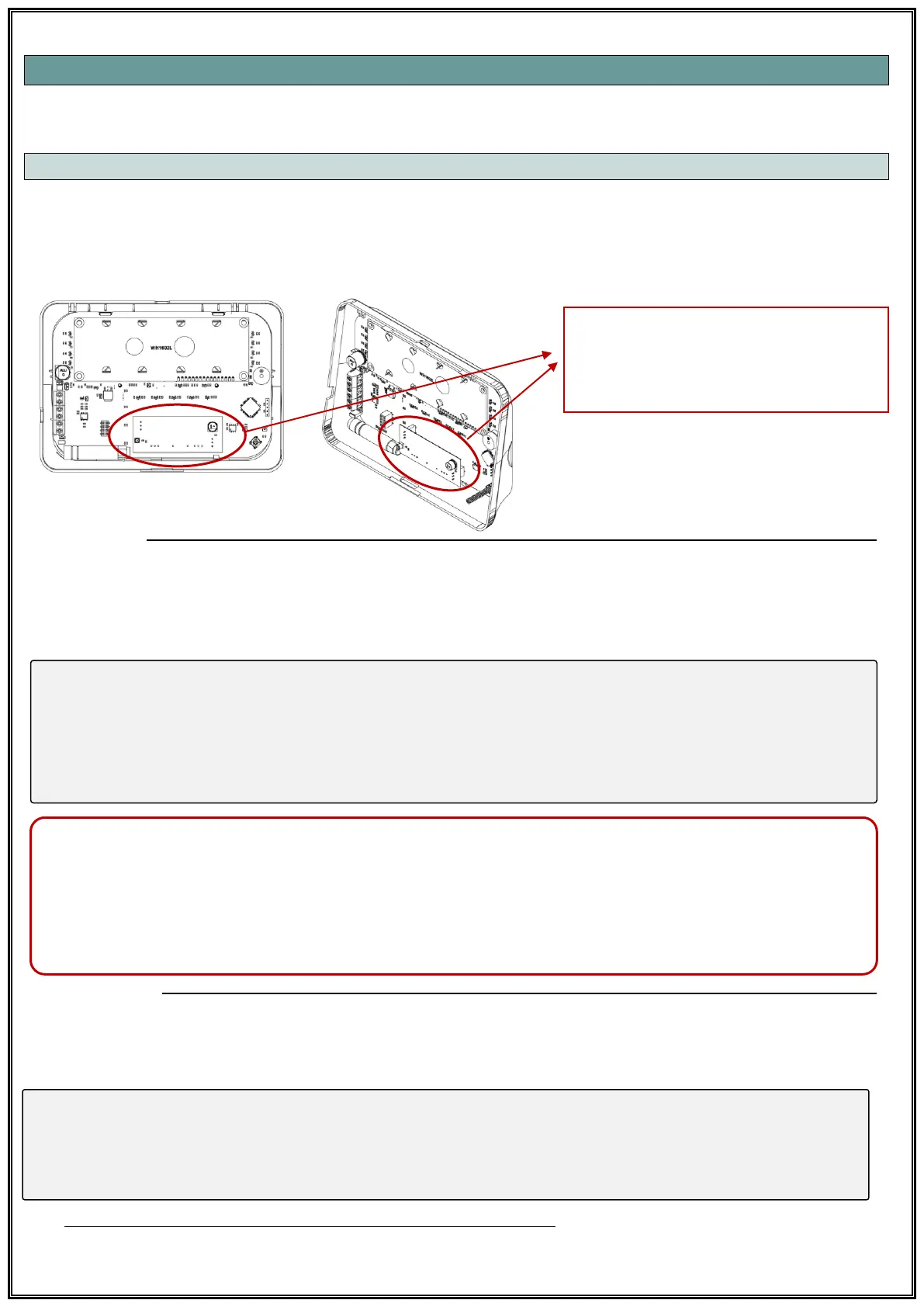
keyfob to the system, a remote control module must be connected to the system (TSC-5716). This
remote control receiver module can be install into the Keypad.
Add Remote
User code is required for adding remote keyfob. İlgili adıma gelindiğinde 4-digit code is entered for
which user is required to define a remote control keyfob and ve 4 buttons on the keyfob are pressed
simultaneously for 2 seconds. When the keypad sounds OK, 4 keys are pressed simultaneously for 2
seconds again.
• LED Keypad;
[60] [01] → [User Code XXXX] → [Press 4 Buttons]→ [Press 4 Buttons Again]→ [√ OK]
• LCD Keypad;
[Modules √ OK]→[Remote Module √ OK]→[Add Remote]→[User Code XXXX]→[Press 4 Buttons]→
[Press 4 Buttons Again]→[√ OK]
Important*: Before assigning a remote control keyfob to a user, that user's password must be
generated. If no password is generated, an error message “ID User Unavailable” is received.
Important**: Only one remote keyfob can be assigned to each user. If an attempt is made to re-
assign a remote keyfonb to a user who has already been assigned a remote keyfob, the system
warns “ID Remote Available”.
Erase Remote
This is the section where the user remote keyfob is deleted. The remote keyfob for each user
appears as “Available” or “Unavailable“. To delete the remote control, select “Unavailable” in the
related section.
LED Keypad;
[61] [01] → [Chose] → [√ OK]
• LCD Keypad;
[Modules √ OK]→[Remote Module √ OK]→[Erase Remote]→[Select Unavailable]→[√ OK]
PS: Selection is may done with right and left arrow keys (B-C).



 To Next Page