LCD Keypad
LCD 1-PANEL SETTINGS → GENERAL SETTINGS → RESET PERMISSION ( This step isn’t needed to
1 (ON) √ be done if default setting
isn’t changed)
LCD 1-PANEL SETTINGS → GENERAL SETTINGS → DEFAULT SET REQ
1 (ON) √
Do following to reset codes by using master code;
Firstly, ensure that reset code permission is enabled installer program(It is selected as a default).
4 (long) 1 2 3 4 (Enter Master Program. Default master code is 1 2 3 4 ).
LED Keypad
10 04 1 (ON) √
LCD Keypad
LCD 1-PANEL AYARLARI → GENEL AYARLAR → RESET TİPİ
1 (ON) √
RESTORING PANEL SETTINGS TO FACTORY DEFAULTS
Installer code must be known. Firstly, ensure that reset code permission is enabled(It is selected as a
default). Make following steps to reset;
Jumper settings must be made properly to restore panel settings to factory defaults.(place jumper as picture
above)
4 (long) 9 9 9 9 (Enter Installer Program. Default installer code is 9 9 9 9 ).
LED Keypad
10 06 2(ON) √ ( This step isn’t needed to be done if default setting isn’t changed)
10 04 2(ON) √
LCD Keypad
LCD 1-PANEL SETTINGS → GENERAL SETTINGS → RESET PERMISSION (This step isn’t needed to
2 (ON) √ be done if default setting
isn’t changed)
LCD 1-PANEL SETTINGS → GENERAL SETTINGS → DEFAULT SET REQ
2 (ON) √
If 1
st
and 2
nd
option is selected together, panel settings and codes returns to factory defaults.
NOTE(1): If siren is connected to the panel, take necessary measures to prevent siren alarming before
resetting panel settings.
(2): Central Monitoring Station account numbers, phone numbers, event codes can’t be reseted.
(3): Don’t forget to remove jumper after loading factory defaults.
7. APPLICATIONS
7.1. SMART PARTITION TECHNOLOGY
VAP404 has two type of partitioning. One of them is A, B, C, D partitioning. Zones are assigned to partitions
from addresses of 21 0X(X = Zone number) in this partitioning. Other is Smart Partition Technology(S.P.T).
Panel assignees zones to partitions(Door, Window, Interior, and Exterior) automatically. Zone types are
configured from 22 0X( X= Zone number).
o Zones are assigned to partitions by using zone types automatically.
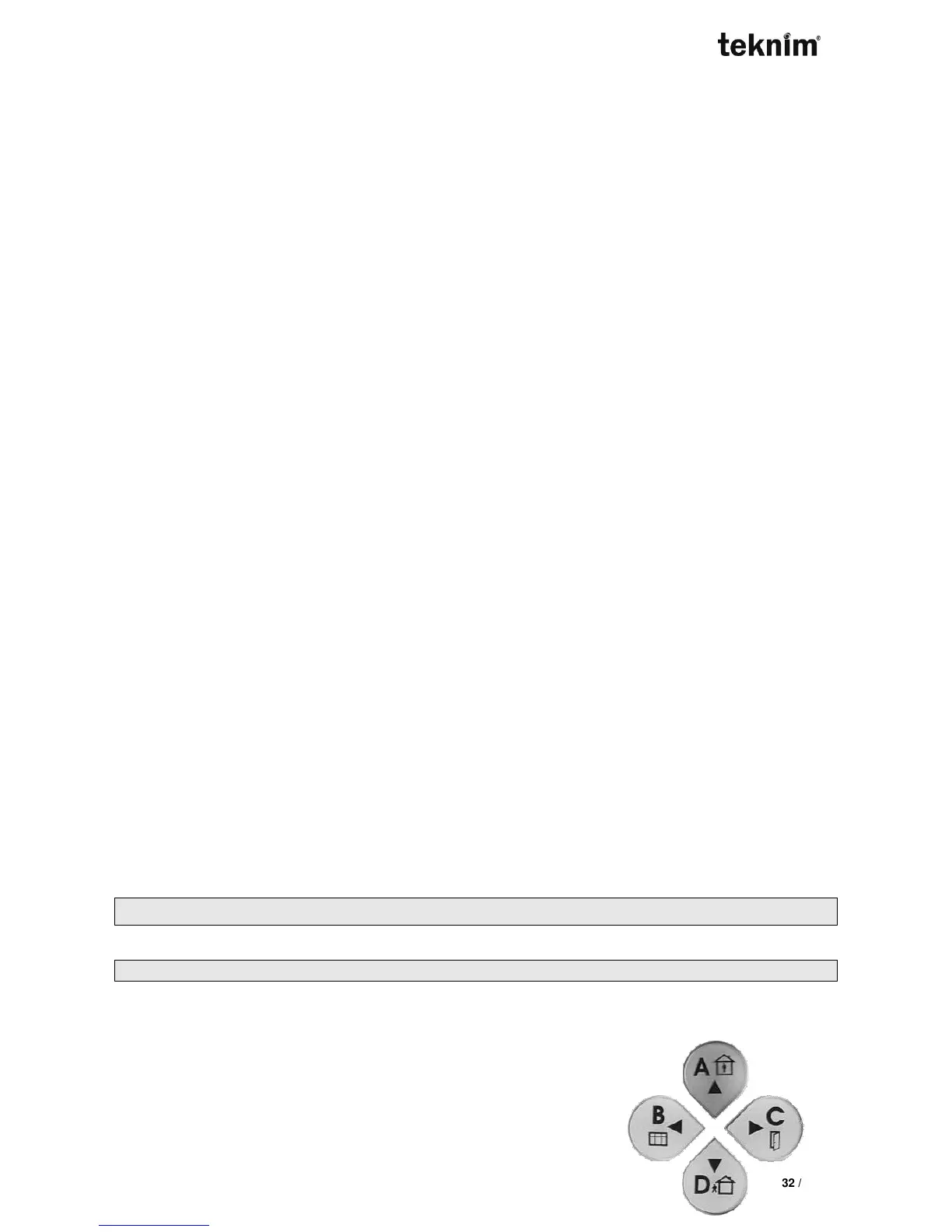
Interior zones are displayed by A button, Window zones are displayed
by B button, Door zones are displayed by C button, and Exterior
zones are displayed by D button.



 To Next Page