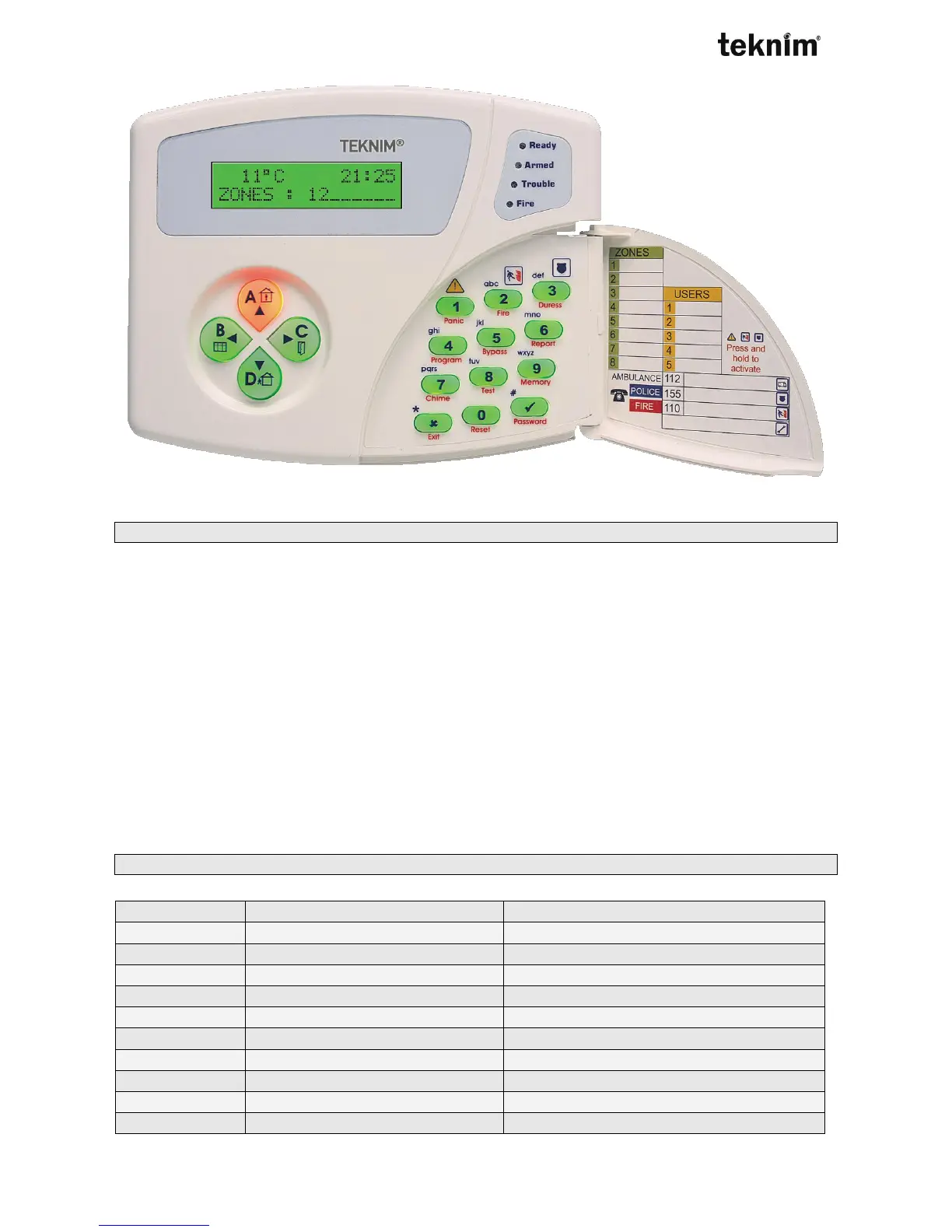
9.2.2. Usage
VPC301 has LCD screen. You manage panel by buttons and LCD screen. When you press buttons shortly,
you hear short beep and main function of button is activated. When you press buttons long, second function
of buttons is activated. If you changes values correctly, two short beep is heard. If value couldn’t be changed
, long beep is heard.
You can explore menus by ▲ and ▼ buttons. To enter any menu, press √ button. To exit menu press, X
button. When entered sub-menu, use ▲ and ▼ buttons to explore sub-menu again, press √ button to
enter address, press X button to exit address. If you change value in that address, enter value and press √
button.
While entering numbers, number you entered is displayed on LCD screen.
When single-choice or multi-choice options, enter number you want to active. Then you see number you
have entered in screen.
If you entered invalid address, you see “INVALID ADDRESS” on the screen.
Press X button to exit address. When you enter address, value in that address is displayed on screen. If you
want to change value, enter new value and press √ button then you hear two short beep if you enter correct
data. If you enter invalid data, you hear long beep and keypad displays trouble messages.
9.2.3. Functions of Buttons



 To Next Page