Setting Description
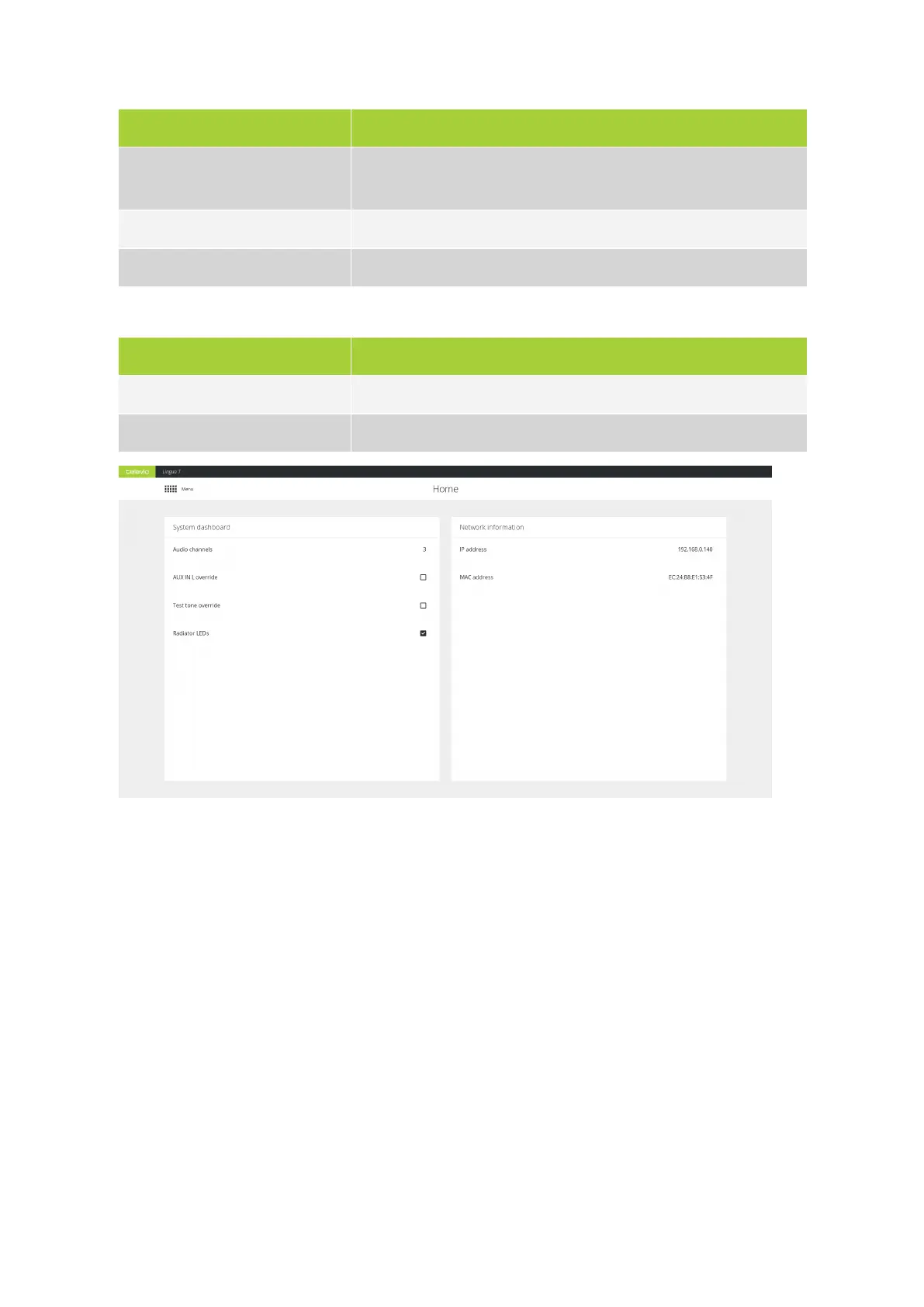
AUX IN L override Select to override the audio on all channels with the audio from the AUX
IN L input.
Test tone override Select to override the audio on all channels wit a test tone
Radiator LEDs Switch the radiator status LEDs on or off
The following network information is displayed:
Setting Description
IP address The IP address of the transmitter
MAC address The MAC address of the computer you use to access the web server
Figure 3-2 The transmitter Home page
CONFIG URE THE TRANSMITTER SETTING S 70



 To Next Page