CONFIGURE THE LINGUA IR
RECEIVERS
Monitor Receivers
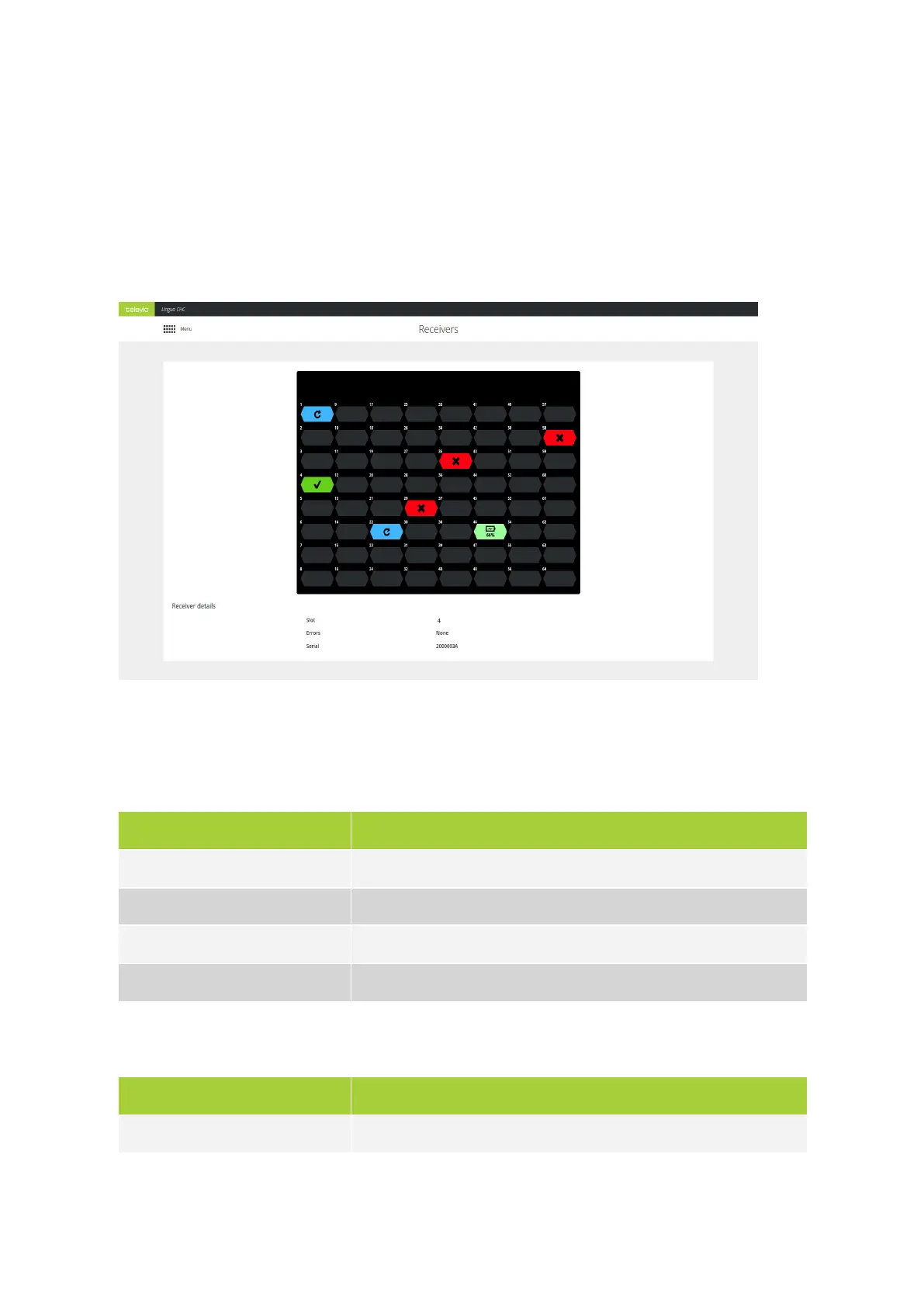
Figure 12-1 The Receiver page of the web server
On the Receiver page you get an overview of the receivers in the charging case. Here you can see on which
positions receivers are charging. Different colors indicate different states of the receivers:
Color Meaning
Green Receiver fully charged and no errors
Light green The receiver is updating
Red Error with receiver. Depending on the error different actions are possible.
Blue The receiver is updating
Below the table you can find additional receiver information when you click on a receiver in the overview
image.
Parameter Description
Slot The position in the charging case were the receiver is located
CONFIG URE THE L ING UA IR RECEIV ERS 91



 To Next Page