Parameter Description
Errors Errors on the receiver
Serial Serial number of the receiver
Battery charge Battery percentage of the receiver
Maximum channels Amount of licensed channels on the receiver
Application Firmware version
Bootloader Bootloader version
VHDL VHDL version
Hardware Hardware version
Update Receivers
To update the receivers download the tuf file from the Televic Conference website (https://www.televic-
conference.com/en/lingua-ir-software-updates). Open the file and start the upload on the Update page.
When the upload is complete, you can start the update process.
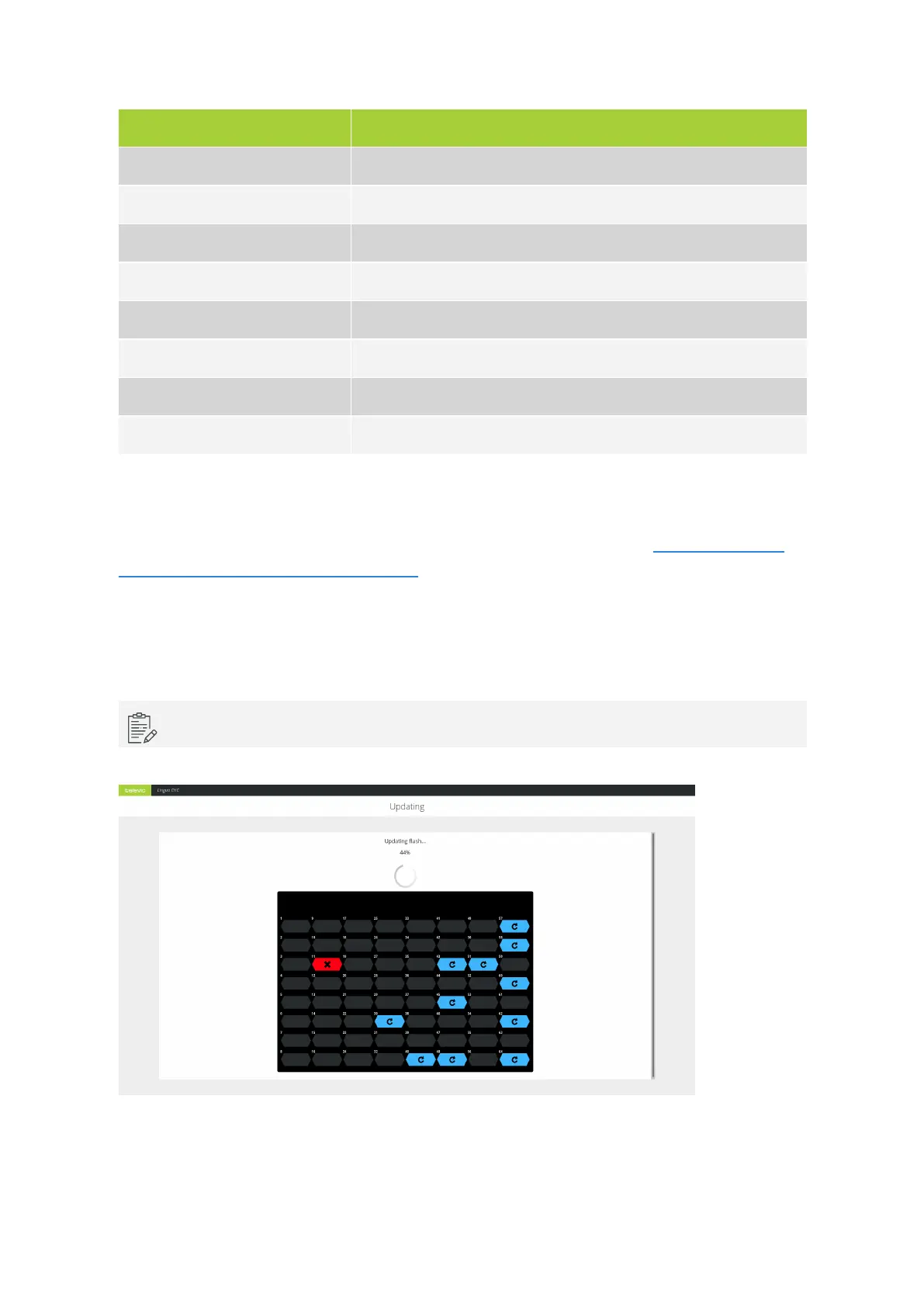
On the receiver page you can see the progress of the update process. Updating receivers are indicated in
blue. When the receiver update is done click Finish update.
When there is a communication error on the receiver then that receiver will not update.
Figure 12-2 The charging case view when the receivers are updating
CONFIG URE THE L ING UA IR RECEIV ERS 92



 To Next Page