CONFIGURE RADIATOR SETTINGS
Radiator Functionality
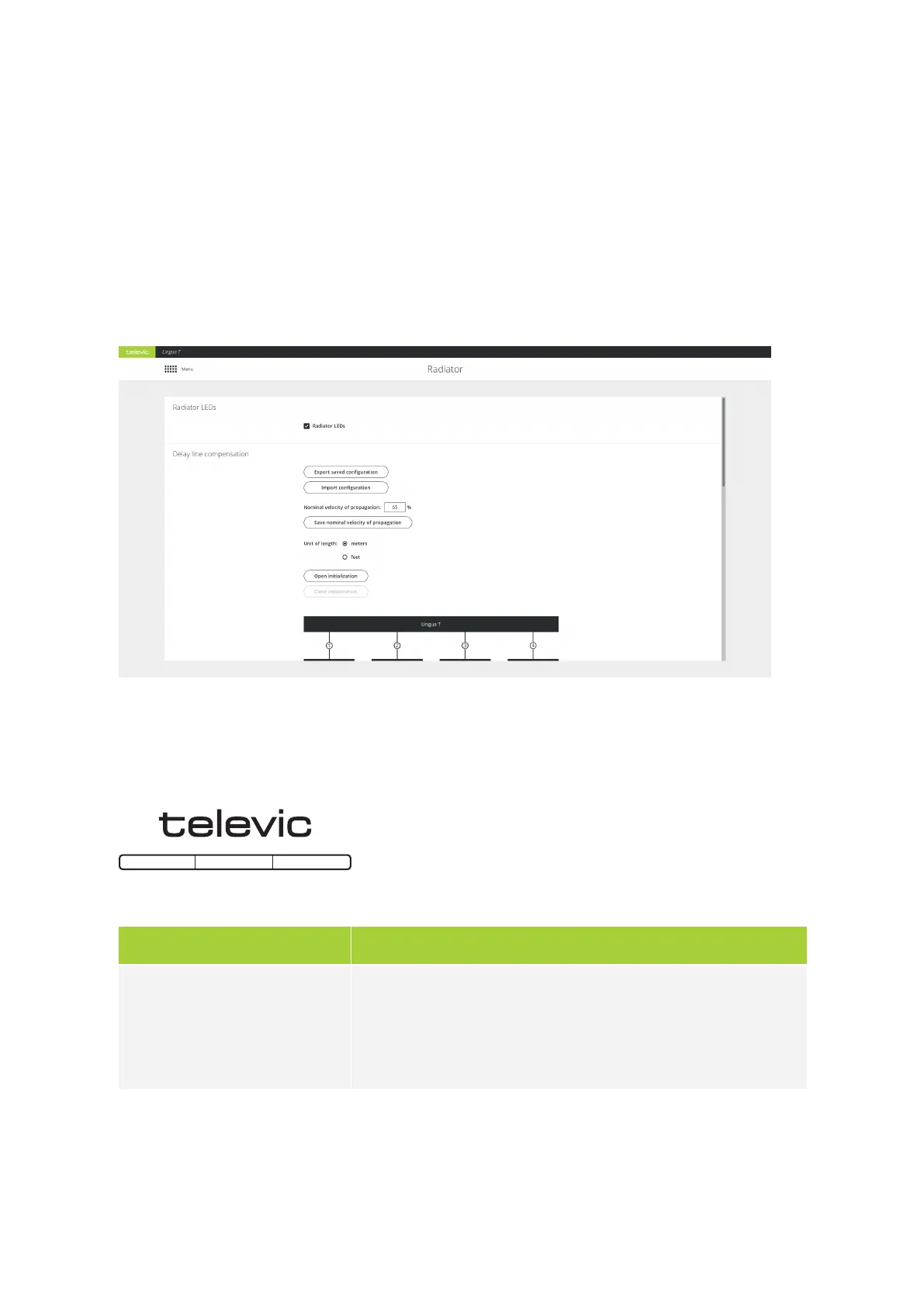
On the transmitter web server you can configure different radiator settings. You can only access and
configure the radiator through the transmitter. On the radiator page you can choose to disable the radiator
status LEDs. In order not to distract, the status LEDs of the radiators can be switched during a meeting.
Figure 6-1 The Radiator page
You can also select the information the LEDs display. This is convenient when setting up the system. To
change the LED indication mode click Open initialization. The following options are available:
Radiator LED mode Description
Normal mode
When initialization is open the LED light will be blue indicating
initialization.
Normal mode use the LEDs as described in "Lingua Radiator" on
page1.
CONFIG URE RADIATO R SETTING S 75



 To Next Page