CONFIGURE THE CHARGING CASE
SETTINGS
Introduction
Lingua IR has an intuitive web server that allows you to configure and monitor different charging cases and
receiver settings. With the web server you can configure the network settings, update the charging case
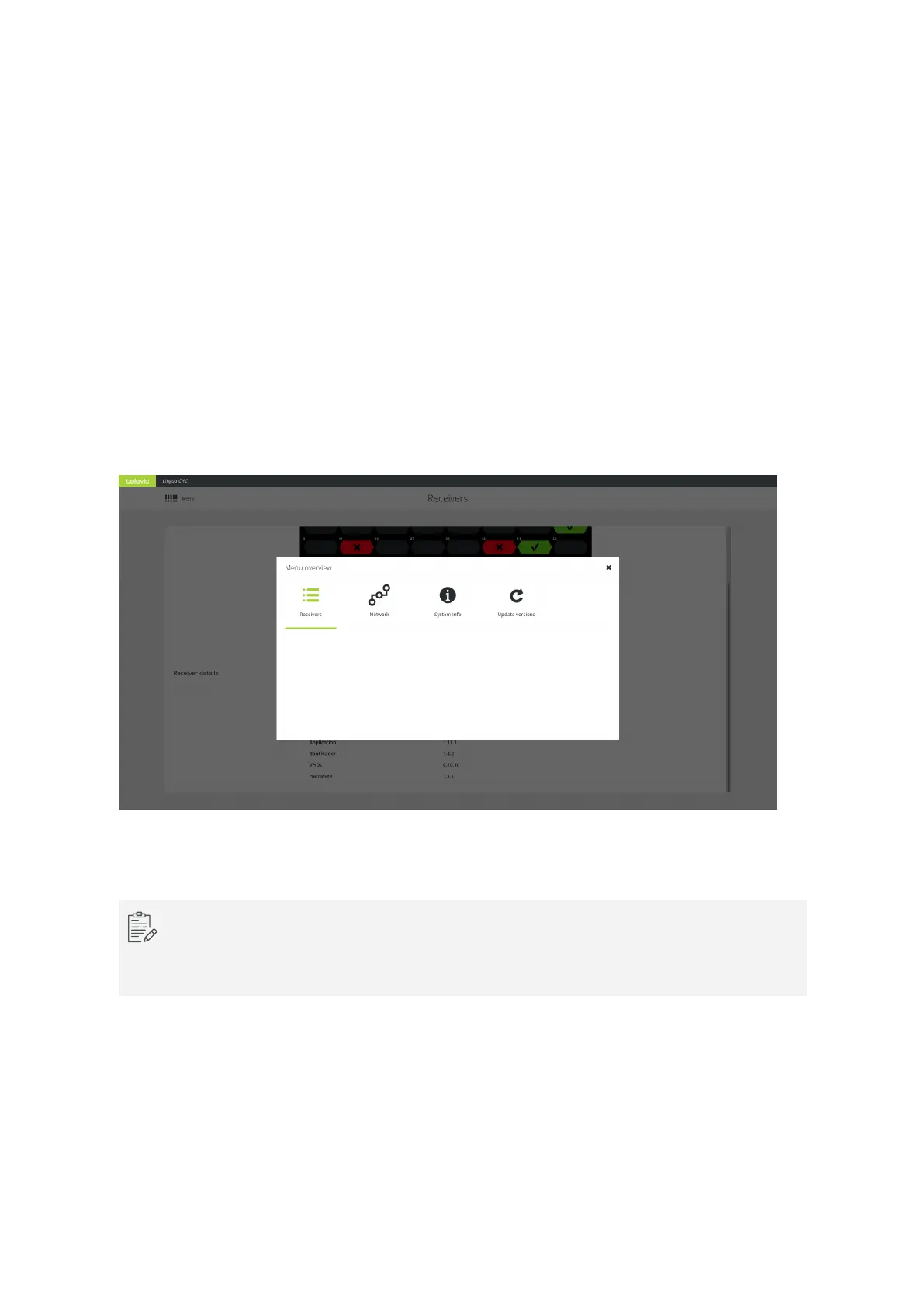
and the receivers and monitor the receivers. You can easily navigate to the different pages using the main
menu.
The default IP address of the transmitter web server is 192.168.0.150. To be able to access the web server,
configure your network settings as described in "Configure IP settings" on page63.
Figure 10-1 The main menu of the Lingua IR charging case web server
When you have more than one charging case, they will all have the same IP address by default.
You need the change the IP address of all charging cases individually to be able to access them at
the same time.
CONFIG URE THE CHARG ING CASE SETTING S 87



 To Next Page