GENERAL TRANSMITTER SETTINGS
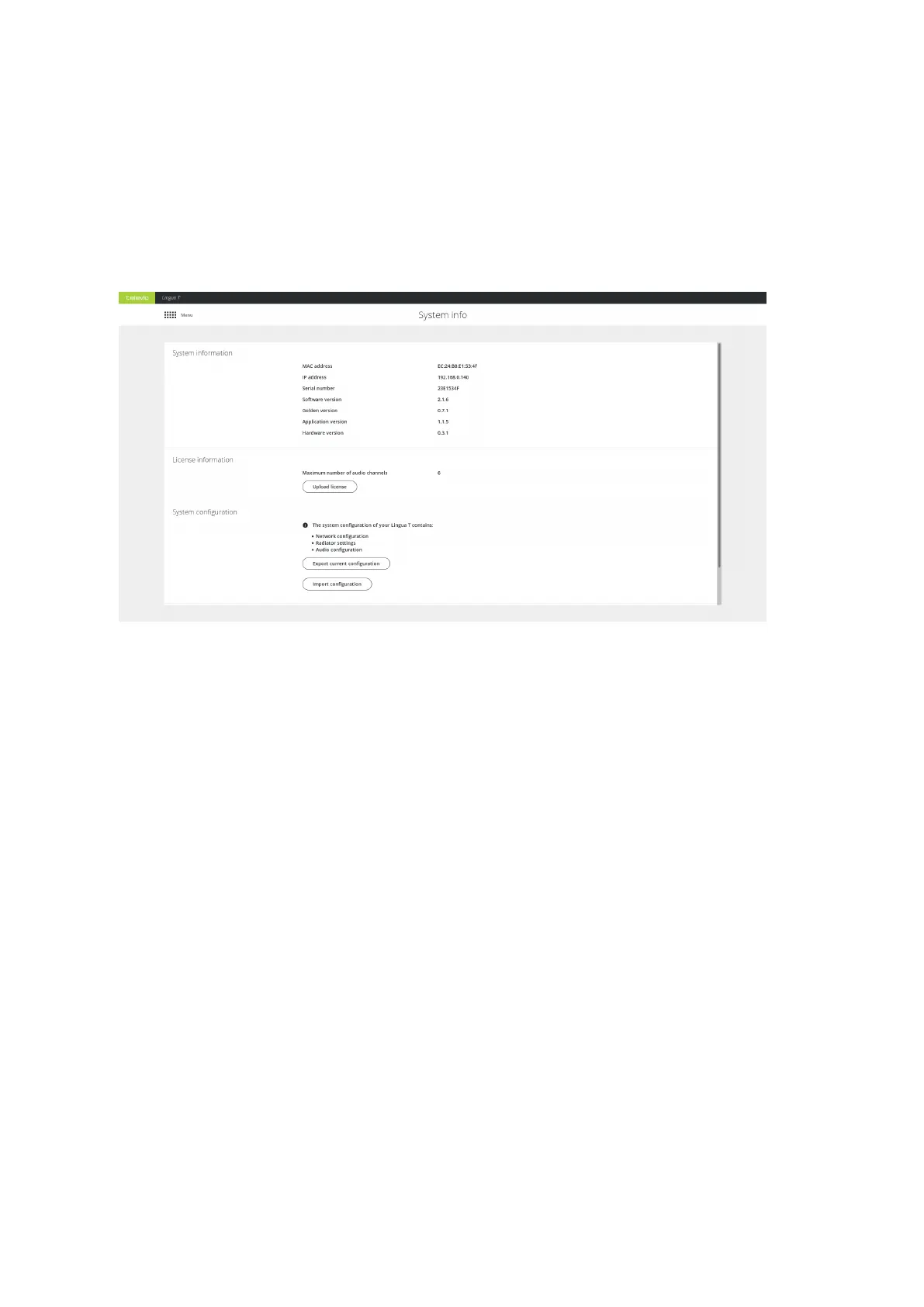
On the System info page you can find different general transmitter settings such as the MAC address, as
well as the software and hardware version of the transmitter. This is also the location where you can
manage the transmitter licenses and import and export the configurations of all settings of the transmitter.
Figure 8-1 The System info page
View System Information
Under System information you can find all transmitter specifications such as the MAC address, the IP
address and the serial number of the transmitter. Next to this information you can also see which versions
are running on the transmitter.
Manage Transmitter Licenses
There are two different licenses available for the Lingua IR transmitter, which license you need depends on
the amount of channels you require. There is a license for six, twelve or forty channels. You can upgrade the
license whenever you require additional channels. Follow the procedure described below to acquire a new
license. Once you have received the license, click Upload license on the System info page.
HOW OBTAIN A NEW LICENSE
When you want to upgrade your license perform the following procedure:
GENER AL TRANSMITTER SETTING S 83



 To Next Page